
10 Free Project Management Scheduling Software in 2026
Compare 10 free project management scheduling software tools by user caps, Gantt access, and storage limits, with honest notes on where each free plan stops.
Your five-person team has built a launch schedule, assigned the design work, and started collecting client feedback. Two weeks before delivery, someone tries to invite a contractor, open another project, or display the work as a Gantt chart. The free plan won't allow it.
Now you're deciding whether to pay, move the schedule, or manage the missing pieces in a spreadsheet. None of those decisions belongs in the middle of a launch.
The best free project management scheduling software is the tool whose limits match your actual workflow. Unlimited tasks won't help if you can't invite the people doing them. A free Gantt chart won't solve coordination problems if everyone keeps updating separate project files.
The scheduling problem itself is real. In PMI's 2021 Pulse of the Profession global study, only 55% of projects were completed on time, while 23% of respondents selected poorly managed dependencies as a cause of failure.
Choose the limit you can live with, not the longest feature list.
The options below are organized around their practical breaking points: collaboration capacity, restricted scheduling views, project and task ceilings, and technical upkeep. Hosted workspaces come first, followed by self-hosted and desktop alternatives, then more tightly bounded hosted plans.
1. Tuff
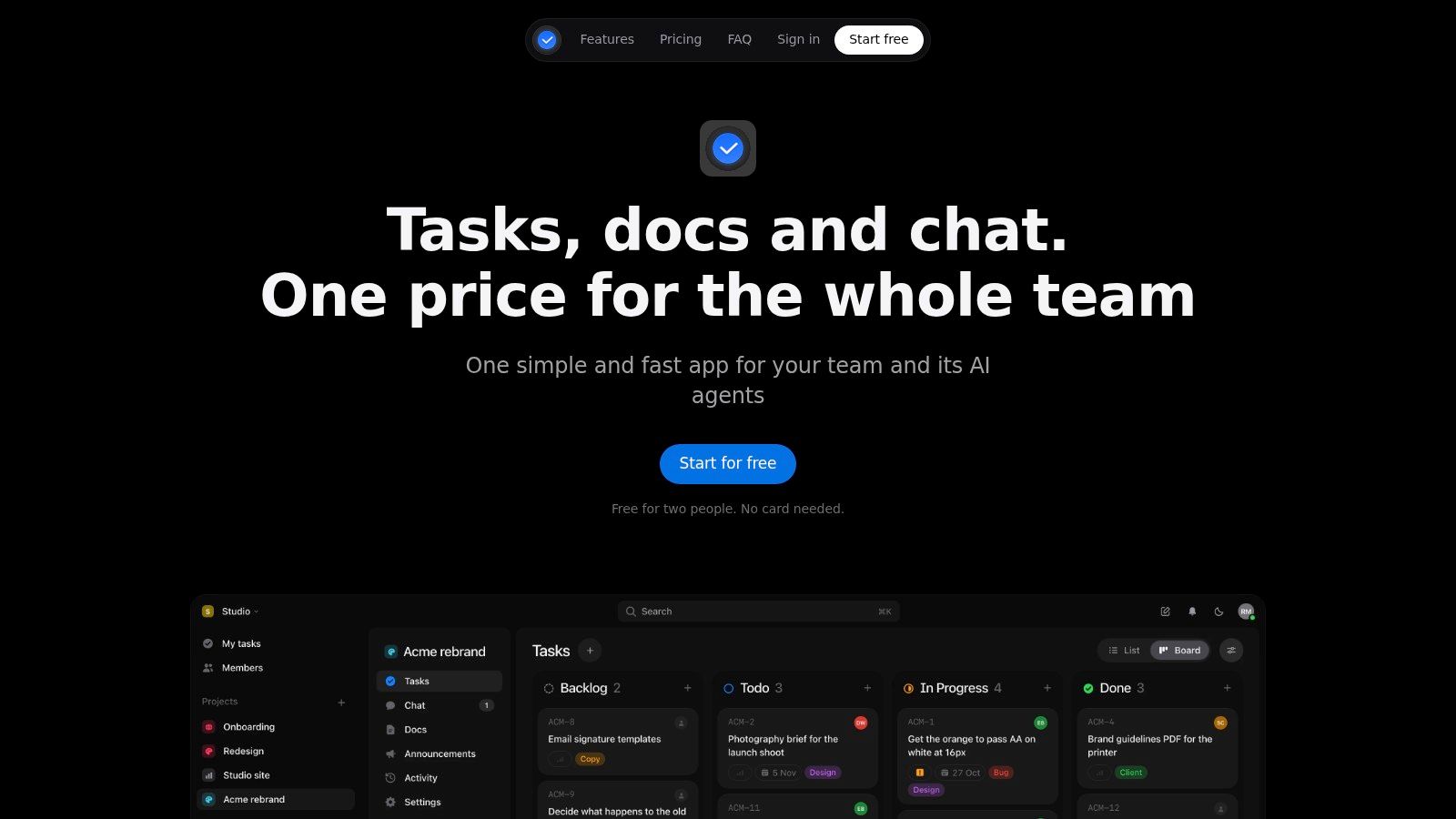
The first limit is people or file storage, not projects or tasks. Our free Duo workspace supports two people and 250 MB of files, with no cap on projects or tasks. That makes it a practical fit for a creative partnership managing several clients, but not a free workspace for a larger delivery team.
Tasks, project chat, documents, files, announcements, and time logging stay together. You can give a task an assignee, due date, and priority, mention it in chat, or turn a message into tracked work. My tasks collects your assignments across projects, soonest first, so daily planning doesn't require opening every client workspace.
Where the free workspace stops fitting
The scheduling approach is task-based, using List and Board views. Choose it for ownership, deadlines, and connected project communication, rather than on the assumption that it provides dependency-driven Gantt scheduling.
- Capacity trade-off: Adding another collaborator or exceeding the storage allowance requires a larger plan or making room.
- Upgrade economics: Our Team plan costs $25 a month for up to 10 people, with 25 GB of files, in US dollars before applicable tax. The subscription applies to the workspace rather than each seat.
- Automation boundary: AI agents are available on paid plans, not Duo. They act with the authorizing user's identity, can't delete content, and have their actions identified in the activity feed.
For an agency pair, the useful distinction is keeping a changed brief, its discussion, the resulting task, and logged hours connected. The trade-off is limited free collaboration capacity, not a growing project backlog.
2. ClickUp
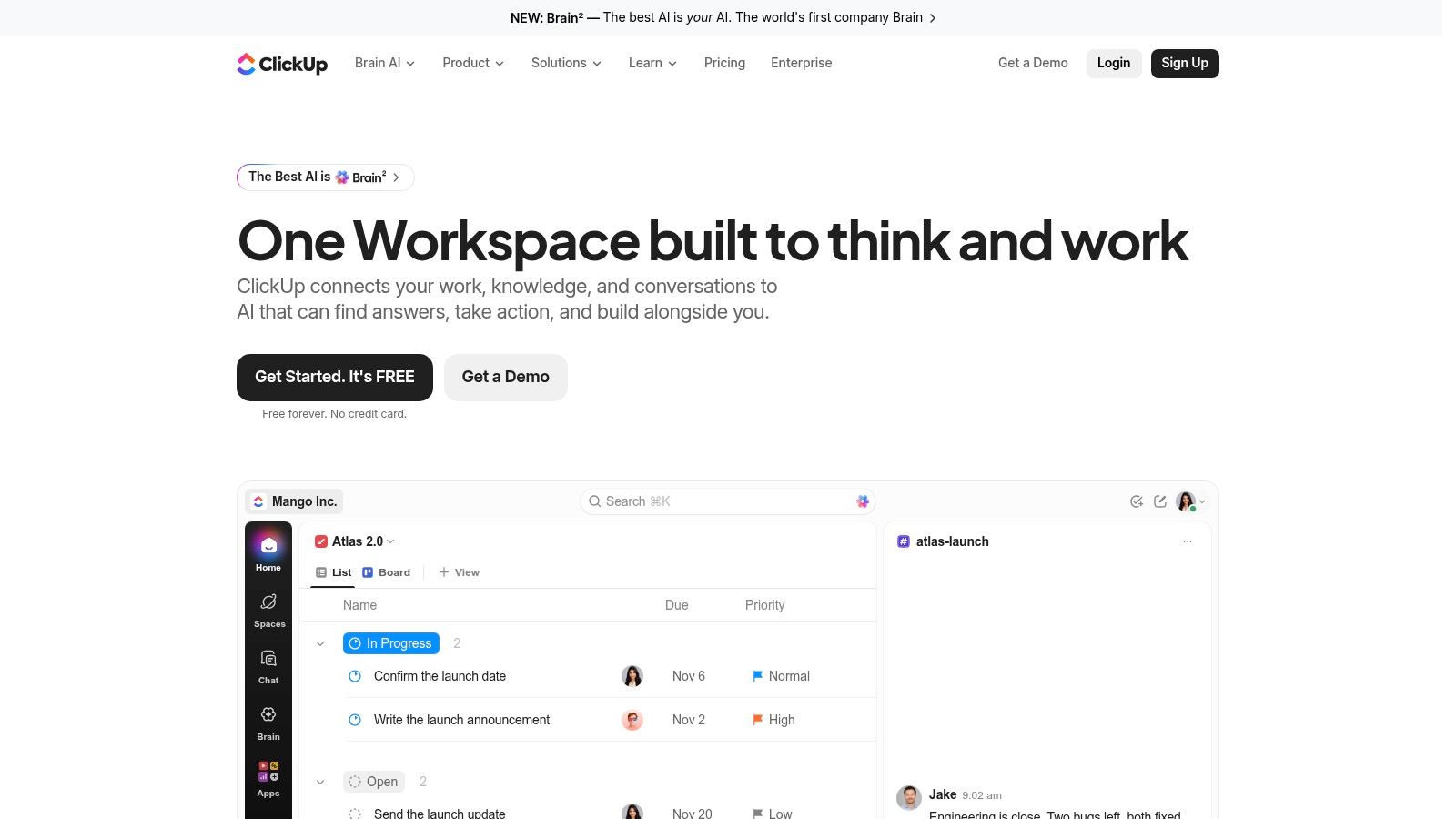
A team that needs broad participation should look closely at ClickUp's free plan, which includes unlimited members and tasks, plus Calendar view. Its practical breaking point is different: free Gantt and Timeline usage is limited.
That distinction matters when a schedule becomes something you consult and revise throughout the day. Occasional access to a planning view isn't equivalent to unrestricted access for ongoing production scheduling.
Configure the workflow before expanding it
ClickUp combines task management, boards, collaborative documents, and sprint management. That breadth can suit an internal team trying to consolidate work, but it also gives the person setting it up more decisions to make.
Start with a shared task structure, clear statuses, named owners, and dates. Don't create a different workflow for every department before the team has completed real work in the system.
- What works: A broad hosted workspace for teams that don't want their basic task plan constrained by member count.
- What breaks: Depending on restricted scheduling views as the main way to manage delivery.
- What to test: Repeatedly open and revise the views your project manager will use, rather than judging the plan from a populated demo.
The trade-off is configuration effort and scheduling-view restrictions. If Calendar and Board views cover daily coordination, the free plan is more compelling than it is for a team that lives in a Gantt chart.
3. Zoho Projects
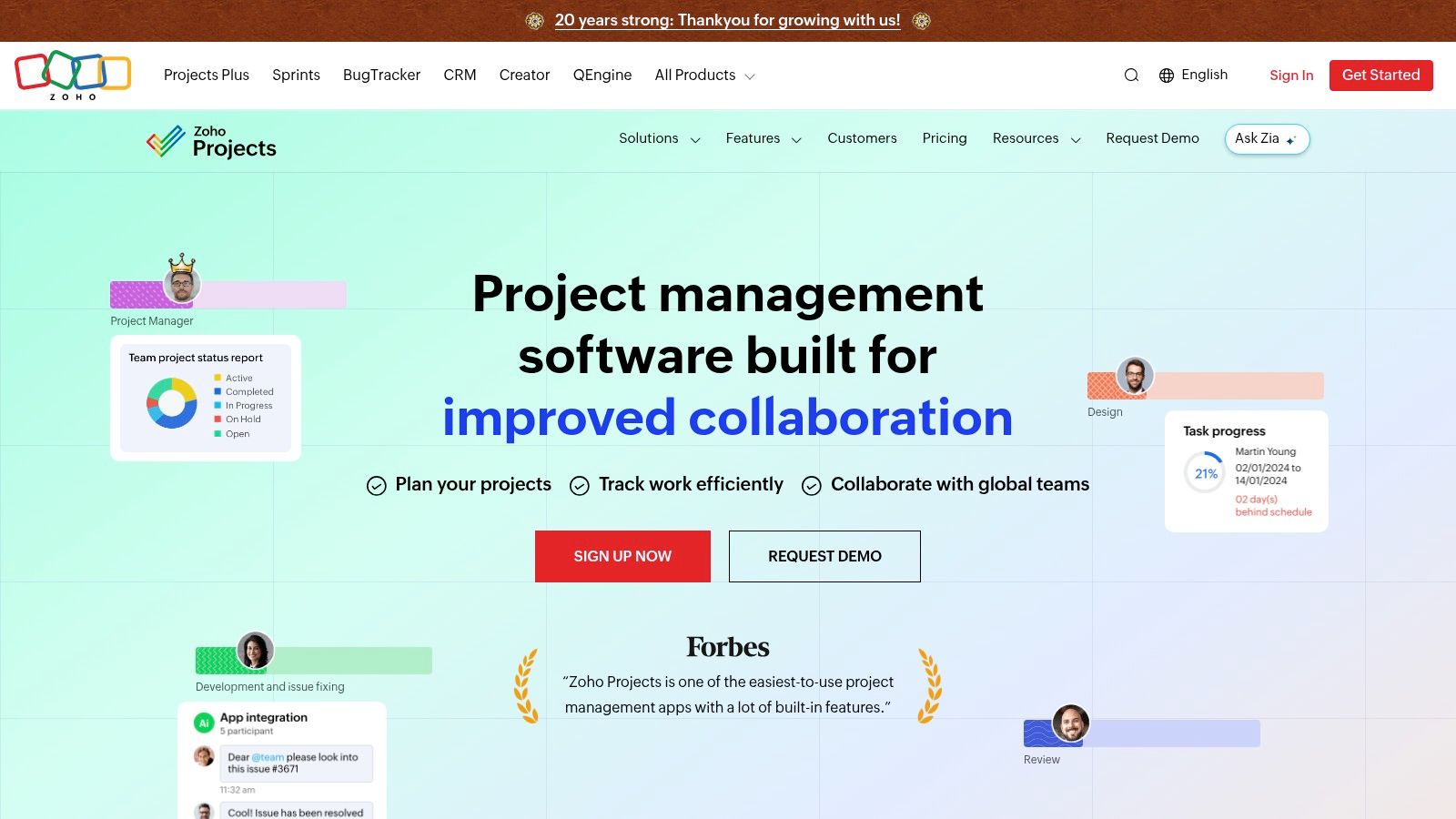
Zoho Projects brings Gantt scheduling into the free-plan conversation. The Zoho Projects free plan supports up to five users, three projects, and 5 GB of storage, with Gantt charts included.
For a small studio managing a contained production pipeline, that's a useful combination. Tasks, subtasks, and finish-to-start dependencies within a project let you represent a genuine sequence, such as approving copy before beginning page layout.
The first constraint to examine is concurrent project volume. An agency can have a modest headcount but still need separate schedules for retainers, campaigns, and internal work.
Keep project boundaries meaningful
Don't combine unrelated clients into a single project merely to stay under the free ceiling. Doing so makes ownership, reporting, and schedule review harder to interpret.
Instead, build a representative project with preparation, production, review, and delivery work. Delay an approval and check whether the available dependency behavior handles the change the way your team expects.
- Best fit: A small team with a limited active portfolio that needs web-based Gantt planning.
- Upgrade trigger: More separate projects or collaborators than the free allowance supports.
- Planning caveat: Advanced dependency and scheduling capabilities vary by plan, so basic Gantt access shouldn't be mistaken for every planning feature.
The trade-off is portfolio capacity in exchange for free structured scheduling. It's a stronger candidate when your work fits naturally into the project allowance, not when you need to redesign your client structure around it.
4. Asana
For a solo project manager or working pair, Asana's main attraction is straightforward organization without a project-count ceiling. The Asana Personal plan includes unlimited tasks and projects for two users, with List, Board, and Calendar views.
That's enough to organize deliverables, assign responsibility, and review deadlines. It isn't the same as scheduling dependent activities on a timeline, because Timeline and Gantt views require a paid plan.
Consider a writer and designer coordinating a campaign. A calendar can show when copy and artwork are due, while a board shows what's awaiting review. If the copy date changes, they still need a deliberate process for reviewing the affected design and approval dates.
A calendar shows when work is due. It doesn't automatically explain what must move when an earlier task slips.
Decide whether dates are enough
Asana is a sensible option when the work is primarily about clear assignments, visible deadlines, and repeatable task organization. It becomes less suitable as a free scheduler when the project manager needs dependency-led planning or broader participation.
Don't build an elaborate workspace before confirming who needs access. A contractor who must update their own work is a collaborator, not just someone you can keep informed through forwarded screenshots.
The trade-off is generous project organization with a narrow collaboration allowance. Choose the free plan for personal or paired execution, not as a workaround for managing an entire agency team without shared access.
5. Trello
Trello works best when the team's main question is where each piece of work stands. Cards moving through briefing, production, review, and delivery give a creative team an understandable workflow without requiring a formal scheduling model.
The Trello free plan supports up to 10 collaborators and 10 boards per workspace, with unlimited cards. Cards can carry assignees and due dates, but native Calendar and Timeline views are paid features.
The board can stay useful after the schedule becomes difficult
A card's due date is helpful for accountability. It doesn't, by itself, represent the relationship between an overdue approval and the production tasks waiting behind it.
That's the operational breaking point. If your coordinator starts maintaining a separate dependency schedule while everyone else updates cards, decide which system owns the dates.
- What works: Visible workflow stages, task ownership, and lightweight deadline tracking.
- What needs attention: Board and collaborator allowances as clients and contractors join.
- File constraint: Free-plan attachments are limited to 10 MB each, according to Trello's plan information.
Use cards for deliverables, and make review stages explicit rather than leaving approval status buried in comments. A card waiting on a client should look different from one a designer hasn't started.
The trade-off is simplicity over scheduling depth. Trello is a credible free workflow tool, but it's a weaker match when the project depends on linked dates, shared-resource planning, or frequent schedule recalculation.
6. OpenProject Community Edition
OpenProject Community Edition changes the cost question from subscription capacity to technical ownership. The free, self-hosted Community Edition supports unlimited users and projects, but your organization must arrange and maintain the hosting.
Unlike a desktop scheduler, it can serve as a shared project environment. Its scheduling tools include Gantt charts, work packages, task dates, dependencies, and manual or automatic scheduling.
For an internal team with technical support, that can be a reasonable exchange. For a creative studio without anyone responsible for servers, the maintenance work may outweigh the benefit of avoiding hosted-plan limits.
Assign an owner for the installation
Before moving active work, decide who handles updates, backups, access management, and recovery. Self-hosting gives you control over the environment, but it doesn't perform those jobs for you.
- Scheduling strength: More explicit planning controls than a basic board-and-card workflow.
- Operational limit: Installation, hosting, and maintenance remain your responsibility.
- Edition boundary: Some capabilities, including Gantt PDF export, are Enterprise add-ons.
Test the reporting and handoff your clients require. If an account manager must send a polished schedule outside the system, confirm the available output before building the entire production plan.
The trade-off is administration instead of per-user software charges. Choose Community Edition when someone can own the service reliably, not just because the word free appears beside a substantial scheduling feature set.
7. GanttProject
GanttProject is a different proposition from a hosted collaboration workspace. GanttProject is a free, open-source desktop application for Windows, macOS, and Linux, with Gantt charts, task dependencies, milestones, and resource assignment.
You don't need a subscription or cloud account to build a schedule. The practical limit is how the team shares and updates that schedule, not a hosted seat allowance.
A production manager can use it to map activities, identify handoffs, and assign resources. But colleagues won't automatically gain a shared online space for project chat, files, and live task updates.
Ownership rule: A local schedule needs a named editor and an agreed place for the current project file.
Keep collaboration separate deliberately
GanttProject suits teams that accept a coordinator-owned planning file. Contributors can report progress through an existing communication channel while the coordinator maintains the schedule.
That arrangement needs discipline. Establish how contributors report blocked work, who approves date changes, and how everyone distinguishes the latest schedule from an older export.
The model becomes awkward when several people need to revise the plan independently or when clients expect live visibility. Passing copies around doesn't create a shared source of truth.
The trade-off is capable local scheduling without a collaborative cloud workspace. Choose it when building and maintaining the plan is primarily an individual responsibility, and communication is already handled elsewhere.
8. ProjectLibre Desktop
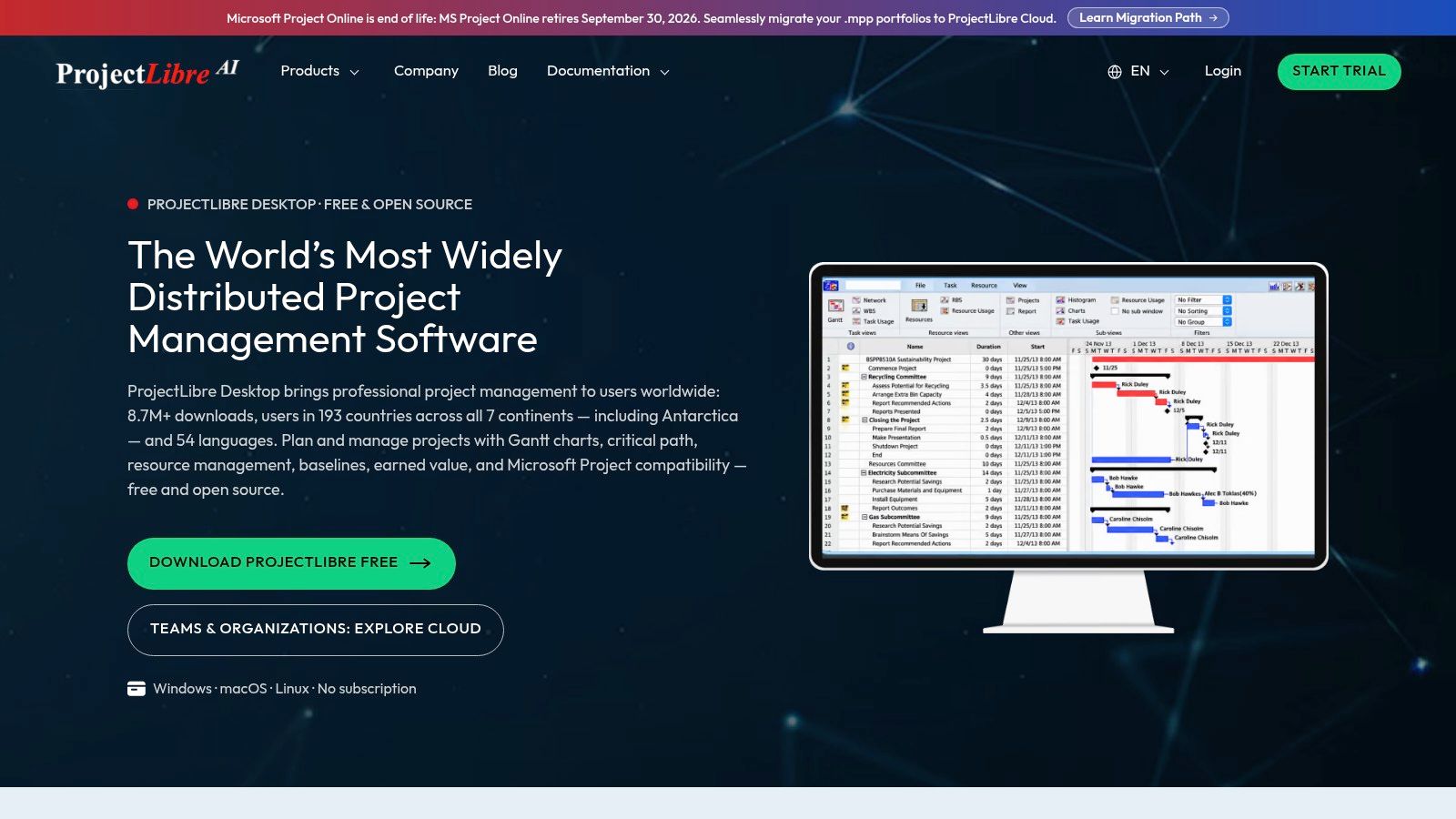
ProjectLibre Desktop is for deeper schedule planning rather than shared task-board coordination. ProjectLibre Desktop provides Gantt charts, work breakdown structures, critical-path analysis, baselines, calendars, and resource and cost planning without a desktop subscription.
Those controls matter when finishing the project depends on sequencing and available working time. A baseline also gives the project manager a reference for comparing the current plan with the original schedule.
The limiting factor is collaboration. The desktop application is designed for local planning, while cloud sharing and shared-resource collaboration belong to separate offerings.
Test the planning model, not just the file opening
ProjectLibre includes Microsoft Project file compatibility. If exchanging schedules is part of your workflow, open a representative file and inspect the dependencies, calendars, constraints, and resulting dates before relying on the exchange.
- Best fit: A project manager who needs detailed local control over a schedule.
- Useful depth: Critical-path analysis and resource allocation beyond what a simple task board provides.
- Switching trigger: Contributors need real-time updates, shared resources, or a collaborative online workspace.
Don't impose detailed constraints on every task merely because the software supports them. Start with realistic task relationships and working calendars, then add constraints only where the work genuinely requires them.
The trade-off is planning depth over participation. It's a stronger free option for the person maintaining a formal schedule than for an agency trying to connect client conversations, documents, and daily execution in a shared application.
9. TeamGantt Personal
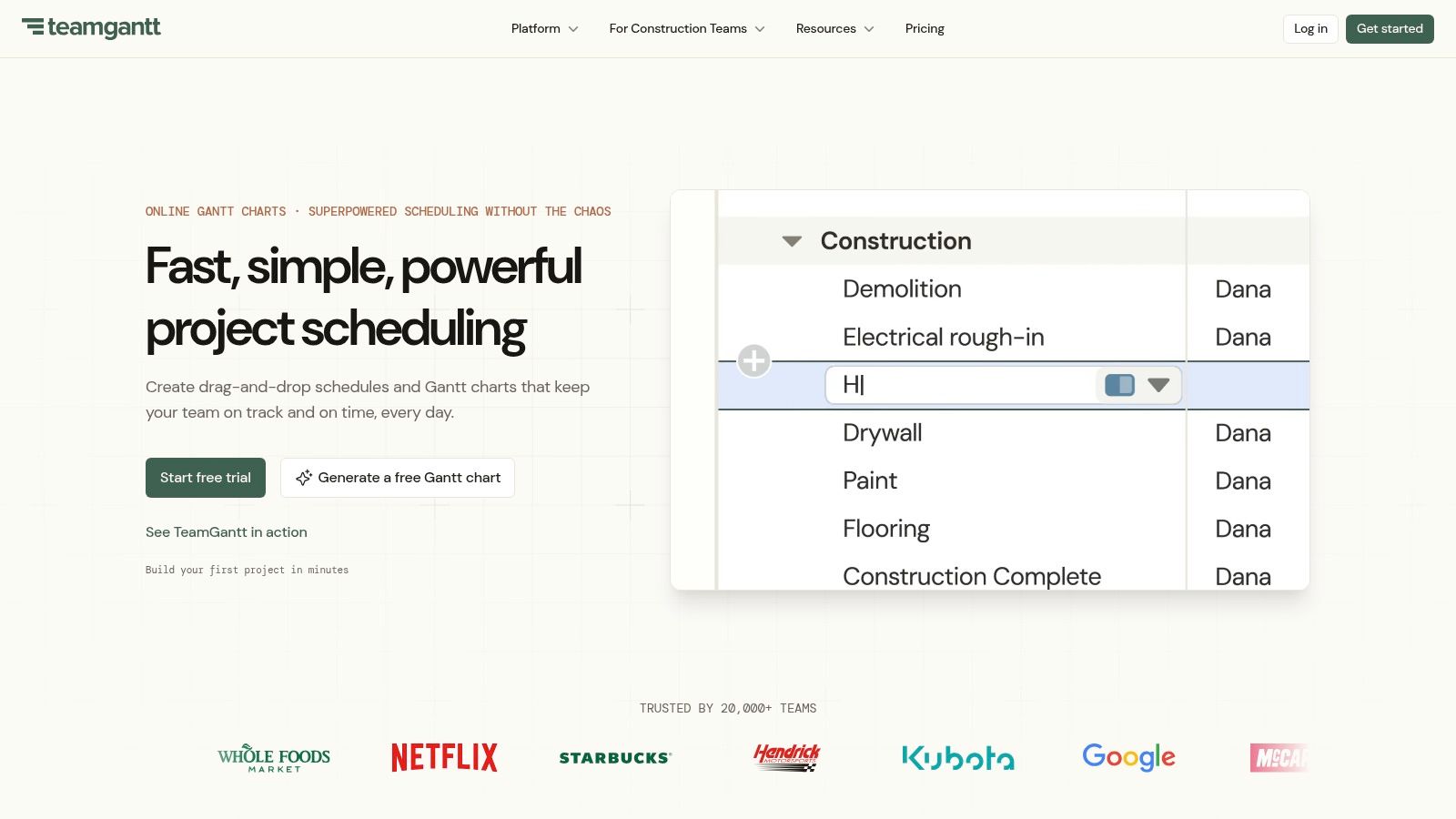
A compact, self-contained project is the right starting point for TeamGantt Personal. The TeamGantt free Personal plan allows one user, one project, and up to 40 tasks, with dependencies included.
That makes the free ceiling unusually easy to evaluate. If your genuine work breakdown won't fit, there's little value in spending time configuring the plan.
The Gantt-first approach is useful for learning dependency-based scheduling or planning a limited assignment. Drag-and-drop scheduling lets you work directly with the timeline instead of treating dates as isolated fields.
Don't compress the work to fit
A small campaign can still involve briefing, asset creation, internal review, client approval, revisions, and publishing. Those activities deserve separate tasks when they have different owners, dates, or dependencies.
- What works: A contained project managed by an individual who wants a visual dependency schedule.
- What breaks: A growing work breakdown, additional active projects, or collaborative team planning.
- False economy: Combining unrelated activities into oversized tasks to avoid the task ceiling.
Use enough detail to expose handoffs and waiting time. A task called produce campaign may fit neatly on the chart, but it won't tell you whether the client's approval is delaying the designer.
The trade-off is focused Gantt access within a tightly bounded plan. Treat Personal as a small-project scheduler or a way to assess the scheduling approach, not as the foundation for a growing agency portfolio.
10. monday.com Work Management
monday.com's free plan has several boundaries to evaluate together. The monday.com Work Management free plan includes up to two seats, three boards, three docs, and 200 items, while Timeline and Gantt views require a paid plan.
Its customizable boards can organize project information and dates clearly. The challenge is deciding whether the free workspace will remain useful after you populate it with real deliverables rather than sample rows.
An agency may need separate items for briefs, production work, approvals, and revisions. Reusable templates help structure that information, but they don't remove the underlying item ceiling.
Count participation as well as work
The free plan doesn't include guest or viewer access. That matters when a client needs to inspect progress or a contractor needs visibility without becoming part of the core working pair.
- Useful fit: Simple visual coordination for a small working partnership.
- Capacity pressure: Seats, boards, documents, and items all need to fit the plan.
- Scheduling gap: Free boards can organize due dates, but they don't provide the paid Timeline and Gantt experience.
During evaluation, populate the workspace with the actual stages and review tasks your projects need. A sparse demonstration board won't reveal whether the item allowance suits ongoing work.
The trade-off is flexible presentation within several overlapping limits. Choose it when a compact visual workflow is enough, not when you need free client access or a dependency-oriented scheduling environment.
Free plan scope and scheduling features at a glance
| Item | Free Plan Scope | Gantt or Timeline on Free Plan | Desktop or Self-Hosted | Best For |
|---|---|---|---|---|
| Tuff | Two people; unlimited projects and tasks; 250 MB | Not stated | No desktop or self-hosted option stated | Recommended for teams wanting project chat, tasks, files, and time tracking in one workspace |
| ClickUp | Unlimited members and tasks; includes Calendar view | Gantt and Timeline usage is limited | No desktop or self-hosted option stated | Teams wanting a broad work-management workspace |
| Zoho Projects | Up to five users, three projects, and 5 GB storage | Gantt charts included | No desktop or self-hosted option stated | Small teams seeking free web-based Gantt scheduling |
| Asana | Two users; unlimited tasks and projects; list, board, and calendar views | Not included | No desktop or self-hosted option stated | Solo users or pairs planning work with calendar views |
| Trello | Up to 10 collaborators and boards per workspace; unlimited cards | Calendar and Timeline require a paid plan | No desktop or self-hosted option stated | Small teams tracking lightweight workflows and deadlines |
| OpenProject Community Edition | Unlimited users and projects | Gantt charts and dependencies included | Self-hosted | Teams prioritizing data control and able to manage hosting |
| GanttProject | Free desktop application; no subscription or account required | Gantt charts, dependencies, and milestones included | Desktop app for Windows, macOS, and Linux | Individuals or small groups planning schedules locally |
| ProjectLibre Desktop | Free desktop application | Gantt charts and detailed scheduling tools included | Desktop app for Windows, macOS, and Linux | Individual project managers needing in-depth local scheduling |
| TeamGantt Personal | One user, one project, and up to 40 tasks | Gantt chart and dependencies included | No desktop or self-hosted option stated | Trying Gantt planning or managing one small project |
| monday.com Work Management | Up to two seats, three boards, three docs, and 200 items | Timeline and Gantt require a paid plan | No desktop or self-hosted option stated | Small teams organizing simple visual workflows |
Choosing Your Free Scheduler Before Your Team Outgrows It
Start with the limit your team will hit first. That could be collaborators, separate client projects, task volume, Gantt access, storage, or the effort of maintaining a server. Eliminate tools that fail that requirement before comparing secondary features.
For hosted collaboration, distinguish basic deadline tracking from dependency-based scheduling. Asana and Trello can organize ownership and dates, while Zoho Projects offers a more structured free Gantt option within its capacity limits. ClickUp deserves attention when broad participation matters, provided its restricted planning views won't interrupt your routine.
Run the workflow that creates deadline risk
Shortlist a pair of candidates and run a live project in each for a two-week evaluation. Use the same representative workflow, but designate the official schedule clearly so contributors don't receive conflicting instructions.
Include an approval delay, a changed request, and someone working across projects. Check whether the person responsible can identify the affected work, update the schedule, and communicate the change without maintaining a parallel planning spreadsheet.
- Check participation: Can everyone who must update work access the right information?
- Check schedule changes: Can you see which dates need review after an earlier activity slips?
- Check administration: Who maintains the workspace, exports, backups, or local planning file?
- Check exit options: Can you preserve the information you'd need when changing tools?
Pay attention to whether people really use the system. In G2's 2021 analysis of project-management software reviewers, 39.46% of small companies reported full utilization, a reminder that availability doesn't guarantee adoption.
Include governance in the decision
If you plan to connect AI agents, examine authorization, activity records, and what an agent can change. In Capterra's 2025 global survey of project-management professionals, 71% ranked security as a critical purchase factor. Don't treat automated planning as a substitute for controlled access to client information.
Free project management scheduling software works when its boundaries are deliberate. Desktop tools can suit coordinator-owned schedules; self-hosted software can suit teams with technical ownership; hosted plans can simplify participation when their allowances fit.
Recheck free-plan terms on each vendor's website before committing. Then set a review date before the next collaborator joins, the next client project starts, or the current allowance becomes restrictive.
Our workspaces bring tasks, chat, documents, files, and time tracking together, with unlimited projects and tasks and clear people and storage allowances. Visit Tuff to try the free Duo plan and assess whether connected project communication and deadline tracking fit your team's work.