Product Management Softwares Compared: 10 Tools for 2026
Compare 10 product management softwares for 2026, including Linear, Jira, Asana, and Productboard, with pricing, limits, and best-fit teams.
Your product team of eight has ideas in a spreadsheet, bugs in Jira, launch tasks buried in Slack threads, and a roadmap nobody wants to update. Before the next planning meeting, someone has to reconstruct what customers asked for, what engineering committed to, and whether marketing knows the release date changed.
Buying another tool won't necessarily fix that. You first need to identify which product job isn't getting done.
Product management software covers distinct jobs: capturing and ranking ideas, linking strategy to engineering delivery, coordinating cross-functional launches, and tracking straightforward boards. Most tools are strongest at a particular part of that workflow. A discovery platform won't replace release coordination, and a polished task board won't tell you which customer problem deserves investment.
The hidden cost is maintaining context between those systems. In a Propel Software survey of 800 U.S. employees in industrial, medical-device, technology, and consumer-product organizations, 55% identified the absence of a common or integrated system as a major barrier to collaboration within product departments.
When comparing product management softwares, start with that practical distinction rather than feature counts.
- Discovery and strategy: Jira Product Discovery, Productboard, and Aha! help teams decide what deserves attention.
- Engineering delivery: Linear and Jira Software organize execution.
- Cross-functional coordination: Asana, ClickUp, monday dev, and Wrike connect broader project work.
- Lightweight tracking: Trello provides a simpler starting point.
Pricing structure and setup effort can change the shortlist as much as functionality.
1. Jira Product Discovery
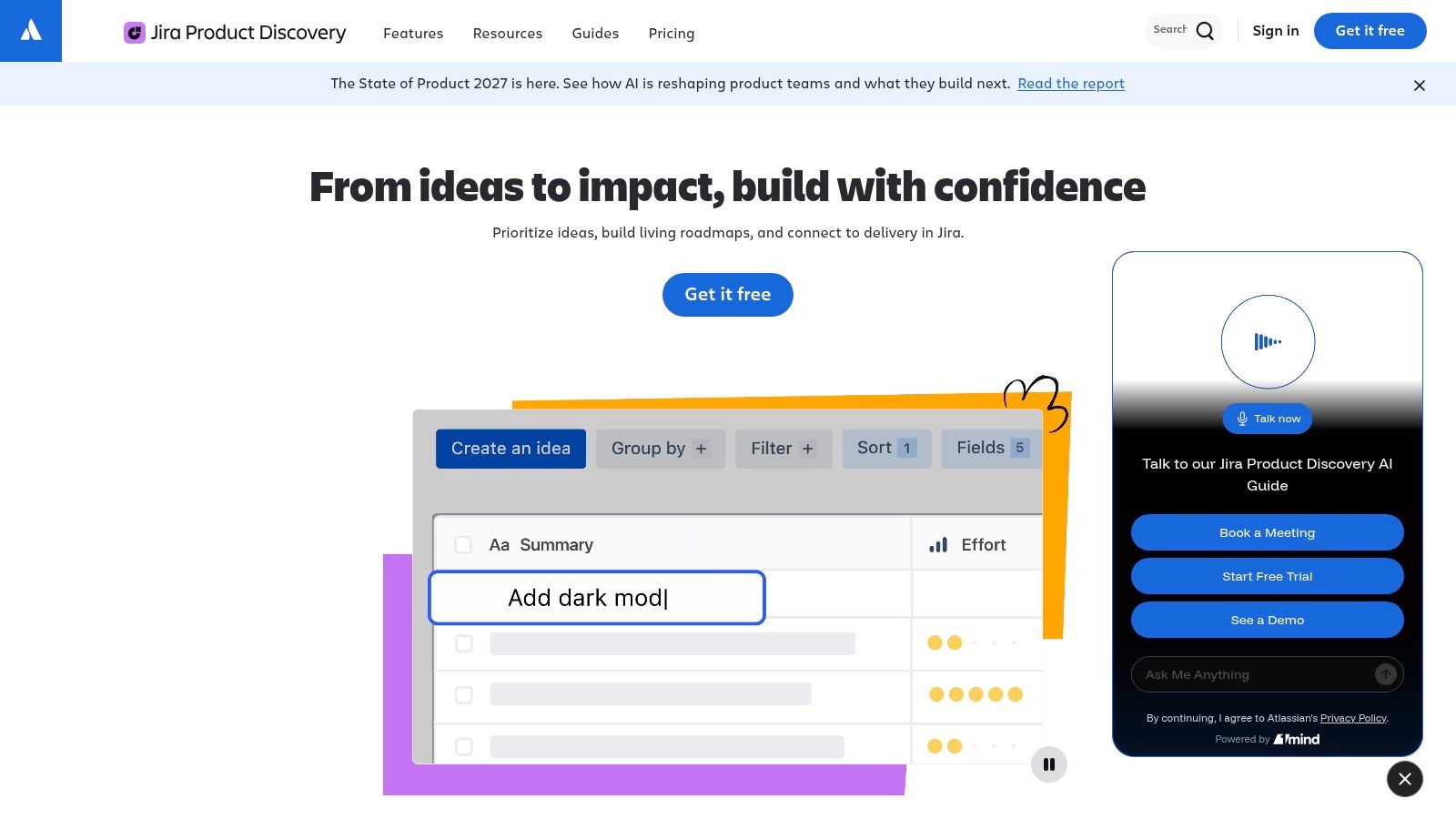
Jira Product Discovery fits teams whose ideas become engineering tickets before anyone has properly compared the opportunities. It gives product managers a place to capture ideas, add evidence, configure evaluation fields, and present different views of the same priorities.
Its strongest advantage is the connection to Jira delivery work. Product managers can keep discovery discussions separate from implementation details while linking an opportunity to the work engineers will execute. That separation helps avoid treating every suggestion as an approved backlog item.
Where the fit changes
Start with fields that support an actual decision: customer problem, supporting evidence, expected outcome, confidence, and owner. Adding elaborate scores before agreeing on those definitions produces precise-looking priorities without a dependable rationale.
- What works: Structured discovery and stakeholder views make priority discussions easier to follow.
- What doesn't: It isn't a replacement for project chat, shared production documents, or day-to-day launch coordination.
- Pricing structure: Creator-based licensing makes the distinction between people managing ideas and people contributing feedback important.
For a small product group serving a wider organization, that role distinction can make participation more practical than licensing everybody as an editor. Confirm which actions stakeholders need before assigning roles.
Choose it when engineering already works in Jira and the missing step is deciding what should enter delivery. Outside that ecosystem, its connection to Jira is less compelling.
2. Productboard
A sales request, support ticket, and interview note may describe the same customer problem in different language. Productboard helps product teams connect that feedback to feature decisions rather than leave it scattered across separate inboxes.
Its central strength is evidence-backed prioritization. Teams can organize insights, associate them with feature plans, and communicate direction through roadmaps and portals. Connections to delivery tools such as Jira and Azure DevOps help carry approved plans into implementation.
A feedback repository is useful only when a product manager can explain which evidence changed a decision.
Productboard still needs an operating routine. Assign someone to review incoming feedback, distinguish customer evidence from internal requests, and merge overlapping themes. Otherwise, the team gets a larger request archive rather than better discovery.
Budget for makers and maintenance
Productboard separates makers from contributors, so estimate cost around the people who actively manage product decisions. Business and Enterprise purchasing involves a sales conversation; get the maker requirements and included capabilities documented rather than assuming occasional stakeholders need equivalent access.
Spark AI capabilities and MCP connectivity also deserve scrutiny beyond a demonstration. Test whether generated summaries retain links to the original customer evidence and whether agent access matches your intended permissions.
Productboard suits teams with meaningful feedback volume and someone responsible for synthesis. It doesn't replace task execution or team chat, and it's harder to justify when nobody has time to maintain the evidence.
3. Aha!
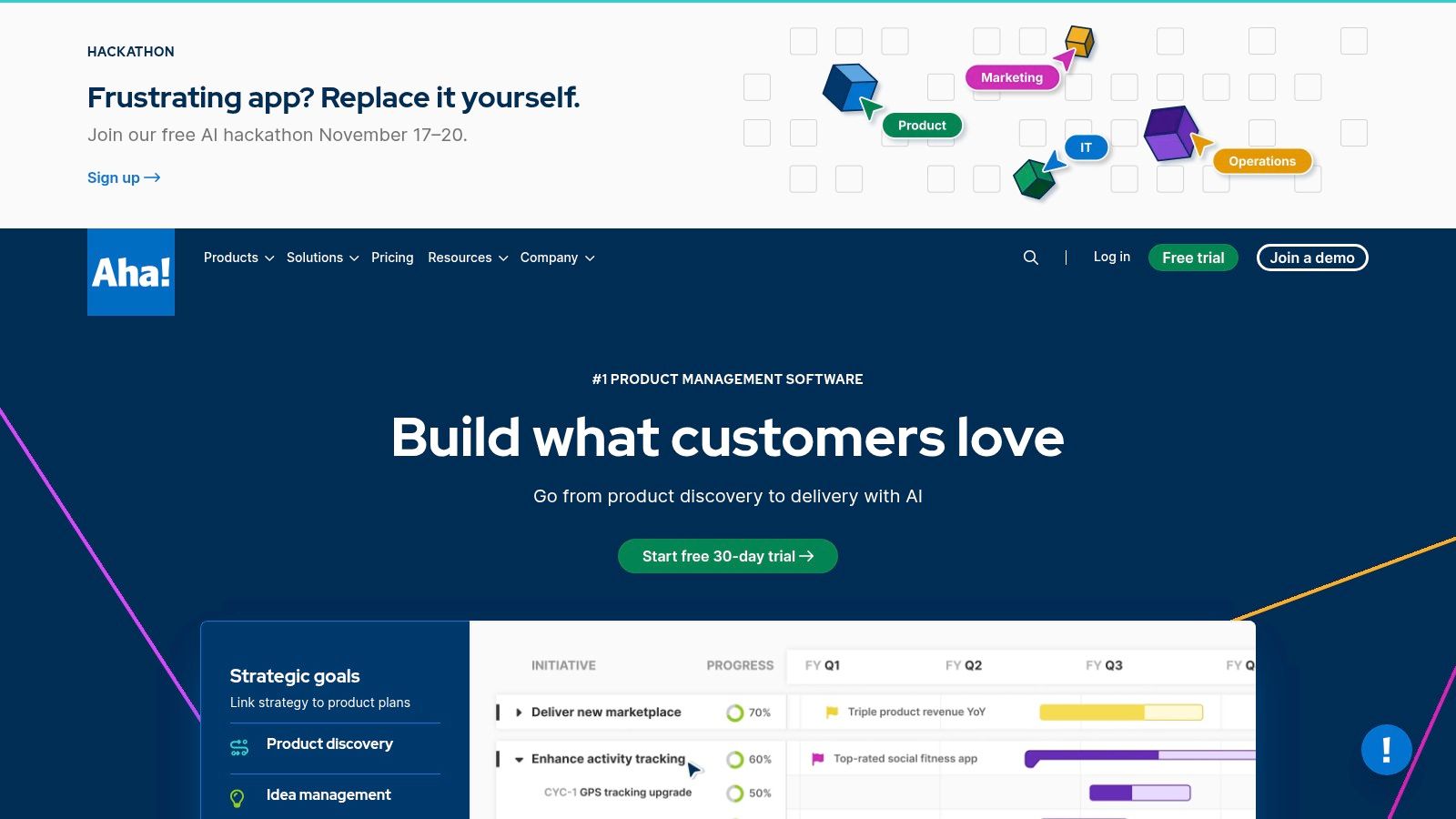
Aha! is a stronger candidate when leadership asks how product investments connect to strategy, not merely when a feature will ship. Its suite spans roadmaps, ideas, knowledge, and development, allowing teams to connect goals with releases and detailed plans.
That breadth suits organizations with several product areas, formal planning responsibilities, and stakeholders who need different views of direction. Integrations with engineering systems let product teams maintain planning detail without requiring developers to abandon their existing tracker.
The trade-off is process design. Someone must decide how goals, initiatives, releases, and features relate, and who maintains those relationships.
Buy the planning depth you need
- Strong fit: Product organizations that need strategic alignment and portfolio roadmaps alongside idea management.
- Weak fit: Studios primarily looking for production tasks, shared files, and straightforward client coordination.
- Commercial consideration: Pricing varies by product, plan, and user count, so compare the required combination rather than a single entry plan.
I would pilot Aha! with a real planning decision, such as choosing between a customer-facing improvement and an internal platform investment. Ask the team to connect each option to a goal and show the supporting rationale.
If the resulting view improves the discussion, the setup may be justified. If everyone returns to slides because the hierarchy is difficult to maintain, simplify the model before expanding access.
4. Linear
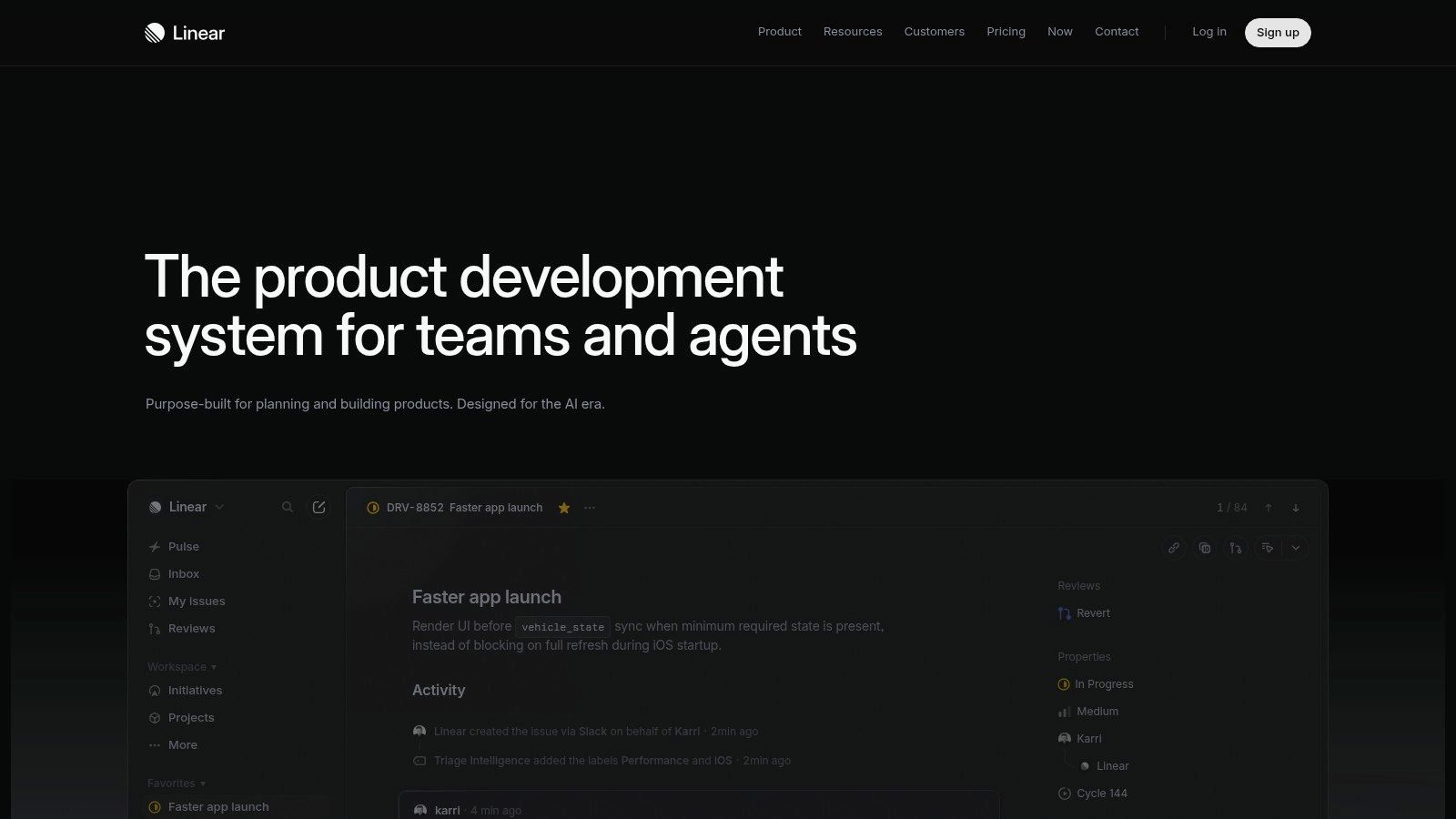
Linear is a delivery-first choice for software teams that want issues, projects, cycles, and initiatives in a focused workflow. It makes the most sense when the team already understands what it needs to build but struggles to keep execution organized.
Compared with a broad work-management platform, Linear asks fewer questions about how to represent everyday engineering work. That can reduce setup effort when its development model fits your team. It also means a creative studio may find itself adapting client approvals and production schedules to an engineering-oriented system.
Keep discovery evidence close enough to retrieve, even if it lives elsewhere. A clearly written issue should explain the problem and acceptance criteria, but it shouldn't become the only record of why the team selected that opportunity.
Practical rule: Choose Linear for the way your engineers work, not because its interface makes an untidy backlog look cleaner.
Its paid model is per user, so include product, design, and other active collaborators in the cost estimate. Free access can support evaluation, but issue limits and administrative requirements matter when testing the intended workflow.
Linear also supports MCP and agent workflows. Before allowing updates, test a bounded action such as preparing an issue description for review. Fast execution is valuable only when the team can understand and correct what changed.
5. Jira Software
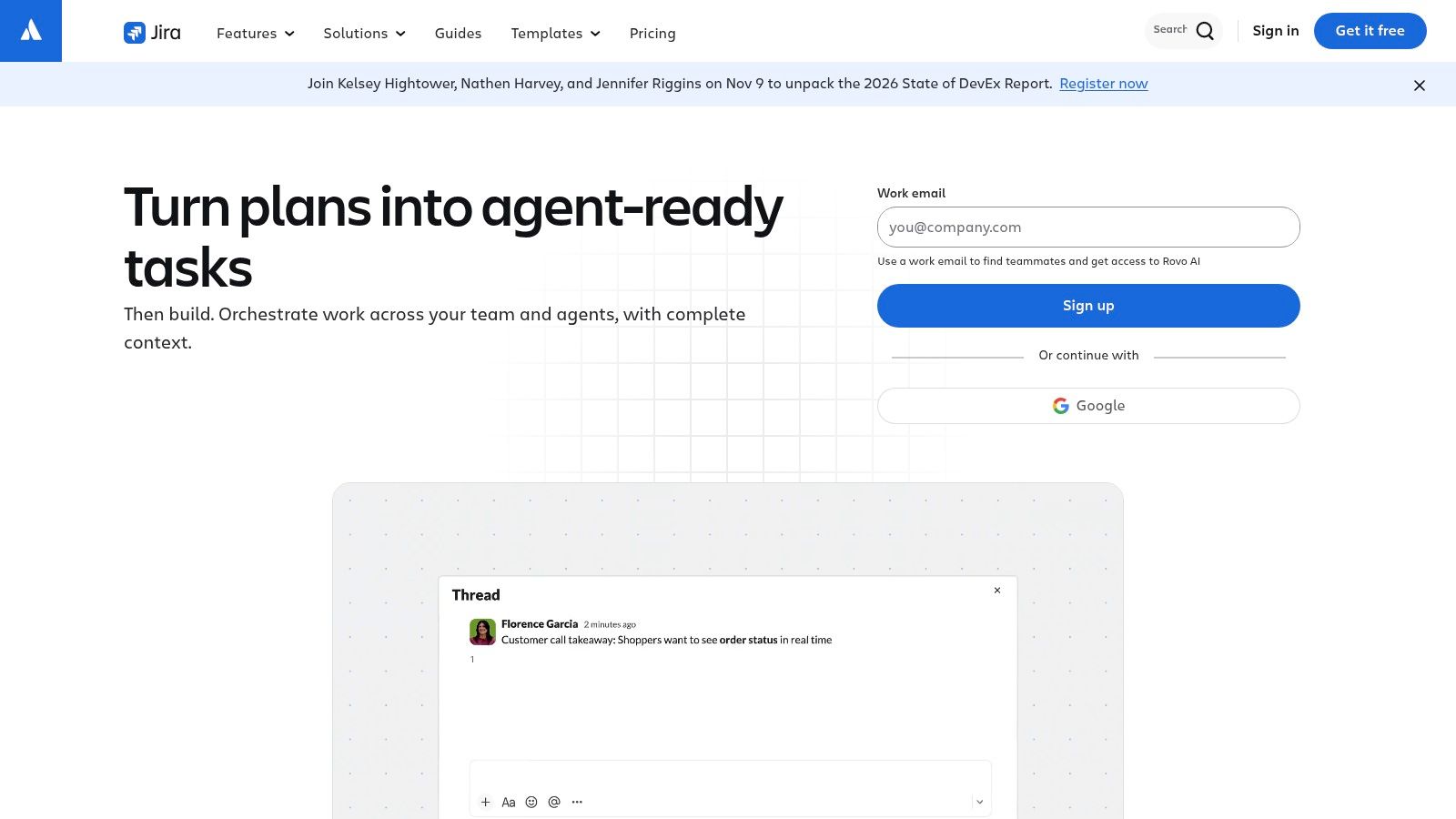
Choose Jira Software when engineering delivery requires configurable workflows, detailed issue tracking, and explicit control over how work moves toward release. Bugs, stories, tasks, backlogs, and sprint workflows are its core territory.
Jira's flexibility is useful when different engineering groups have legitimate process differences. The same flexibility becomes overhead when every team creates its own statuses, required fields, and approval steps without considering shared reporting.
Configure less before adding more
Begin with the transitions people use. Define what ready, in progress, review, and done mean for your team before adding exceptions, and make required fields justify the effort they impose.
- Strength: Detailed software-delivery workflows and connections across the Atlassian ecosystem.
- Limitation: A populated backlog doesn't provide customer discovery or product strategy by itself.
- Cost consideration: User-based subscriptions and administration effort both belong in the evaluation.
For an organization already using Jira successfully, replacing it just to improve roadmap presentation may create unnecessary migration work. A connected discovery layer may address the actual gap.
For an agency coordinating design, copy, client feedback, and approvals, Jira can work, but the configuration burden needs a clear payoff. Don't require occasional collaborators to learn engineering terminology merely to review an asset or confirm a launch task.
6. Asana
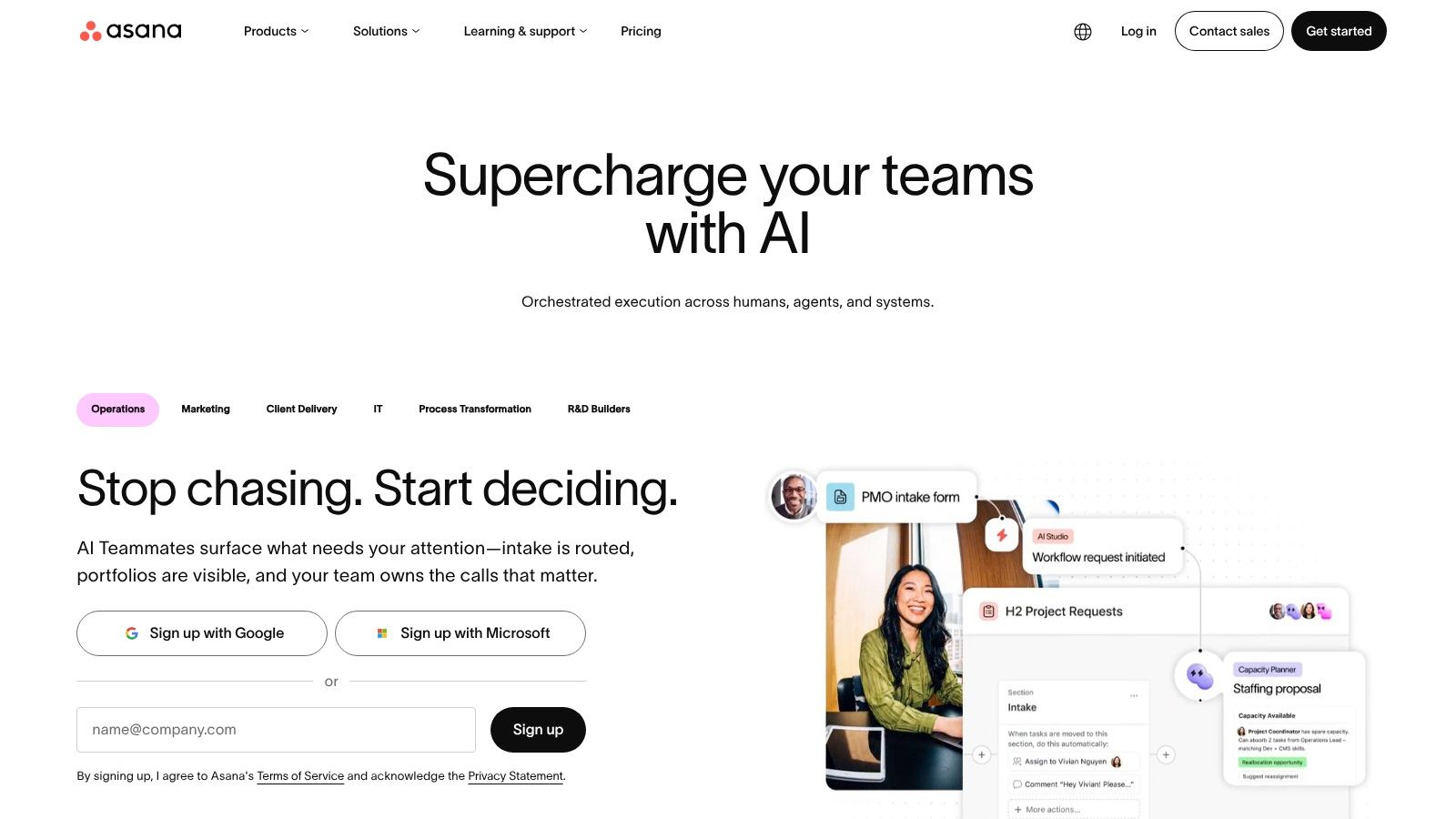
A launch can be technically ready while customer emails, help documentation, and sales training remain unfinished. Asana is useful when that cross-functional coordination is the main product problem.
Lists, boards, calendars, and timelines let different participants work from a shared project without requiring the same view. Forms can structure incoming requests, while automation can support repeatable handoffs. Portfolio and goal capabilities provide broader visibility on applicable plans.
Make ownership visible
For a launch project, separate engineering readiness from commercial readiness and assign an owner to each deliverable. Connect the release checklist to actual work rather than creating a reporting project that somebody must update manually.
The limitation is discovery depth. You can track research tasks and feature requests in Asana, but customer-evidence synthesis and opportunity evaluation require conventions or a specialist tool.
- Best setup: Product, marketing, design, and operations collaborating on launches.
- Pricing implication: Per-user charges become more important as participation extends beyond the core delivery group.
- Plan distinction: Confirm which tier includes the portfolio, reporting, and planning capabilities the team needs.
If scheduling is the immediate constraint, compare the workflow with these free project-management scheduling options before buying broader reporting functionality.
Asana is a sensible coordination layer when each department needs clear ownership and deadlines. It won't settle disagreements about product direction unless someone supplies the evidence and decision process.
7. ClickUp
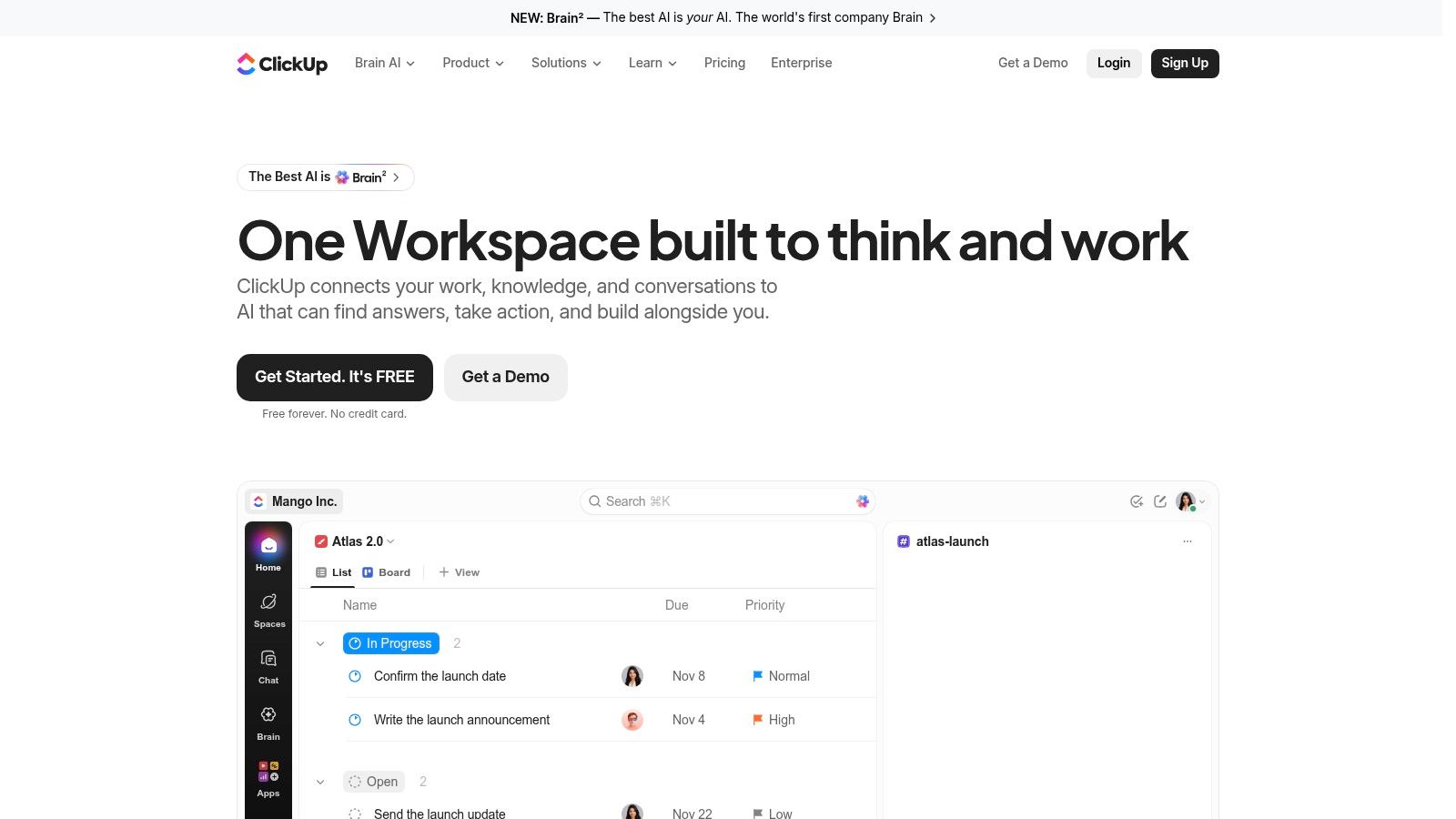
ClickUp is worth considering when the team wants to consolidate tasks, documents, chat, dashboards, goals, and time tracking. Its appeal is less about specialist discovery and more about keeping different kinds of work in a configurable environment.
That breadth can help agencies run client production alongside internal product initiatives. It can also create competing spaces, duplicated statuses, and dashboards that nobody maintains.
In The Project Group's survey based on 183 valid responses, only 12% of respondents were very satisfied with their project-portfolio-management tool environment and saw no need for change. That doesn't establish which platform to buy; it underlines why an attractive feature list isn't a sufficient evaluation.
Establish conventions before customization
Decide where client projects belong, which statuses everyone shares, and where final decisions should be recorded. Configure customer-feedback and product-strategy workflows only after agreeing how the team will use them.
- Advantage: Broad coverage may let the team retire separate work tools.
- Trade-off: Configuration requires ownership, especially when departments want different structures.
- Pricing structure: Paid subscriptions scale with users, and feature availability depends on the plan.
During evaluation, follow a discussion through to a task, supporting document, and time entry. If participants still copy the same update into separate places, consolidation hasn't solved the coordination problem.
8. monday dev
monday dev sits between engineering delivery and visual cross-functional coordination. Its boards and configurable workflows support product roadmaps and development work while giving nontechnical stakeholders a more visual way to follow progress.
That makes it a plausible option for mixed groups where developers, product leads, and operational stakeholders need shared visibility. Sprint management, story points, agile reporting, GitHub connections, and automation support development workflows on eligible tiers.
The setup question is whether those boards represent shared work or merely mirror another team's tracker. If engineers maintain tickets elsewhere and a product manager manually updates monday dev, the organization has added reporting labor rather than removed it.
Keep product packaging separate
monday dev and monday Work Management have different packaging. Don't use a Work Management price or feature list to estimate a development deployment.
- Evaluate the right tier: Check roadmap, sprint, reporting, and time-tracking requirements against monday dev specifically.
- Model seat requirements: Seat-based purchasing and seat counts can affect the bill beyond the core product group.
- Test the handoff: Move a real request from intake through planning and delivery before approving the configuration.
Its visual approach is useful when stakeholders need to understand work without navigating a specialist discovery platform. It is less focused on customer-feedback analysis than Productboard.
Choose it for board-driven product development with cross-functional visibility. Don't choose it solely because the initial roadmap looks easy to present.
9. Wrike
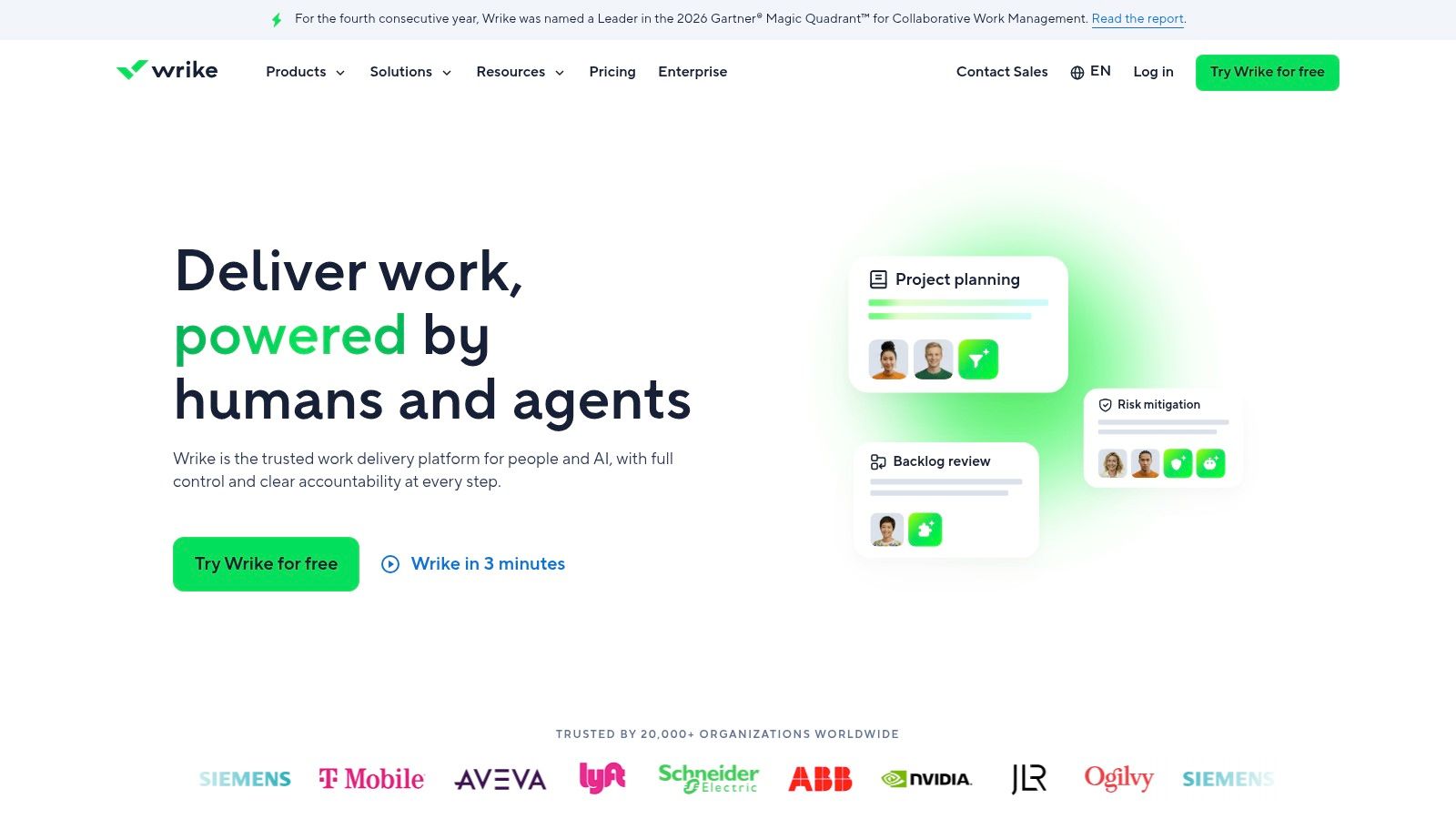
Wrike becomes more relevant when the bottleneck is shared capacity. A product release may depend on the same designer, copywriter, or specialist who supports several client projects, making resource coordination as important as the backlog.
Its project planning, reporting, workflow automation, and resource-management capabilities suit work that crosses departmental boundaries. For studios, that can be more useful than another feature-prioritization system.
Test capacity decisions, not just schedules
Build a scenario where a launch slips and a shared specialist is unavailable. Check whether the configured plan helps a project lead identify the affected work and make a realistic reassignment.
- Good fit: Agencies and internal teams coordinating dependencies across projects.
- Less suitable: Product groups mainly seeking interview synthesis or customer-evidence management.
- Buying consideration: Resource planning and advanced controls may require a higher tier; paid user counts also affect the total.
The same ownership and approval questions apply to design project management, especially when creative reviews and production work compete for capacity.
Wrike needs reliable inputs. Resource views aren't dependable if owners don't maintain assignments or if project leads omit work happening outside the system.
I would shortlist it when managers need to decide what the team can realistically accept next. For a small group handling a simple backlog, that planning depth may impose more upkeep than it saves.
10. Trello
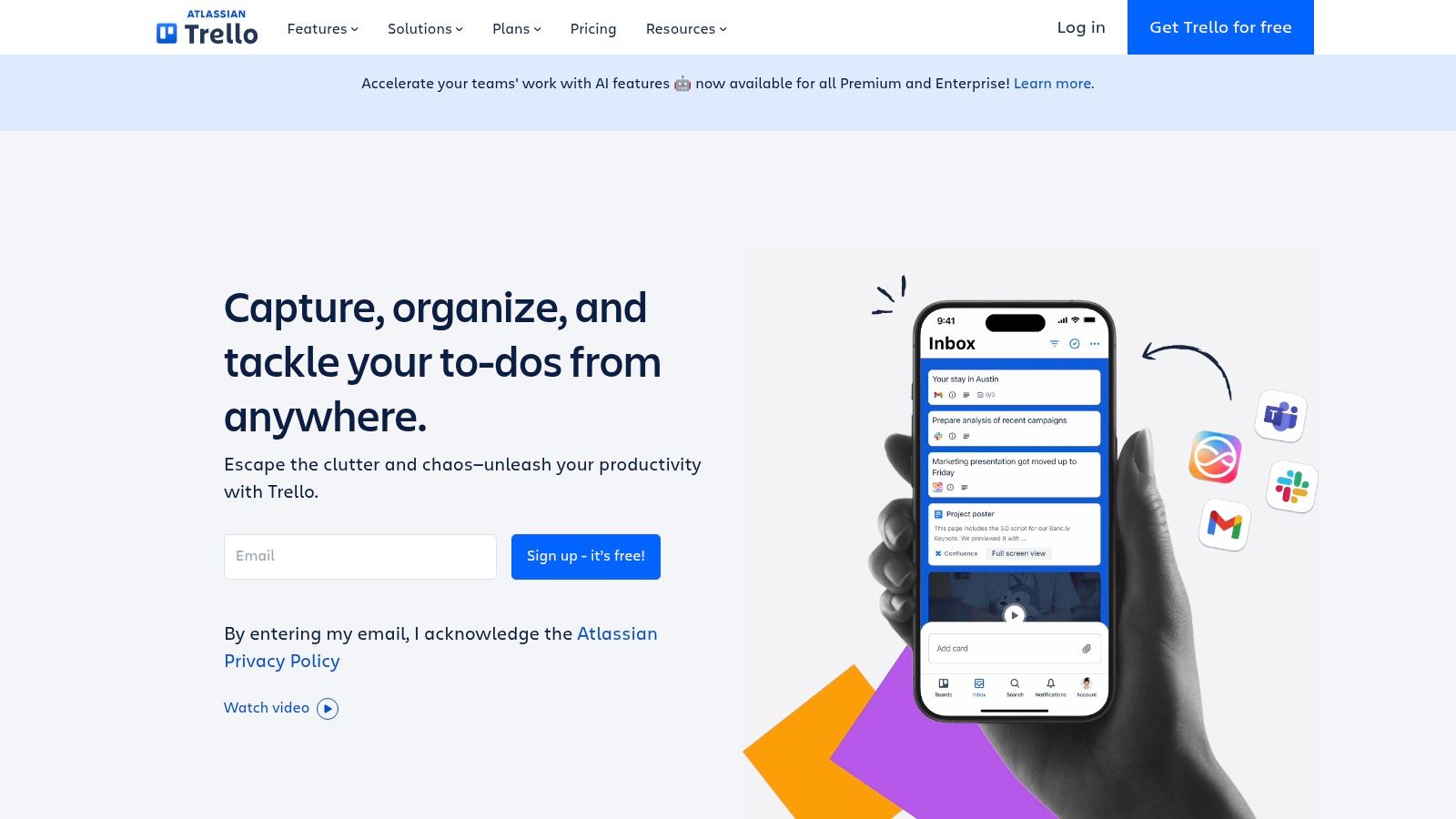
Trello is the lightweight option when people need a visible workflow more than a formal product operating system. Boards, lists, and cards can support feature-request intake, a launch checklist, or an uncomplicated roadmap.
A studio could use cards for proposed improvements, attach supporting material, assign owners, and move approved work into production. That is often enough to establish basic discipline without designing a large hierarchy.
Start with a board when the immediate failure is unclear ownership. Add specialist software when the team needs a decision model the board can't maintain.
Trello's limits become clearer when requests need evidence from different customer segments, initiatives span multiple boards, or leadership expects portfolio reporting. Power-Ups can extend boards, but each addition introduces another configuration or dependency to maintain.
Keep the board honest
Define what each list means and what information a card needs before work starts. Archive stale requests rather than letting an oversized board substitute for prioritization.
Paid plans are charged per user, so include everyone who needs ongoing access in the comparison. Assess plan limits against the actual workspace rather than assuming a free board will support the eventual collaboration model.
Trello works best for teams willing to keep their process simple. If every planning meeting requires exporting cards into a spreadsheet to understand priorities, you've probably reached the point where a specialist tool deserves evaluation.
How the product management softwares compare on starting price, free plans, and best-fit use
This comparison uses the vendors' published pricing pages: Jira Product Discovery, Productboard, Aha!, Linear, Jira Software, Asana, ClickUp, monday dev, Wrike, and Trello.
| Item | Starting price | Free plan | Best for |
|---|---|---|---|
| Jira Product Discovery | Free; paid from $10 per creator/month | Yes, up to 3 creators | Idea discovery and prioritization linked to Jira |
| Productboard | Custom pricing; contact sales | No free plan; free trial available | Connecting customer feedback to product decisions |
| Aha! | From $59 per user/month | No free plan; free trial available | Strategic product planning and roadmapping |
| Linear | Free; paid from $10 per user/month | Yes | Streamlined software planning and issue tracking |
| Jira Software | Free; paid pricing varies by user count | Yes, up to 10 users | Configurable agile software delivery workflows |
| Asana | Free; paid from $10.99 per user/month | Yes, Personal plan | Cross-functional project and launch coordination |
| ClickUp | Free; paid from $7 per user/month | Yes | Teams seeking an all-in-one work platform |
| monday dev | Free plan; paid tiers vary | Yes, up to 2 seats | Visual product-development and sprint workflows |
| Wrike | Free; paid from $10 per user/month | Yes | Cross-team project and resource planning |
| Trello | Free; paid from $5 per user/month | Yes, up to 10 collaborators per workspace | Lightweight board-based task tracking |
Starting price alone can mislead: some tools charge per user, while Jira Product Discovery prices by creator. A free tier can lower the cost of trying a workflow, but check its user limits and whether it supports the way your team plans to collaborate. Product discovery tools focus on shaping decisions; delivery tools manage engineering work; broader work platforms coordinate projects across functions. Setup effort matters too: the more the workflow depends on custom fields and configuration, the more time someone must spend maintaining it.
Matching the Tool to Your Team's Next Decision
Choose according to the next decision your team needs to make. If you can't explain which customer problem deserves investment, start with Jira Product Discovery, Productboard, or Aha! If priorities are clear but engineering execution is inconsistent, evaluate Linear or Jira Software.
When launch dependencies, client approvals, shared documents, and departmental handoffs dominate, focus on Asana, ClickUp, monday dev, or Wrike. Trello remains a reasonable starting point when a shared board and clear ownership would solve the immediate problem.
Compare the full collaboration cost
Model per-seat costs at your real headcount, not just the product-management group. Include designers, engineers, account leads, operations staff, and external participants according to their required access, then account for higher-tier features and tools you won't retire.
Creator- and maker-based models need a different calculation from broad per-user subscriptions. Setup effort belongs beside subscription cost: someone must maintain fields, workflows, permissions, integrations, and reporting definitions.
- Small teams: Favor a setup that participants can maintain without a dedicated administrator.
- Growing teams: Test role boundaries, shared reporting, and the cost of adding occasional collaborators.
- Agencies and studios: Include client separation, approval workflows, document retrieval, and time logging in the evaluation.
Run a two-week trial with a live project before committing. Bring in the people who normally miss updates, not just the product managers who volunteered to evaluate the software.
Test participation and safe execution
Measure whether participants can find the latest decision, identify an owner, and turn a discussion into tracked work without duplicating updates. In Capterra's survey of 422 U.S. project managers, including 367 software users, 92% reported being somewhat to extremely satisfied with their project-management-system investment. Satisfaction matters, but your trial should establish whether the wider team participates.
For agent-enabled workflows, check authorization, activity records, sensitive-data handling, and reviewable changes. KPMG's global AI study found that 58% of U.S. workers said they relied on AI outputs without properly evaluating them. Require review for consequential changes rather than treating MCP connectivity as a governance guarantee.
If the need is a shared workspace rather than specialist discovery or delivery software, Tuff combines projects, tasks, chat, docs, announcements, time tracking, and AI agents in one app, with workspace-based rather than per-user pricing. Evaluate it alongside these options on the same practical test: can the team coordinate live work with less reconstruction and fewer duplicate updates?
Tuff keeps project conversations, tasks, documents, files, and time logging together, so teams can connect discussions with the work they create. Visit Tuff to evaluate a shared workspace for client projects and cross-functional delivery, with MCP-compatible AI agents available on paid plans.