Marketing Project Software: 9 Tools Compared for 2026
Compare marketing project software for campaign planning, creative work and delivery tracking. Real pricing, limits and trade-offs for nine tools.
It's launch week. The brief lives in email, the latest assets sit in a shared drive, and the deadline lives in a spreadsheet nobody has updated since the client changed the offer. Your designer is waiting for feedback. Your media buyer thinks the creative is approved. You're opening chat threads to work out which version can go live.
Marketing project software should connect those decisions to the work, not just give you another place to enter deadlines. A useful setup keeps campaign plans, creative reviews, and delivery status in a visible record. Someone owns each deliverable, reviewers know what needs their attention, and the launch lead can distinguish finished work from work that's merely been discussed.
The right choice depends on your team size, client structure, and approval workload. An internal content team doesn't need the same financial controls as an agency, and a studio handling detailed visual feedback shouldn't confuse task comments with dedicated proofing. The campaign planning insights from JoinBrands provide useful context for connecting campaign coordination with your broader marketing workflow.
The tools below are judged on campaign planning, creative review and handoff, delivery tracking, and headcount costs. The important distinction isn't which product has the longest feature list. It's which one keeps your next launch moving without making the team maintain a second administrative system.
1. Tuff
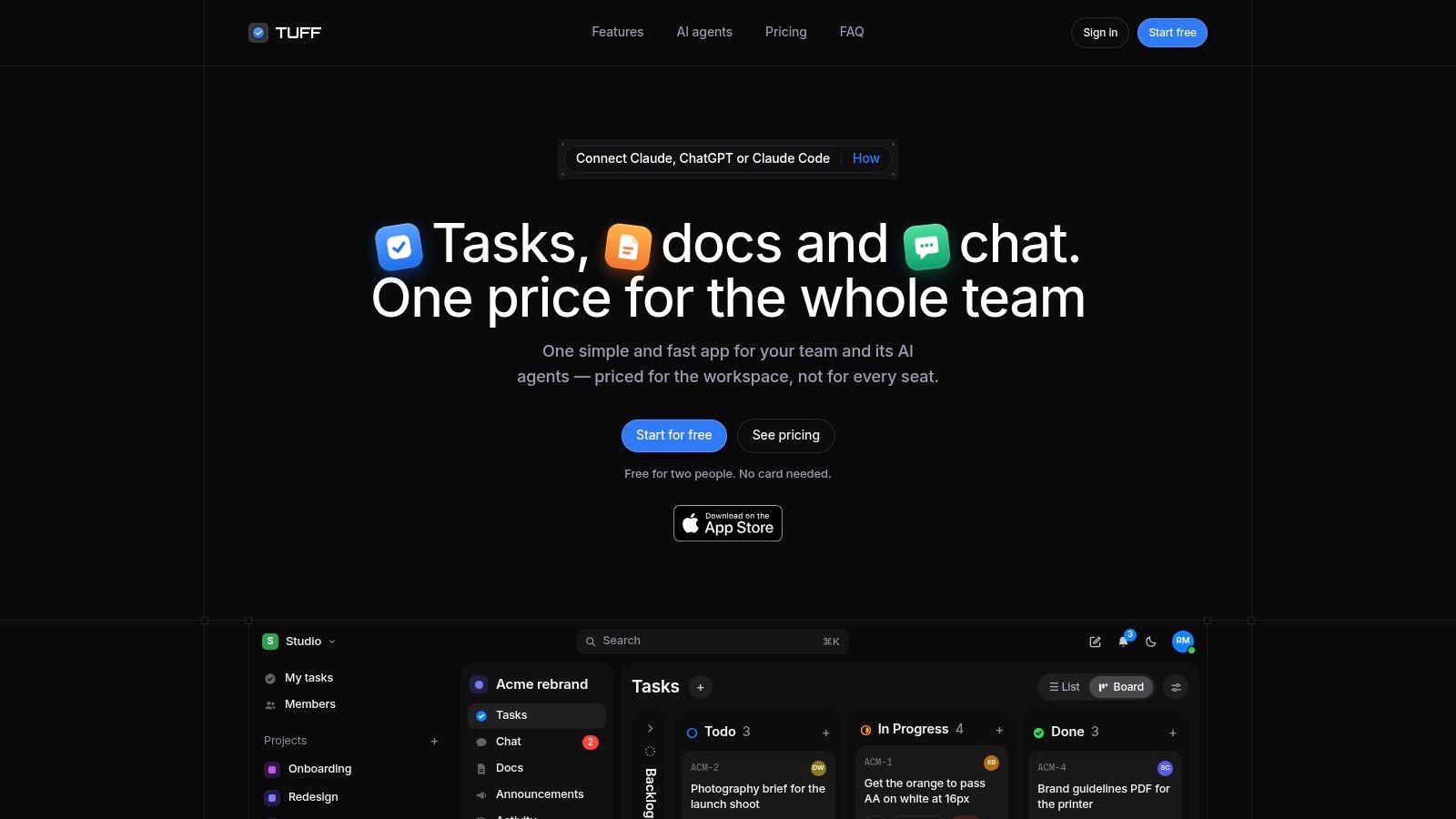
Best for agencies, studios, and internal teams that want project conversations and execution together. Our workspace combines tasks, chat, documents, files, announcements, and time tracking. Each project holds its supporting material, so the brief and the discussion don't have to live in separate applications.
For campaign planning, assign tasks with due dates, priorities, subtasks, and labels, then organize them in lists that represent their status. For creative handoff, keep documents, uploads, and links inside the project, mention tasks in chat, and convert messages into tasks when feedback becomes actionable.
That's useful coordination, but it isn't the same as dedicated visual proofing. If reviewers need frame-specific video comments or formal asset annotations, test that requirement separately rather than assuming project chat replaces it.
Workspace costs and controlled AI access
Our subscription applies to the workspace rather than each participant:
- Team: $25 a month for up to 10 people, with 25 GB of files.
- Company: $99 a month for up to 100 people, with 100 GB of files.
- Unlimited: $299 a month for unlimited people, with 1 TB of files.
- Duo: Free for two people, with 250 MB of files.
Prices are in US dollars before applicable tax. Projects and tasks aren't capped, but people and storage allowances can require a plan change.
For delivery tracking, My tasks collects assigned work across projects, while time logs and team statistics show where effort goes. Slack imports retain threads, names, and files, which helps keep earlier decisions accessible.
Paid plans support MCP-compatible AI agents acting as the authorizing user. Agents can read and write, can't delete content, and have their actions identified in the activity feed. The trade-off is straightforward: this suits teams prioritizing connected communication and predictable workspace costs, not buyers seeking a specialized agency finance system.
2. Asana
Asana suits internal marketing teams whose main problem is cross-department coordination. A product launch involving marketing, sales, design, and operations needs clear ownership more than another discussion channel. Its task and project structure gives each department a shared execution record.
For campaign planning, templates, request forms, and timeline-oriented views help turn a launch brief into scheduled assignments. The important setup decision is how campaigns relate to recurring production work. Avoid creating separate copies of the same deliverable because different departments want visibility.
Strong coordination, separate collaboration decisions
Creative review and handoff can run through approval workflows, with the asset and requested decision attached to the relevant task. However, approval status doesn't automatically resolve detailed design feedback. Test whether reviewers can explain changes clearly without returning to email or a separate proofing application.
- Delivery tracking: Dashboards and portfolios help campaign leads monitor related work, with availability depending on the plan.
- Headcount costs: Paid subscriptions use per-user billing, so expanding the working team increases the subscription.
- Main limitation: Advanced coordination features can require a higher tier, while chat, documents, and file storage may remain in other tools.
Asana's website is the place to compare the current plan boundaries against your actual workflow. The broader comparison of project management platforms can help distinguish task coordination from a more consolidated workspace.
I'd shortlist Asana when campaign ownership and cross-functional visibility are the priorities. I'd be more cautious when the buying case depends on replacing several communication and document tools at once.
3. monday.com
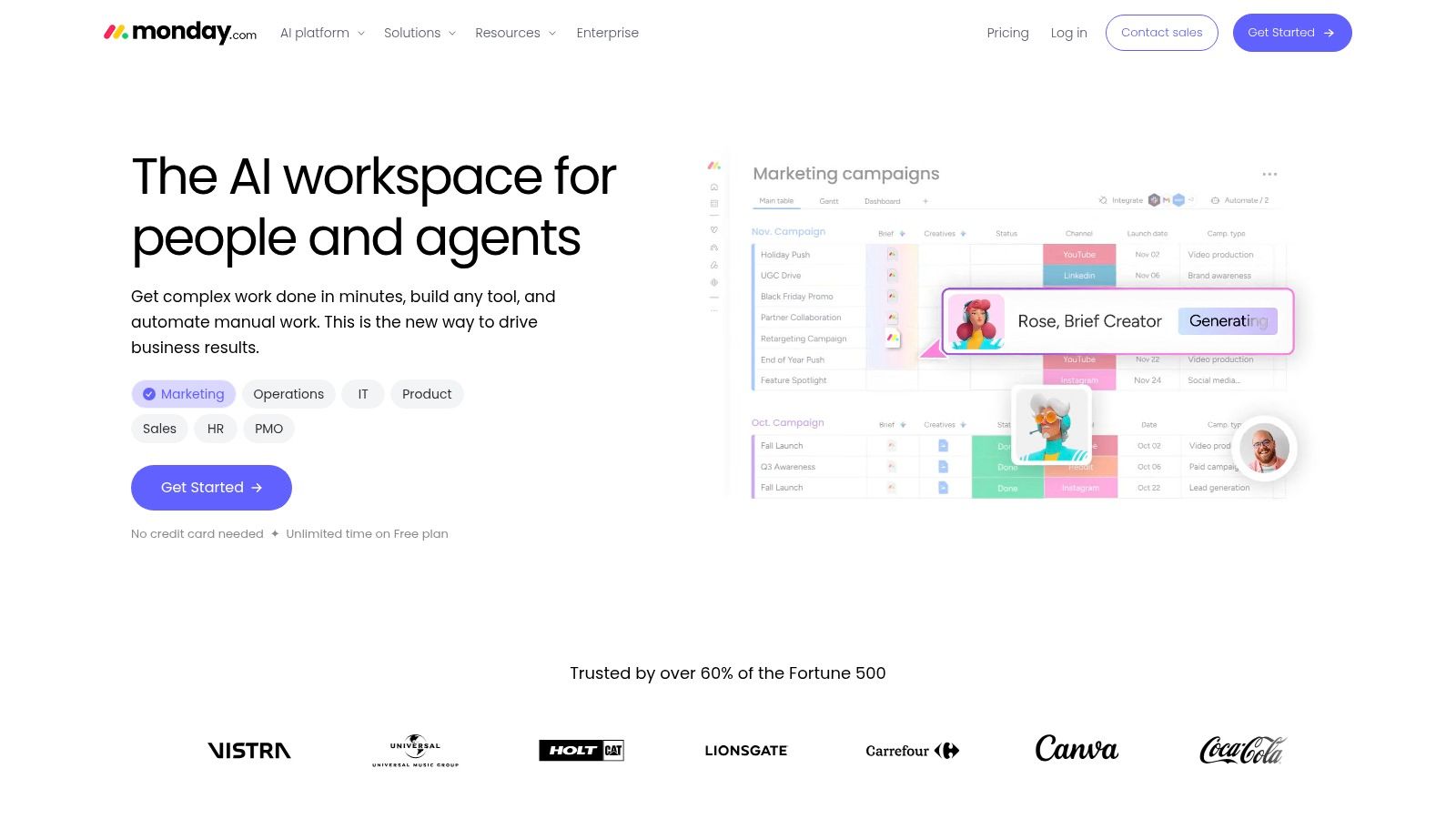
Say your team needs to scan a content pipeline and immediately distinguish drafting, design, client review, and scheduled work. monday.com suits that visual operating style, especially when a marketing operations owner can maintain the boards.
Its strength in campaign planning is configurability. Columns, statuses, and automations let you model content calendars, asset production, and launch activity around your process rather than forcing every campaign into a fixed template.
A colorful board is useful only when every status tells someone what happens next.
For creative review and handoff, define the reviewer, the asset location, the decision needed, and the next owner. Automations can notify people when status changes, but they won't fix an ambiguous approval process. A label such as “With client” still needs an accountable internal owner.
Flexibility needs maintenance
Delivery tracking works through board views and dashboards that summarize campaign progress. Keep shared status definitions consistent across boards, or leadership will compare categories that mean different things to different teams.
Monday.com uses paid seat-based plans with user minimums and purchasing increments that deserve attention. Cost the team you need to include, not just the people building the boards.
The practical limitation is configuration overhead. If each campaign manager invents different columns and automations, you'll struggle to reuse reporting and onboard collaborators. This is a good fit for teams that want adaptable visual workflows and can assign someone to govern them. It's less appealing when nobody has time to maintain the system after setup.
4. Wrike
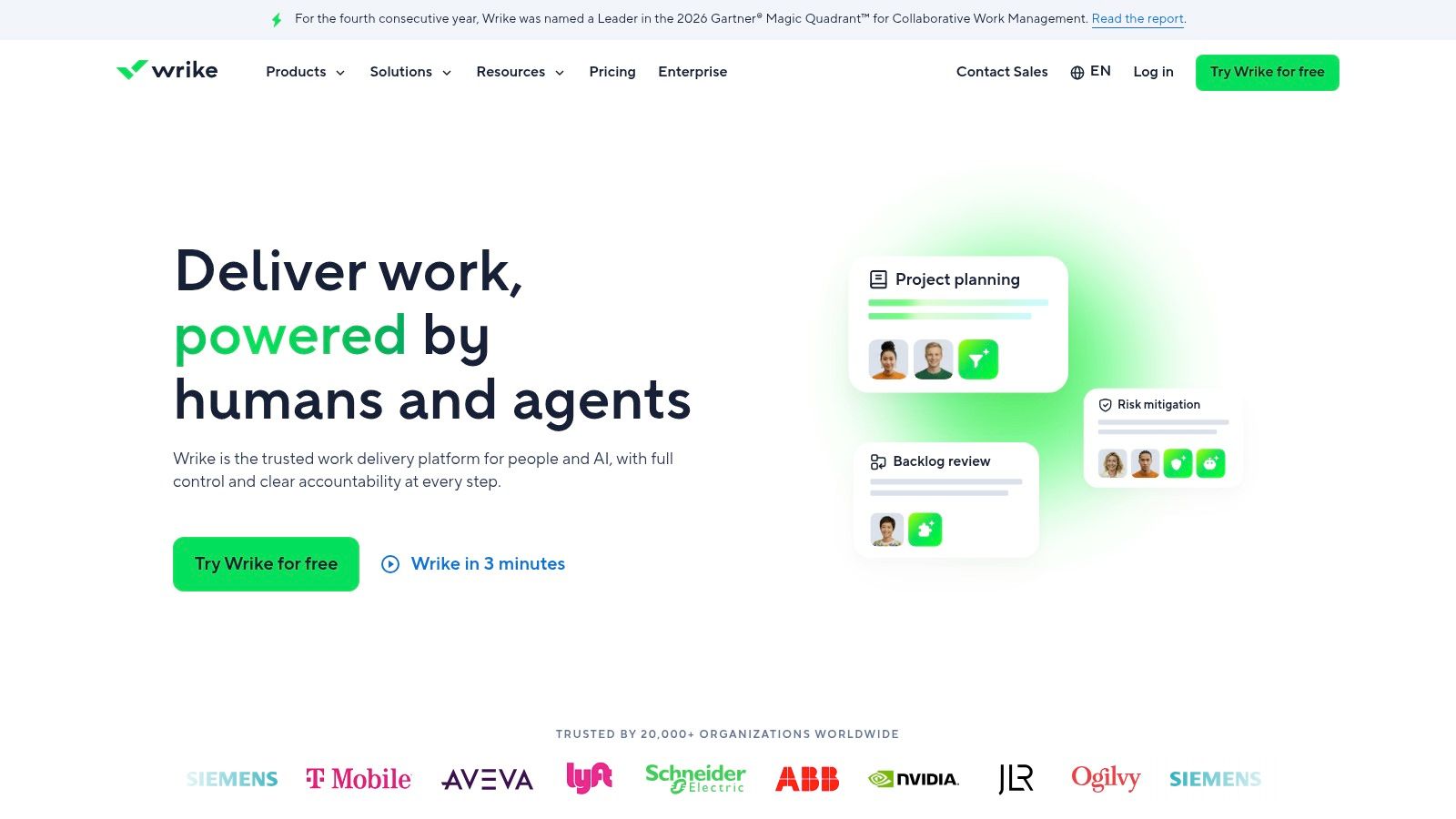
Choose Wrike when intake, review, and delivery need a more structured process than a basic task board. It suits marketing and creative teams handling requests from several departments or clients, particularly when work passes through multiple owners before release.
For campaign planning, request workflows help capture requirements before production starts. Board, table, and Gantt views then support different planning needs. A creative lead can manage production stages while a campaign manager checks the schedule.
The strongest reason to evaluate Wrike is creative review and handoff. Marketing request and approval workflows give teams a way to make review an explicit stage rather than a loose collection of comments.
Depth comes with setup work
Build the evaluation around a difficult request, not a tidy demonstration project. Include incomplete intake, a revision, a delayed reviewer, and a changed delivery date.
- Delivery tracking: Shared dashboards and workflow templates support oversight beyond individual task lists.
- Headcount costs: Paid plans charge per user, and advanced resource planning or time tracking can require higher tiers or additional purchases.
- Main limitation: Workflow depth takes time to configure, explain, and maintain.
Wrike is worth that effort when handoffs are complicated. It's harder to justify if the team mainly needs assignments, files, and everyday discussion.
Make the approval owner explicit during the pilot. A system can record that an asset is awaiting review, but the campaign lead still needs to decide who follows up and who can authorize release when the usual approver is unavailable.
5. Adobe Workfront
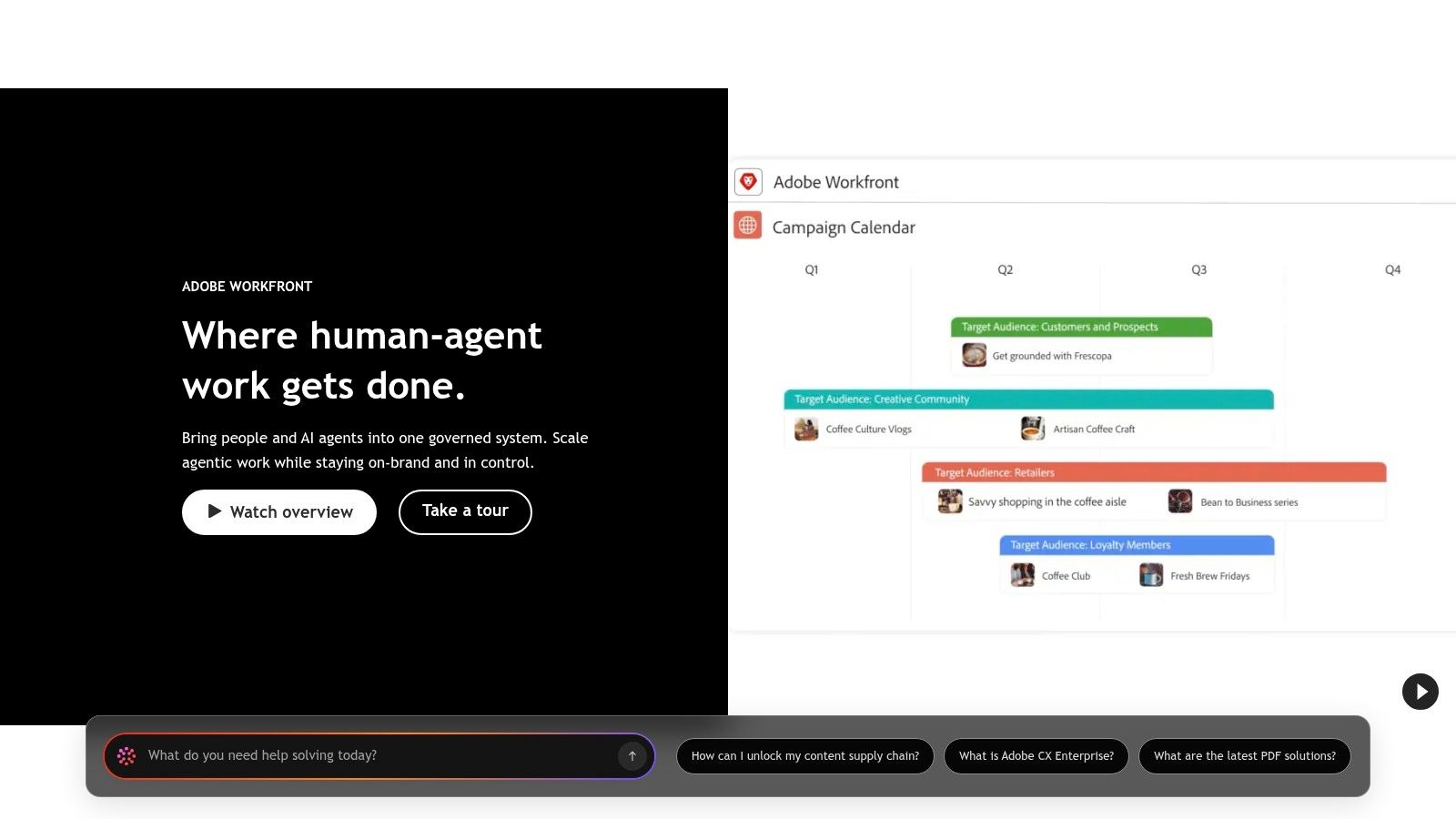
Adobe Workfront belongs on the shortlist when the challenge is managing a marketing operation, not just tracking a campaign. It suits larger organizations coordinating shared resources, competing priorities, and portfolios of work.
For campaign planning, centralized planning and capacity management help teams evaluate whether they can accept work before promising a delivery date. That distinction matters when departments compete for the same designers, producers, or marketing specialists.
Evaluate the operating model, not just the interface
For creative review and handoff, assess how proposed workflows connect requesters, production teams, and approvers within your Adobe environment. Don't assume an existing Adobe investment means every review step will work without configuration. A clear design project management process should establish the brief, revision ownership, and final release authority before implementation.
Delivery tracking benefits from project and portfolio visibility. Leaders can evaluate related initiatives rather than asking every campaign manager for a separate status summary.
Buying advice: Enterprise planning is valuable when someone will use it to make capacity and priority decisions. Otherwise, you're paying to collect information nobody acts on.
Adobe Workfront requires custom pricing, so its headcount economics need a written proposal. Have the proposal distinguish the roles your organization needs and include implementation, administration, and any required connections.
The limitation is organizational complexity. A small agency looking for faster task updates may take on more system than it needs. A large marketing department with formal planning and resource constraints has a stronger reason to accept that overhead.
6. Teamwork.com
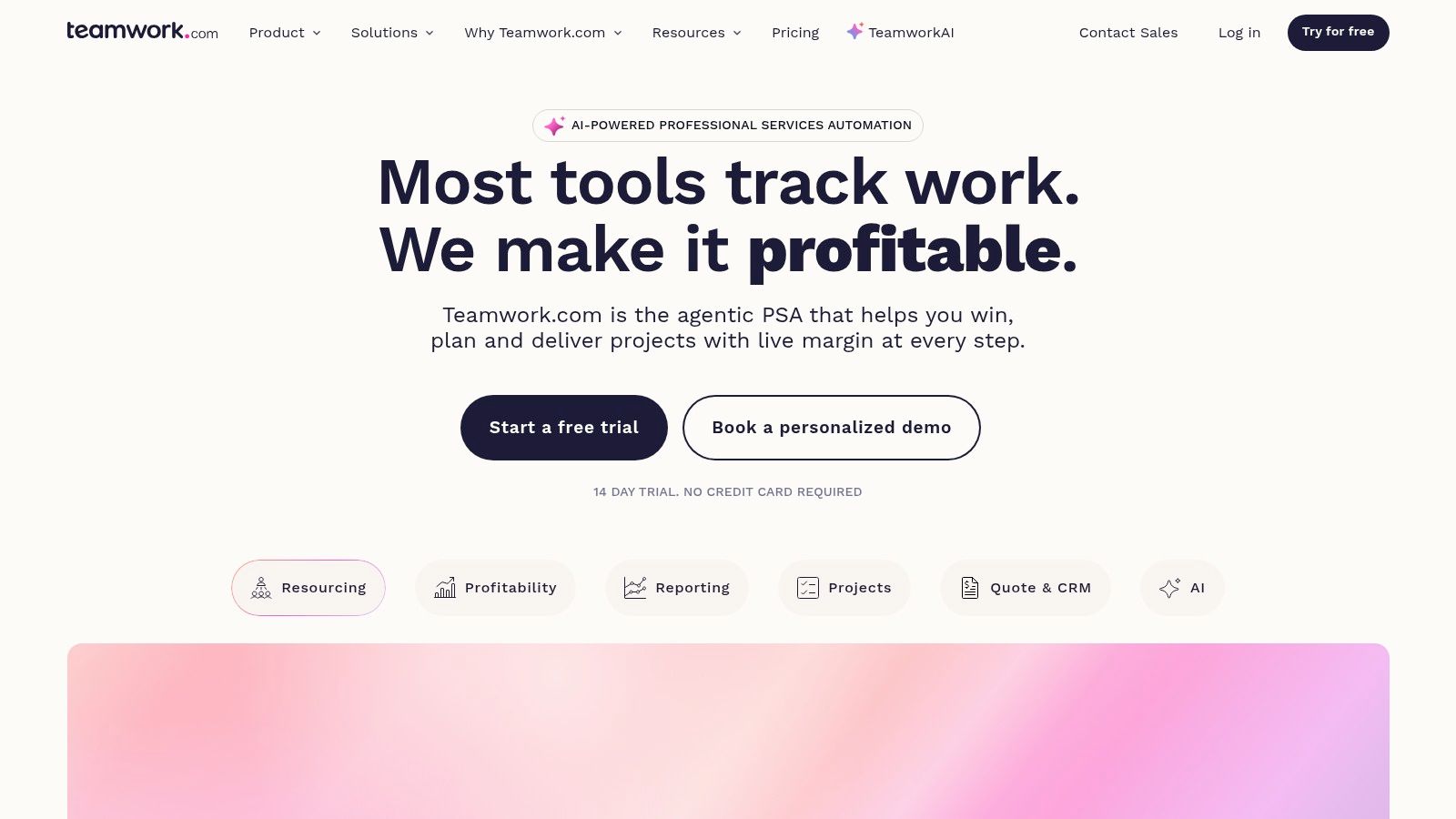
A campaign can ship on time and still consume more agency effort than the fee supports. Teamwork.com suits client-service teams that need delivery records connected to time and commercial oversight.
For campaign planning, organize projects around clients, assign tasks, and choose views that fit the work. This client-oriented structure is useful when the same team switches between retainers, standalone launches, and ongoing production.
Its value in creative review and handoff depends on how well you configure client collaboration. Test whether an external reviewer can find the current deliverable and return a clear decision without exposing internal working material.
Follow the work through to the budget
Delivery tracking includes time tracking and reporting on billable work. Higher-plan capabilities extend into capacity planning, time budgets, and invoicing, making plan selection an operational decision rather than a simple task-management purchase.
- Best fit: Agencies that need to understand the effort behind client delivery.
- Headcount costs: Paid plans charge per user and have minimum user requirements.
- Main limitation: The financial and planning controls that motivate the purchase may require a higher tier.
Review Teamwork.com's current offering against the financial questions you need answered. Can the account lead spot excessive revision effort while there's still time to discuss scope? Can the production lead see whether a promised deadline is realistic?
Don't buy it solely because it uses agency terminology. Choose it when client organization, logged time, and budget visibility belong in the same workflow, and when your team will consistently record the information those controls require.
7. Workamajig
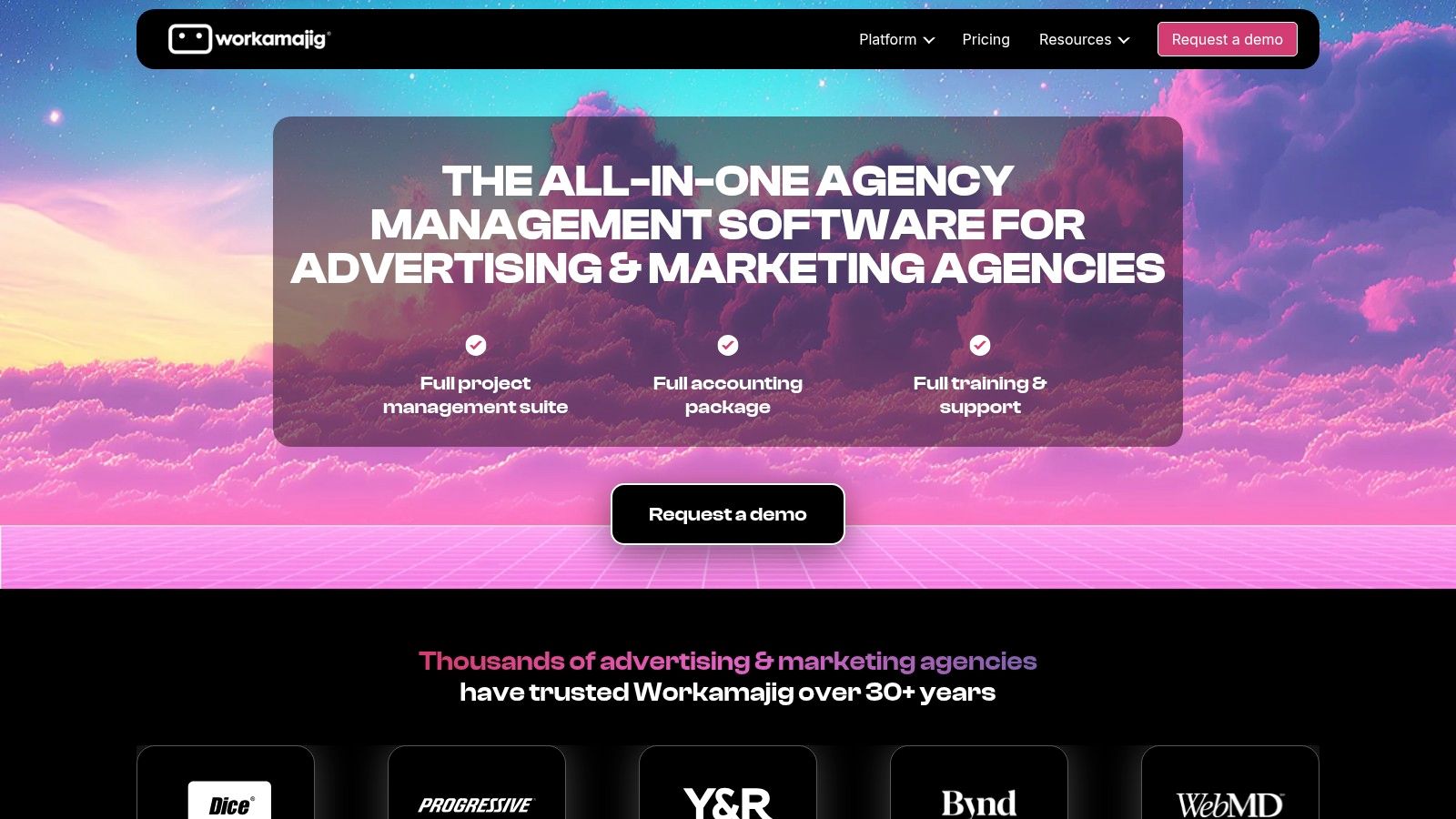
Workamajig is the specialist option for creative organizations that want project delivery and agency operations together. Its scope includes resource scheduling, time tracking, digital proofing, and financial workflows, rather than stopping at tasks and deadlines.
That scope changes how you should evaluate campaign planning. Bring the production lead and the person responsible for agency finances into the same demonstration. A scheduling decision should make sense to both the person assigning creative work and the person monitoring its cost.
For creative review and handoff, digital proofing makes it particularly relevant to asset-heavy studios. Test representative files and real reviewer behavior, including revisions and conflicting comments, rather than approving a sample image that nobody needs to change.
A broader operational commitment
Delivery tracking sits alongside time records and financial functions such as payables and receivables. That can make the platform useful beyond the marketing production team, but it also expands implementation responsibility.
Workamajig uses per-user pricing with a minimum team commitment. Very small studios should establish whether that purchasing structure fits before investing time in a detailed evaluation.
Its clearest limitation is complexity. Moving project management and financial operations together requires agreement about job structure, time entry, and ownership of records.
I'd shortlist it when the agency wants a shared operational system and can commit to implementation. I wouldn't choose it to replace a campaign spreadsheet. If finance will stay elsewhere and reviewers already use a suitable proofing tool, much of its broader scope may be unnecessary.
8. ClickUp
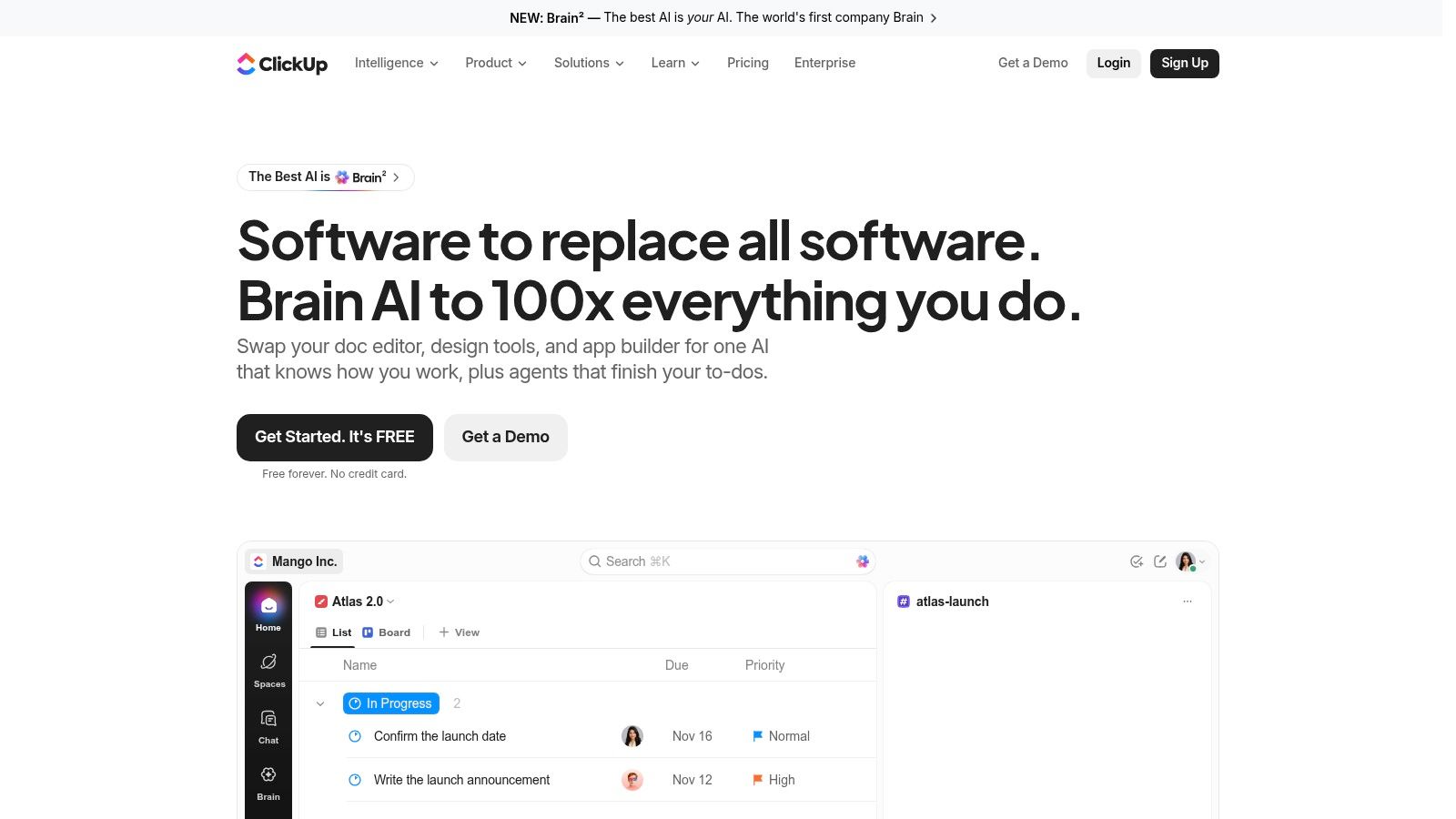
ClickUp suits teams that want to configure a broad work hub and have someone responsible for keeping it usable. Tasks, Docs, chat, forms, custom fields, and automations give marketing teams several ways to build campaign workflows.
For campaign planning, that flexibility can accommodate editorial calendars, launch checklists, and asset pipelines. Start with a shared campaign template rather than letting each project owner build a different hierarchy.
For creative review and handoff, documents and task discussions can hold briefs and decisions. Still, confirm whether your reviewers need specialized proofing. A broad collaboration feature set doesn't make every asset-review requirement native.
Control both configuration and AI permissions
Delivery tracking can combine custom views, statuses, and paid-plan time tracking. Its usefulness depends on consistent fields and definitions, not on how many dashboards you create.
The 2025 Capterra survey of 2,545 project-management-software users across 11 countries found that 71% ranked security as their top priority. When evaluating agent connections, the practical questions are what an agent can access, what it can change, and how a person reviews its actions.
- Headcount costs: ClickUp offers a free plan and per-user paid subscriptions, with feature and usage limits affecting the appropriate tier.
- AI evaluation: Confirm MCP availability and applicable limits, then establish human approval rules using a clear AI project management approach.
- Main limitation: Extensive customization creates ongoing administration unless someone owns the shared structure.
Choose ClickUp for configurable breadth. Avoid treating that breadth as permission to enable every feature immediately.
9. Smartsheet
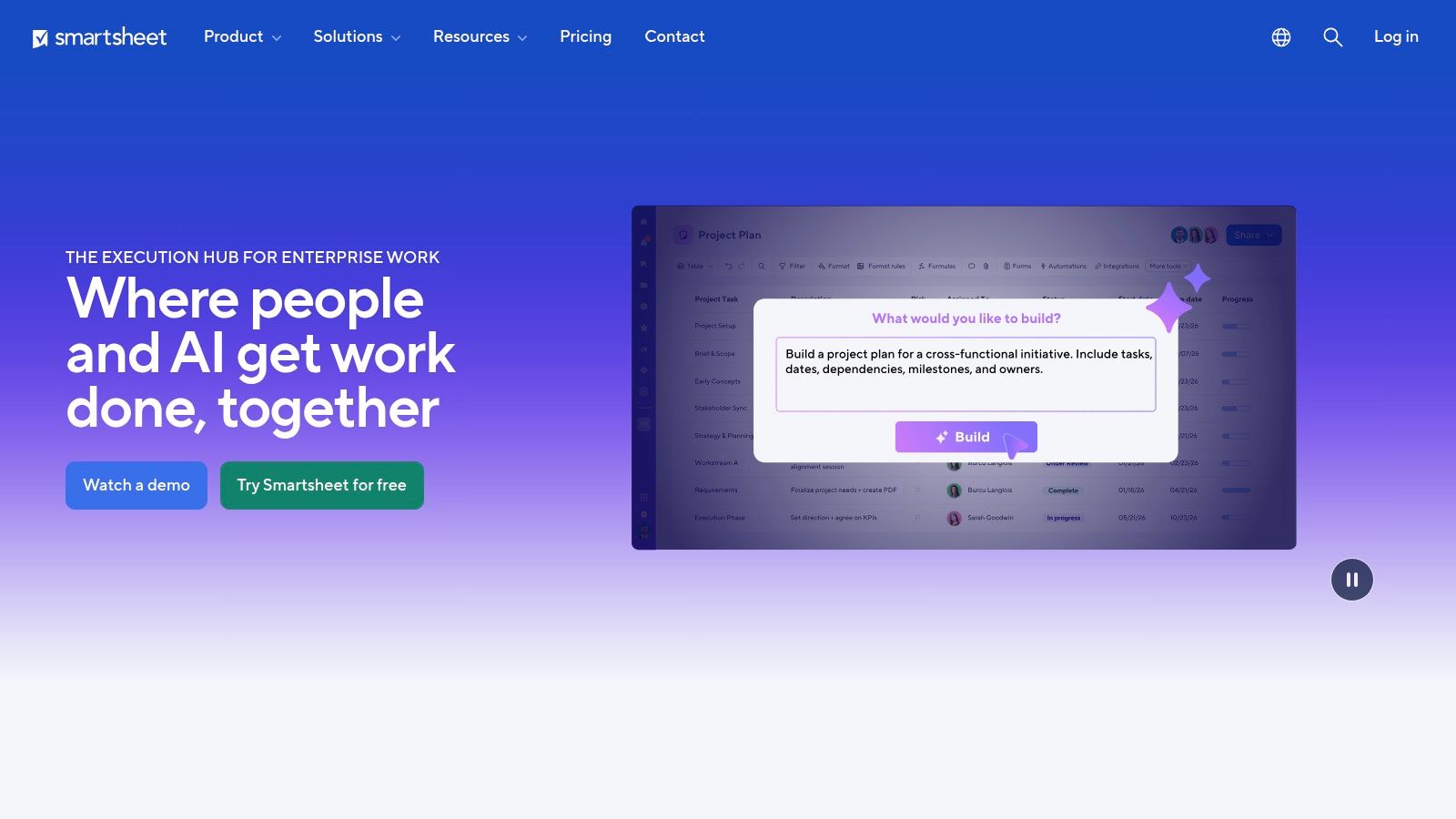
Not every team wants to abandon the grid. Smartsheet suits marketing operations teams that think in structured records but need stronger workflows, views, and reporting than an ordinary spreadsheet.
For campaign planning, its spreadsheet-style interface can hold deliverables, owners, dates, and statuses, while alternative views provide different ways to inspect the schedule. Forms help standardize incoming requests instead of relying on people to enter complete information manually.
Keep structured tracking separate from conversation
For creative review and handoff, use records to make the asset location, reviewer, and required decision explicit. Integrations with tools such as Adobe Creative Cloud and Slack can support the surrounding workflow, but you should test where feedback and final approval reside.
Delivery tracking is the main reason to consider it. Reports, dashboards, and automated workflows support campaign oversight, while more advanced workload and portfolio needs affect tier selection.
Don't recreate a badly maintained spreadsheet inside a more capable platform. Decide who updates each field and which decision that field supports.
Smartsheet charges for paid members, with contributor access and plan boundaries affecting the headcount calculation. Separate the people who need to build and manage workflows from those who only need to contribute.
The limitation is conversational collaboration. Teams wanting project chat and documents in the same everyday workspace may still need additional tools. Choose it when structured planning and cross-project reporting matter most, not because the familiar grid means nobody will need training or process changes.
How the nine marketing project tools compare on price, free access and best fit
| Item | Paid price (listed) | Free plan | Pricing model | Best for |
|---|---|---|---|---|
| Tuff (Recommended) | $25/month for up to 10 people; $99/month for up to 100; $299/month for unlimited people | Free Duo plan for 2 people | Flat workspace pricing | Teams wanting project management and communication in one workspace |
| Asana | From $10.99/user/month, billed annually | Free Personal plan for up to 2 users | Per-user pricing | Cross-functional campaign and project coordination |
| monday.com | From $9/seat/month, billed annually; plans start at 3 users | Free plan available | Per-seat pricing | Teams building visual, customizable workflows |
| Wrike | From $10/user/month, billed annually | Free plan available | Per-user pricing | Marketing teams managing multi-step workflows and approvals |
| Adobe Workfront | Custom pricing; contact Adobe | Not stated | Custom pricing | Large organizations managing complex, high-volume work |
| Teamwork.com | From $9.99/user/month, billed annually | Free plan for up to 5 users | Per-user pricing | Agencies managing client projects and billable time |
| Workamajig | From $49/user/month for 10 or more users; enterprise pricing is custom | Not stated | Per-user pricing; enterprise pricing custom | Creative agencies needing project and financial operations tools |
| ClickUp | From $7/user/month, billed annually | Free Forever plan with unlimited members | Per-user pricing on paid plans | Teams wanting a configurable, all-in-one work hub |
| Smartsheet | $9/member/month for Pro; $19/member/month for Business, billed annually | Not stated | Per-member pricing | Marketing operations teams that prefer spreadsheet-style planning |
Matching the Tool to Your Next Launch
The right marketing project software should make your most difficult handoff easier to manage. Start with the point where work currently stalls: incomplete briefs, unclear creative approval, competing deadlines, or missing delivery updates. Then choose a tool whose strengths match that problem.
Answer these questions before comparing subscription totals:
- How many people need paid seats? Include campaign managers, producers, specialists, and anyone who needs more than occasional visibility. Separate employees, contractors, clients, and reviewers so you can evaluate their actual access requirements.
- How much client or approval work runs through the tool? A team reviewing copy internally has different needs from a studio routing assets through clients, brand managers, and legal reviewers.
- Must chat and files stay with the project? If finding context is the main problem, a task-only improvement may leave the hardest coordination work untouched.
Consolidation should remove work, not merely relocate it. In the Project Group's 2024 survey of 183 professionals using project-portfolio-management tools, only 12% were very satisfied with their multi-project tool environment and saw no need for change. Treat that as a reason to test the complete workflow, not an argument for buying the broadest suite.
Keep boundaries clear. Campaign ownership and delivery status belong in the project workspace; customer records may remain in the CRM, advertising performance in the ad platform, and accounting records in the finance system. Connect only the information people need to make decisions without duplicate entry.
Make the pilot resemble real work
Use a live campaign with a brief, production tasks, an external or internal reviewer, a revision, and a release decision. Measure the effort required to find context, prepare a status update, and move work between owners. The workflow management picks from TheContentMap can help broaden your shortlist if your current options don't match those handoffs.
Include the less visible costs: configuration, migration, training, administration, and the tools you'll still retain. A lower subscription isn't a saving if the team spends more time reconciling records. Equally, an approval system isn't useful if reviewers refuse to use it.
Pilot one live campaign in your shortlisted tools before committing to a plan. Give both the same brief, deliverables, and approval requirements, then choose the one that makes ownership, feedback, and release readiness easiest to verify.
Tuff combines tasks, project chat, documents, files, and time tracking in shared workspaces, with flat workspace subscriptions rather than separate charges for each user. Visit Tuff to explore a sample project and see whether keeping campaign conversations beside the work fits your next launch.