10 Project Management Platforms Compared by Team Type
Compare 10 project management platforms by key capabilities, pricing signals, and the team types each suits, with honest limitations for every option.
Choosing the platform with the longest feature list is bad advice. A creative studio waiting for client feedback doesn't have the same coordination problem as a software team planning sprints. Giving both teams the same elaborate workspace can create more administration than clarity.
The best platform depends on who is doing the work. Teams don't struggle because they're missing another dashboard. They struggle because decisions stay in chat, handoffs have no clear owner, and managers rebuild progress reports from scattered updates. The useful question is whether a tool matches how people communicate, transfer responsibility, and report progress.
That distinction matters even among satisfied buyers. In a 2024 survey of 183 PMO and portfolio/project-management-tool users, 48% were satisfied but wanted modifications, according to The Project Group. Buying software isn't the same as making it fit.
Compare the effort required to keep work accurate, not just the options available when you create a task.
These project management platforms suit different operating models, from client-service teams to documentation-heavy studios. NotionSender's project management tool guide provides another reference for comparing approaches. For your shortlist, concentrate on the daily handoff, the cost of including everyone, and the limits that force an upgrade.
1. Tuff
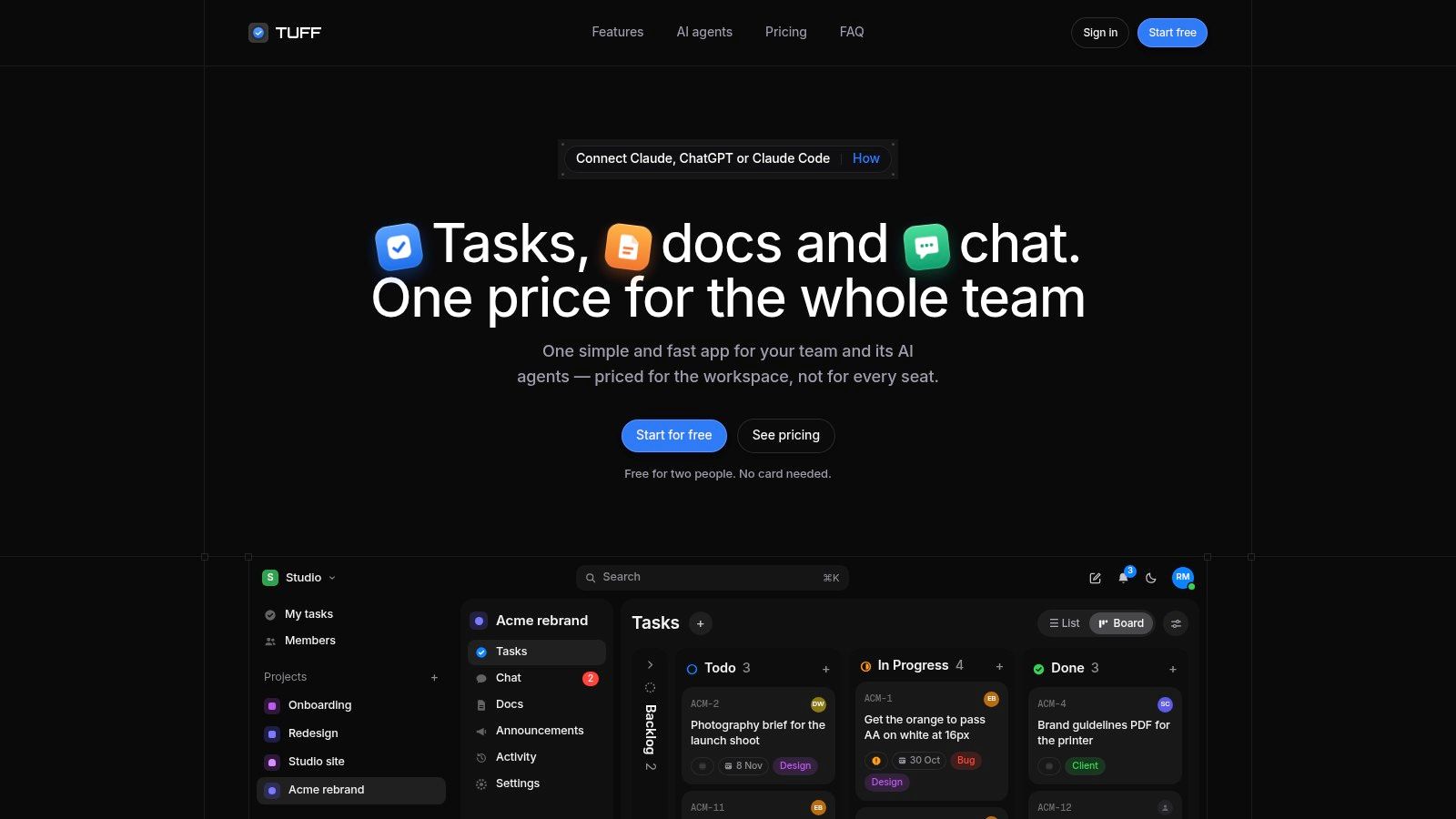
Tuff fits agencies, studios, and internal teams that want conversations and delivery work together. Each project holds tasks, chat, documents, files, and announcements. A chat message can mention an existing task or become a new one, so an actionable request doesn't have to remain buried in discussion.
That structure suits a studio coordinating briefs, production tasks, and review decisions. Time logging happens against the work, while team statistics show how time is distributed. It doesn't remove the need to assign owners or record approvals, but it gives those habits a shared place.
Workspace pricing and agent controls
We charge by workspace rather than by seat. Our free Duo plan supports two people with 250 MB, while monthly paid plans are Team at $25 for up to 10 people and 25 GB, Company at $99 for up to 100 people and 100 GB, and Unlimited at $299 for unlimited members and 1 TB. Prices are in US dollars before applicable tax, and all plans include unlimited projects and tasks.
Paid plans support MCP-compatible AI agents. Agents act with the authorizing user's identity, can't delete content, and have their actions identified in the activity feed.
- Where it works: Teams can connect discussion, documents, tasks, and time records without maintaining separate project contexts.
- Where it creates friction: Member and storage allowances still determine the appropriate plan. File-heavy studios should assess storage separately from headcount.
- What helps migration: Slack imports preserve channels, threads, names, and files, rather than discarding the context behind current work.
Our stated safeguards include encrypted traffic, database-level workspace separation, continuous database backups, and optional two-factor authentication. Customer data isn't sold or used to train AI. Teams wanting a combined work hub should still test their actual review and reporting routines before migrating.
2. Asana
Asana is a strong fit when ownership and cross-team handoffs matter more than replacing every collaboration app. Marketing and operations teams can organize campaign tasks, assign responsibility, and track dependencies without making a document database their primary work queue.
Say an agency is preparing a client launch. Copy, design, legal review, and publication each need an owner and a deadline. Asana's list, board, timeline, and Gantt-style views offer different ways to inspect that same delivery process.
Clear ownership, separate conversation tools
The main trade-off is the boundary between tracking work and discussing it. Slack, Google Drive, and Zoom integrations can connect existing tools, but the team still needs a rule for recording final decisions on the relevant task.
Asana Starter is listed at $10.99 per user per month billed annually, or $13.49 billed monthly, on Asana's website. Starter includes free guest seats for client and contractor collaboration, which matters when external participation would otherwise inflate the subscription.
- Best fit: Cross-functional teams that need consistent assignments, dates, and structured handoffs.
- Likely frustration: Teams expecting project tracking to replace everyday chat and file management.
- Cost check: Confirm which collaborators qualify as guests, and which reporting or automation capabilities require a different tier.
I'd shortlist Asana when managers need a reliable work-tracking system and employees are comfortable keeping some communication elsewhere.
3. ClickUp
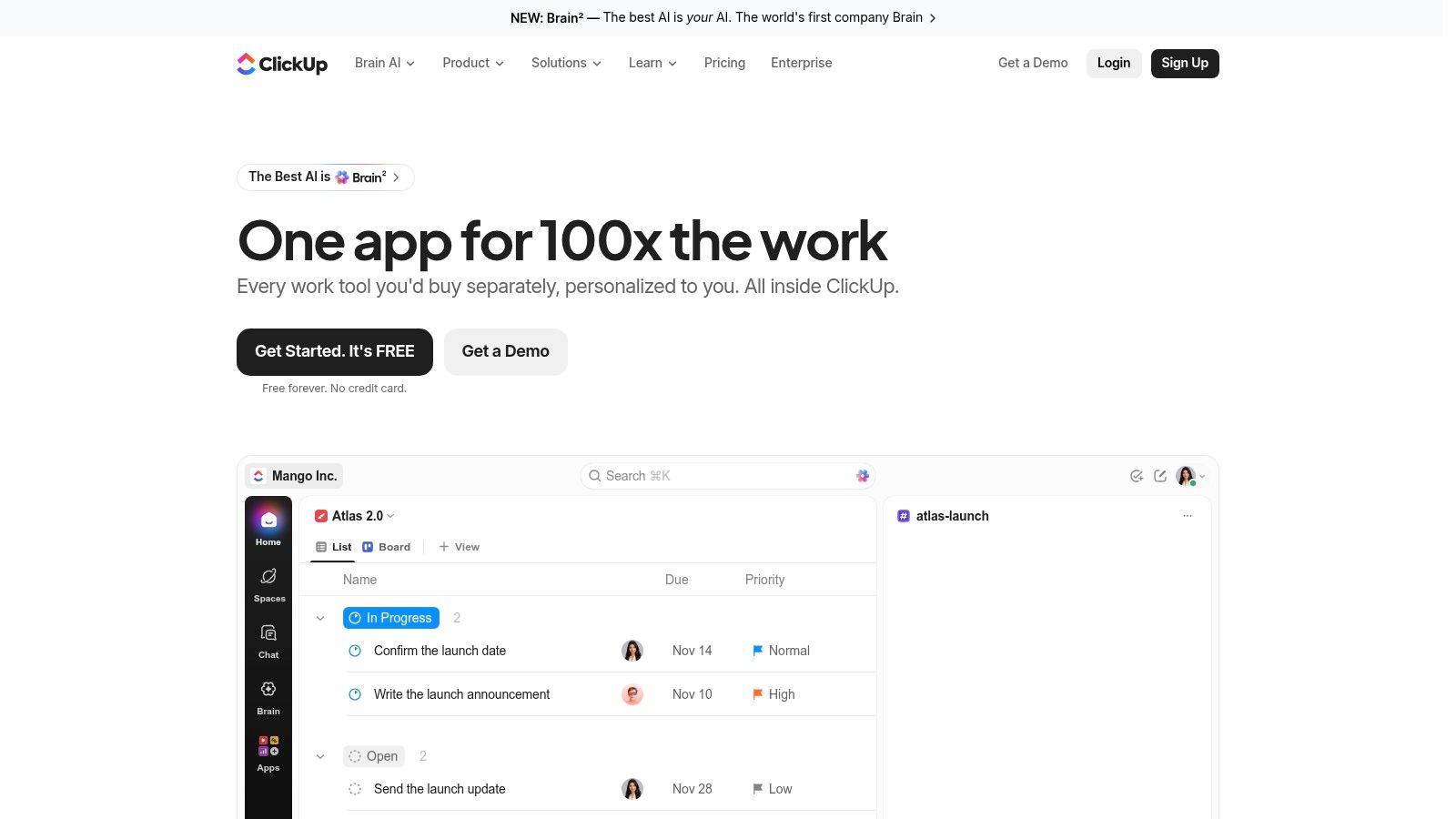
ClickUp suits teams willing to configure their workspace before expecting everyone else to use it. Tasks, docs, chat, and time tracking can bring several workflows together. The challenge is deciding which capabilities to leave unused.
Flexibility helps only when someone owns the structure. If every department invents different statuses, fields, and folder conventions, managers still have to translate between teams. The fragmentation sits inside the application instead of across applications.
Setup rule: Start with the smallest shared workflow that handles real delivery. Add fields only when someone uses them to make a decision.
ClickUp lists a Free Forever plan, with Unlimited at $7 per user per month and Business at $12 per user per month when billed annually, on ClickUp's website. The free plan includes unlimited tasks and members, but storage and feature limits still apply.
Budget for administration
List, board, calendar, timeline, and Gantt views give teams room to adapt. Paid-plan goals, dashboards, workload, and portfolio capabilities can support broader oversight, subject to the selected tier and usage limits.
Best fit: An operations-led team that wants consolidation and has a named workspace administrator. Likely frustration: A small creative team that wants to start assigning work without debating configuration.
During evaluation, ask a regular contributor to find an assignment, log time, and locate its supporting document. If those actions require an explanation every time, simplify the workspace before adding more functionality.
4. monday.com Work Management
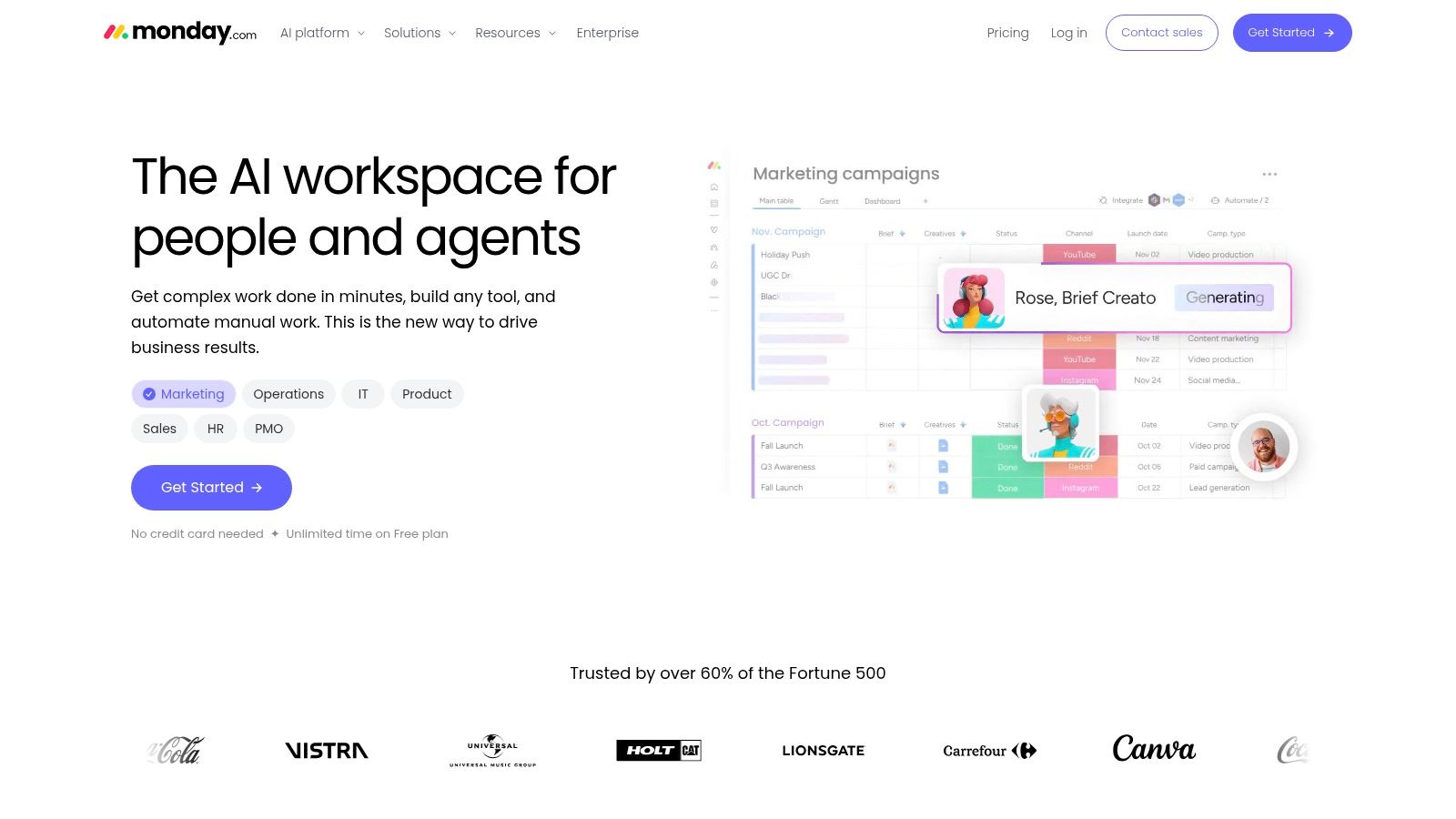
A recurring production workflow is a sensible starting point for monday.com. Build a board around incoming requests, production, review, and completion, then use columns for owners, dates, and project details. People who prefer scanning a visual status board may find that structure easier to maintain than a detailed scheduling system.
The risk is inconsistent board design. If account managers use different meanings for the same status, a combined dashboard can look precise while reporting incompatible information.
Visual flexibility has a pricing boundary
monday.com lists Basic at $9 per seat per month and Pro at $19 per seat per month, billed annually, with a minimum seat requirement shown on its website. Don't treat the headline seat rate as the complete purchasing calculation. The seat structure and selected tier both affect your purchase.
- Best fit: Operations and creative teams with repeatable processes that benefit from visual boards.
- Tier check: Timeline, Gantt, calendar, guest access, automations, integrations, and multi-board dashboards depend on the plan.
- Adoption check: Agree on shared status definitions before departments build their own boards.
Teams seeking help to streamline operations with monday.com should define the handoffs they want to improve before commissioning configuration. A well-built workflow should reduce maintenance, not require a specialist to interpret ordinary project status.
5. Teamwork.com
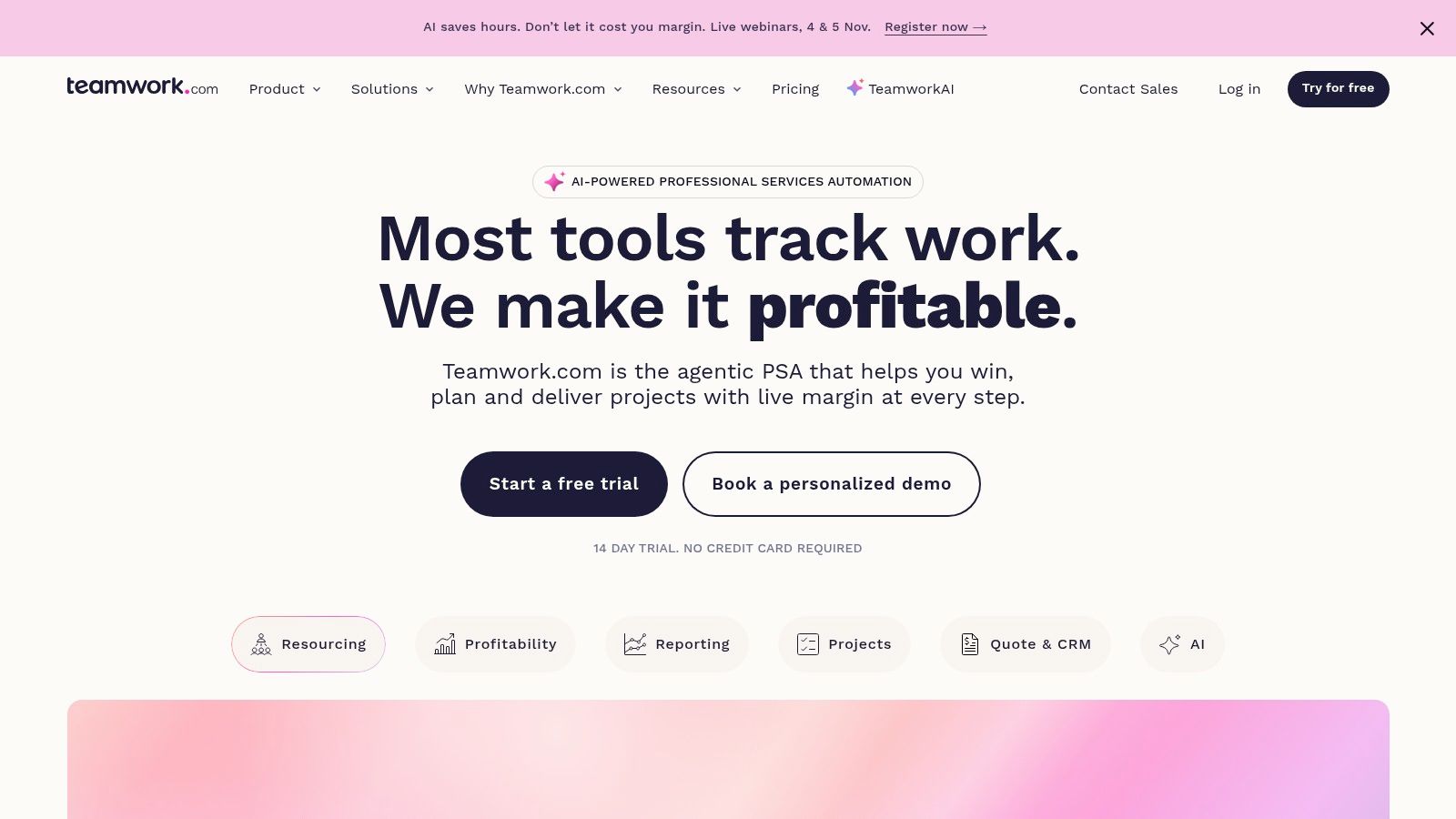
Teamwork.com belongs on an agency shortlist when project delivery and commercial performance need to connect. Organizing work by client and logging time against delivery makes more sense for a service business than treating every assignment as an isolated task.
The practical distinction is between completing work and understanding what it consumed. An agency may deliver on schedule while spending far more design time than expected. That calls for budget and resource visibility, not another completion dashboard.
Buy for the financial workflow you need
Teamwork.com lists a free plan for up to five users and five projects, with Basics at $9.99 and Accelerate at $24.99 per user per month billed yearly, on its website. Higher tiers add capabilities such as budgets, resourcing, and profitability insights, so the entry price isn't a proxy for the complete agency workflow.
Test time capture alongside task management. If contributors don't record time consistently, financial reports won't provide a dependable basis for staffing or scope decisions.
- Strong fit: Agencies and consultancies coordinating client deliverables, time, and resource commitments.
- Weak fit: Internal teams that need simple task tracking and won't use service-business controls.
- Pilot priority: Run a client project through delivery and review whether its time records support a useful commercial discussion.
The operating habits behind managing multiple projects still matter. Set priorities across clients instead of letting every project manager assume the same specialist is available.
6. Wrike
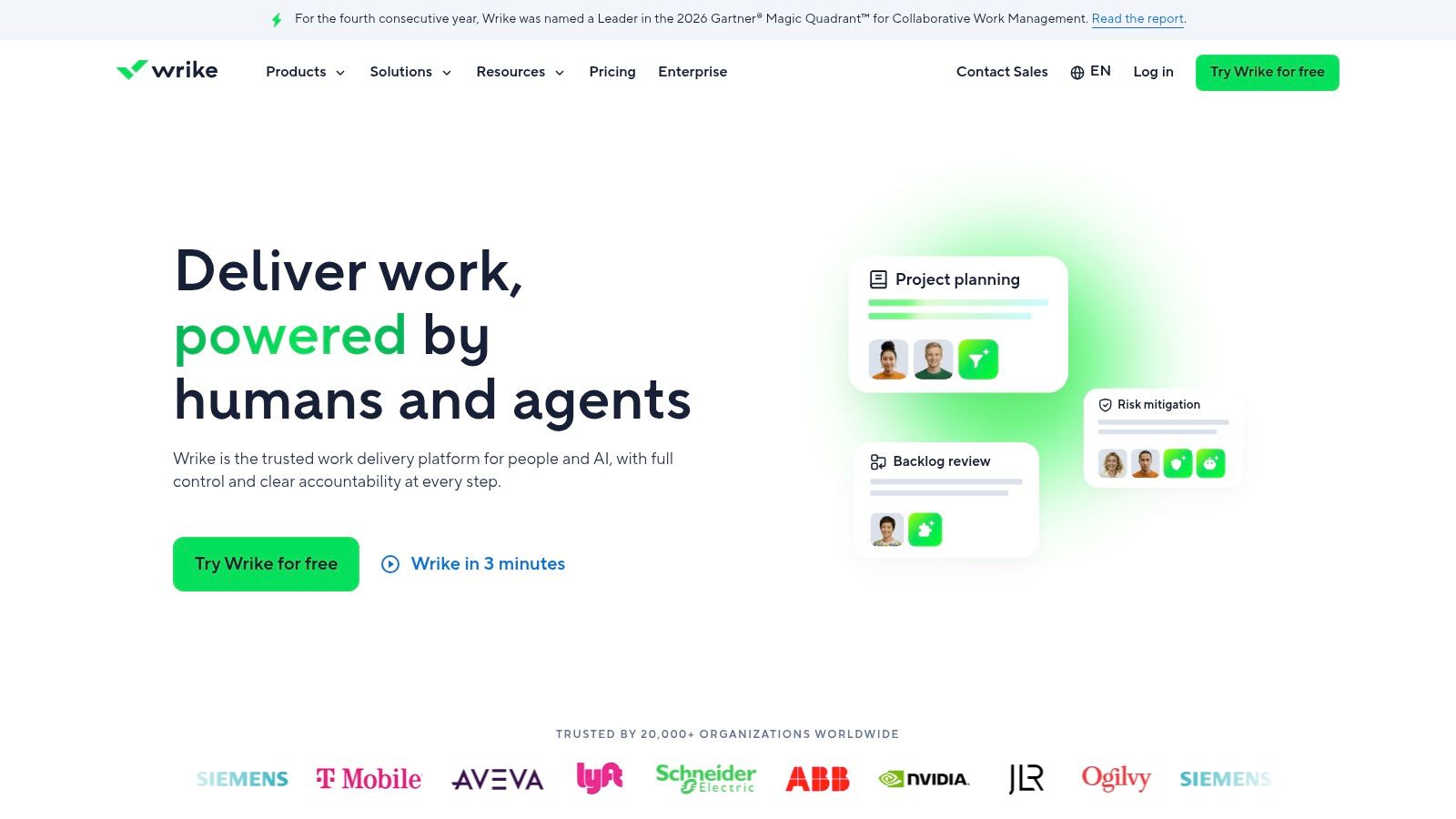
Wrike makes more sense when managers need structured oversight across teams than when a small group only needs a shared task list. Board, table, and Gantt views support different planning styles, while dashboards and workflows help formalize progress reporting.
That structure needs an owner. Someone must maintain workflow definitions, permissions, and reporting expectations. Without that ownership, contributors can end up serving the reporting system rather than receiving useful direction from it.
A dashboard should help a manager decide what to change. If it only prompts another round of status questions, inspect the underlying workflow.
Wrike lists Team at $10 per user per month and Business at $25 per user per month, billed annually, alongside a free plan on Wrike's website. Subscriptions are sold in seat groups, so a smaller team may need to purchase more capacity than its current headcount.
Inspect the full package
Advanced resource planning, budgeting, and reporting sit in higher tiers. Some AI capabilities and integrations depend on particular plans or paid add-ons, which makes a workflow-based quote more useful than a headline-price comparison.
Best fit: Growing organizations with formal planning, reporting, and cross-departmental coordination needs. Likely frustration: Small teams that want lightweight collaboration without seat-group purchasing or ongoing administration.
Bring a real reporting requirement to the evaluation. Ask whether the proposed package can answer it using normal contributor updates, not a separate spreadsheet maintained by the project manager.
7. Jira
Jira fits software and product teams whose work already revolves around backlogs, sprints, and development states. For those teams, detailed workflow configuration can reflect genuine delivery needs. For a studio managing brand assets and client feedback, the same structure can introduce unnecessary terminology and administration.
A useful test is whether your team needs an engineering backlog or a reliable list of commitments. Don't adopt a development-oriented process because it appears more rigorous.
Keep development detail where it helps
Jira lists a Free plan for up to 10 users and Standard at $7.91 per user per month on Atlassian's Jira website. The listed Standard plan includes Rovo search, chat, and agents, while permissions, automation, and reporting vary by plan.
- Best fit: Software teams coordinating backlog refinement, sprint work, and issue resolution.
- Likely friction: Nontechnical collaborators who need to understand client progress without learning development workflows.
- Cost check: Include any marketplace apps and administration required to support your intended process.
Teams comparing product management software should distinguish product discovery from execution tracking. A development backlog doesn't automatically capture the customer evidence behind a prioritization decision.
For quality assurance, connect defects to the relevant delivery work and make expected results explicit. Guidance on planning and executing manual tests can help define that process before you configure issue types and workflow states.
8. Notion
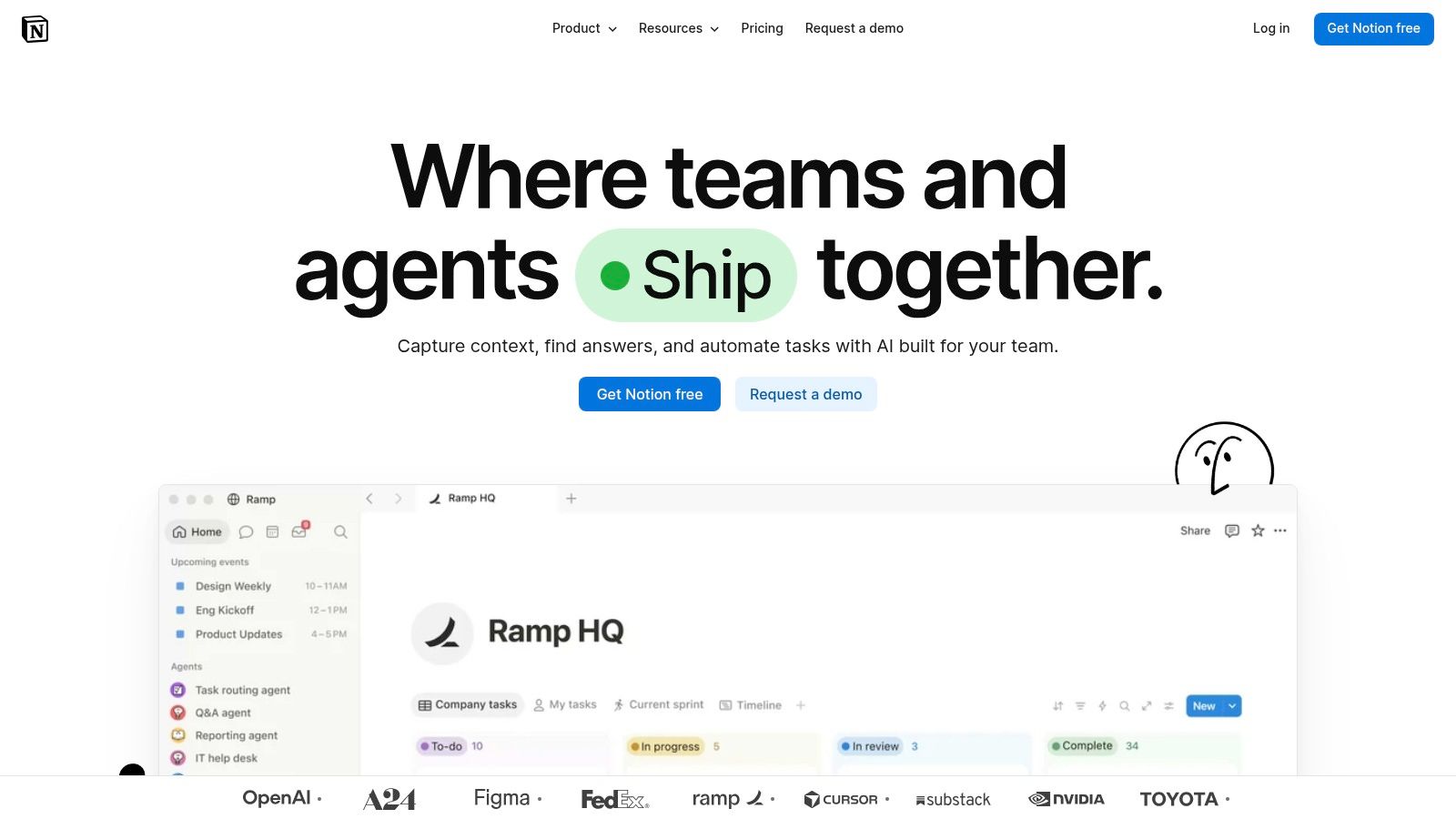
Notion is most compelling when the explanation behind the work matters as much as the task itself. A content studio can keep a brief, reference material, editorial guidance, and a project database close together. That suits teams whose delivery depends on shared knowledge.
The trade-off is that your team designs the operating system. Pages and databases are flexible, but someone must decide how projects relate to tasks, which properties are mandatory, and where completed work belongs.
Treat templates as maintained infrastructure
Notion offers Free, Plus, Business, and Enterprise plans. Confirm the applicable workspace pricing and billing terms rather than assuming the plan used for a personal workspace will suit a collaborative production team.
- What works: Project databases alongside documents, wikis, and reference pages.
- What needs ownership: Templates, database relationships, naming conventions, and archiving.
- What needs testing: Formal scheduling, resource management, and time tracking, which may require additional setup.
Notion can frustrate teams that want an established delivery process ready to use. A beautifully designed project page isn't enough if contributors can't find their assignments or managers must manually reconstruct progress.
I'd choose it for documentation-heavy teams that will maintain the structure. Before committing, ask someone who didn't build the workspace to find the current brief, update a task, and identify the next handoff without help.
9. Trello
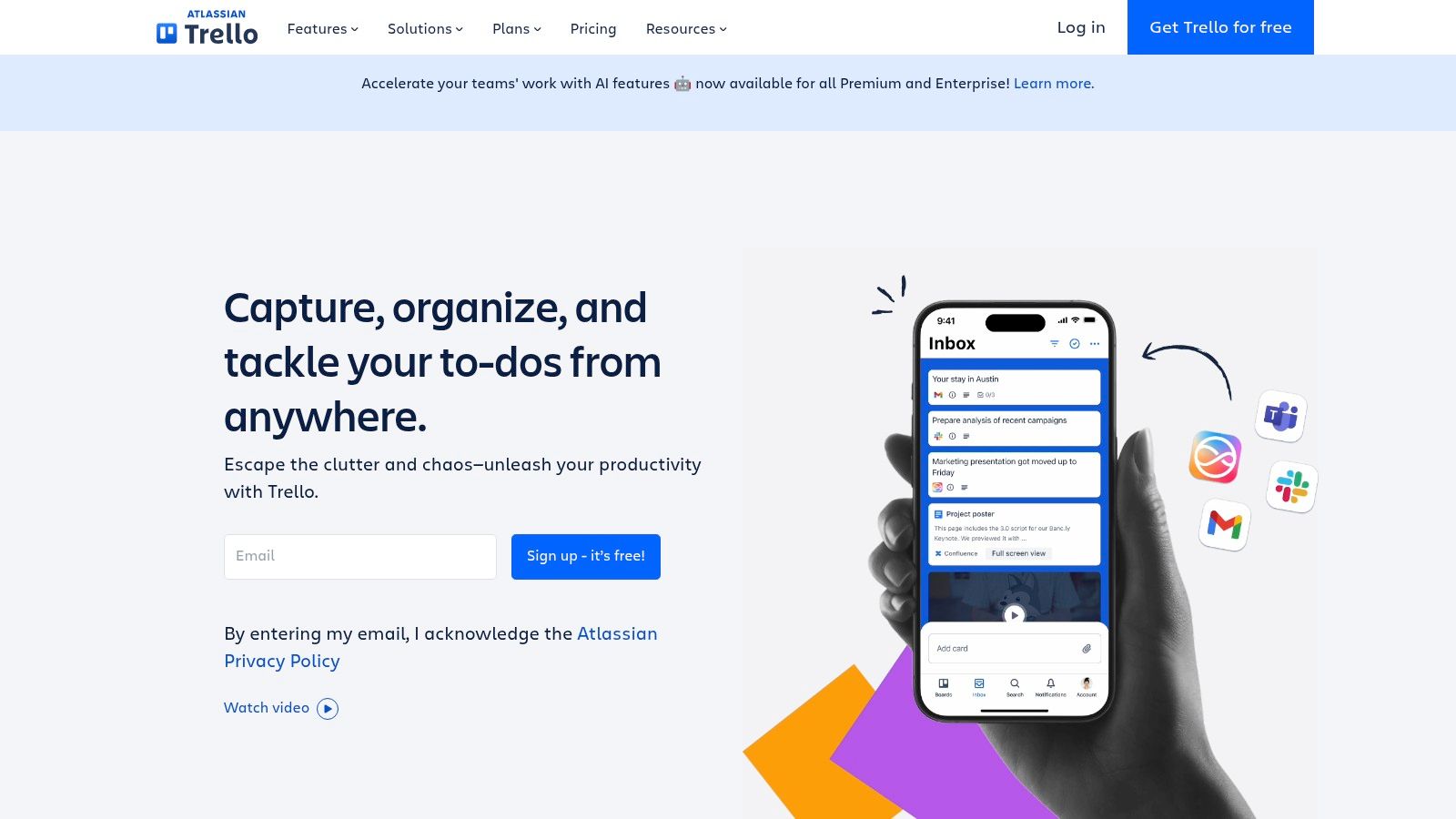
A card moving from ready to in progress to review can explain a workflow better than a complicated project hierarchy. Trello suits straightforward production queues and recurring processes where everyone benefits from seeing work move through recognizable stages.
Cards can hold assignees, due dates, checklists, and attachments. That can be enough for a small content operation or an internal request queue, provided each card represents a clear piece of work.
Board discipline: Define what must be true before a card moves into review. Otherwise, the review column becomes a storage area for unfinished work.
Trello's Free plan supports up to 10 collaborators per Workspace, while Standard starts at $5 per user per month and Premium at $10, billed annually, on Trello's website. Premium adds calendar, timeline, table, dashboard, and map views.
Watch the cross-project burden
Power-Ups and automation can extend a board, but each addition should solve a concrete problem. If managers must inspect many boards to understand a shared person's workload, the original simplicity may no longer fit the operating model.
Best fit: Teams with visible, repeatable work stages and modest reporting needs. Likely frustration: Agencies coordinating complex dependencies, shared specialists, and portfolio-level decisions.
During a pilot, don't evaluate only the board itself. Evaluate the weekly planning conversation and whether managers can identify competing commitments without manually collecting updates from every project.
10. Zoho Projects
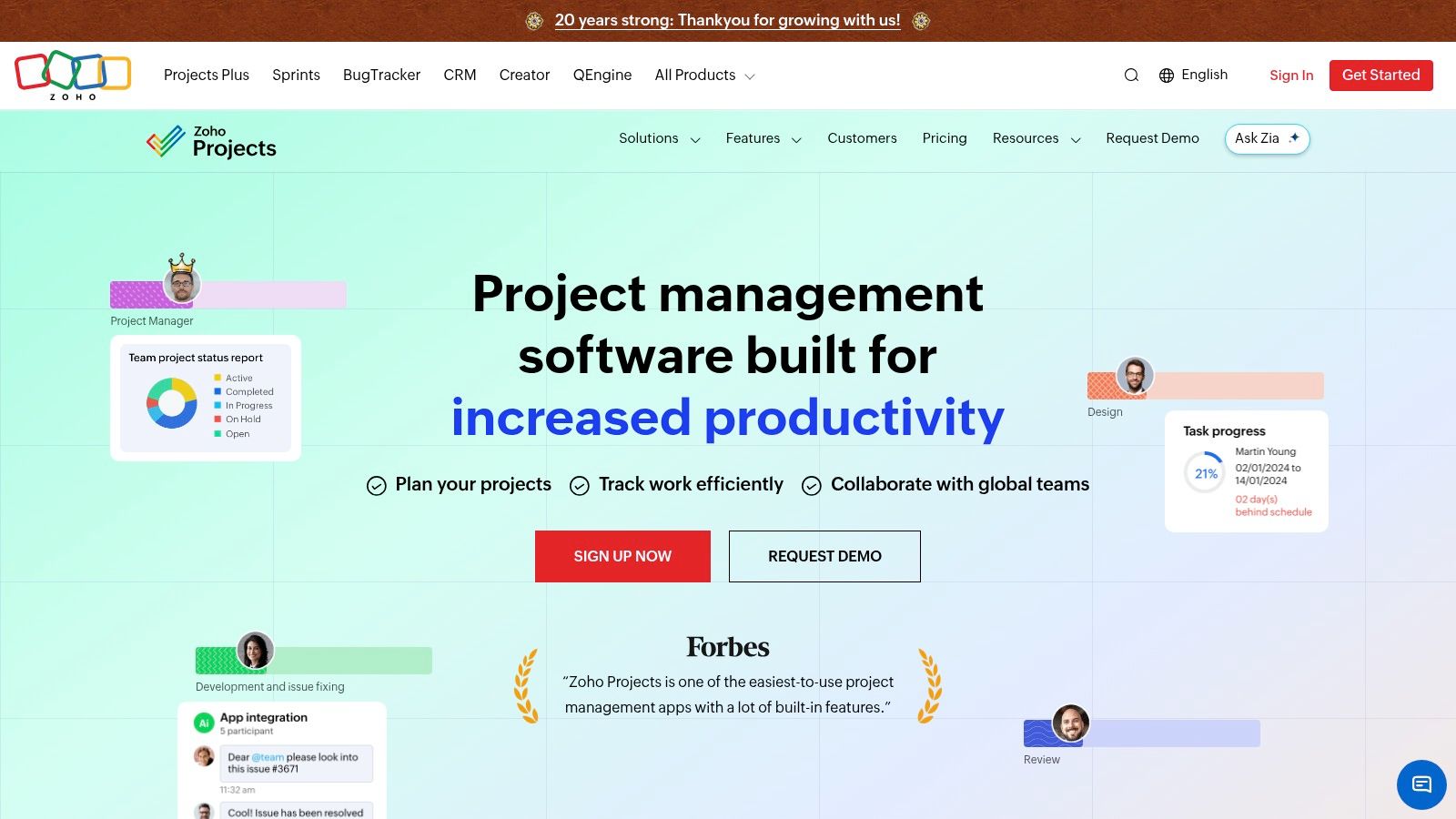
Zoho Projects deserves consideration when your organization already uses Zoho business software. Project planning, tracking, collaboration, and workflow automation may fit naturally into an existing software environment. That familiarity is useful only if the actual handoffs work.
For a team outside the Zoho ecosystem, start with integration fit rather than assuming that a broader software suite will simplify operations. Identify where client details, documents, and time records need to go, then test those paths.
Check limits against live work
Zoho Projects offers a free plan supporting up to five users and three projects, according to its website. Check current paid-plan rates and user allowances before budgeting, along with storage and the tiers that provide advanced project controls.
- Best fit: Teams seeking dedicated project management, especially those already committed to Zoho products.
- Likely friction: Teams whose essential communication or business systems don't connect cleanly to the intended workflow.
- Upgrade trigger: Project, user, storage, or feature limits that prevent the free workspace from representing normal operations.
A free plan is useful for testing, but a restricted pilot can hide the work involved in managing a full delivery schedule. Compare free project management scheduling software against the requirements of active projects, not just the ability to create sample tasks.
Ask contributors to complete a real handoff and managers to reconstruct its history. That reveals more than a neatly populated demonstration workspace.
Free plans, listed starting prices, and best-fit teams at a glance
Free plans can help teams test a workflow, but their limits change how useful that test is. Compare the paid starting price with the team size and usage limits shown here. Prices and billing terms are listed as stated in the platform descriptions.
| Item | Free plan | Listed paid starting price | Best suited for |
|---|---|---|---|
| Tuff (recommended) | Duo plan for 2 people, with 250 MB of files | $25 per workspace/month for up to 10 people, with 25 GB of files | Teams wanting project management, chat, documents, and time tracking in one workspace |
| Asana | Free plan with limited features | $10.99 per user/month billed annually, or $13.49 monthly | Teams coordinating work across projects, including agencies |
| ClickUp | Free Forever plan with unlimited tasks and members; storage and features are limited | $7 per user/month billed annually | Teams seeking a broad set of project and collaboration tools |
| monday.com Work Management | Free plan available | $9 per seat/month billed annually | Teams wanting visual boards and configurable workflows |
| Teamwork.com | Up to 5 users and 5 projects | $9.99 per user/month billed yearly | Client-service businesses tracking projects, time, and resources |
| Wrike | Free plan with limited features | $10 per user/month, billed annually | Teams needing structured workflows, reporting, and oversight |
| Jira | Up to 10 users | $7.91 per user/month | Software and product teams managing backlogs and sprints |
| Notion | Free plan with limited features | Paid plans available; starting price not listed | Teams bringing project tracking and reference material together |
| Trello | Up to 10 collaborators per Workspace | $5 per user/month billed annually | Small teams managing straightforward visual workflows |
| Zoho Projects | Up to 5 users and 3 projects | Paid plans available; starting price not listed | Small teams, especially those already using Zoho products |
Matching the Platform to Your Team Before You Commit
Start with the people, not the interface. How many people will use the tool? Will clients or outside contractors need access? Where do conversations and files already live? Those answers narrow the field more effectively than a feature comparison.
A team that needs engineering backlogs should evaluate Jira differently from a studio that needs briefs beside production tasks. An agency managing budgets and resources should inspect Teamwork.com's commercial workflow, while a documentation-heavy group should test whether Notion's flexibility is worth maintaining. Asana, monday.com, ClickUp, and Wrike each deserve consideration when their particular balance of structure and configuration matches the team's habits.
Test the handoff, not the demonstration
Shortlist a small group of suitable platforms and run a real project through each for a fortnight. Use the same brief, contributors, external reviewer, and reporting request wherever practical. This is a recommended evaluation period, not a promise that every migration can finish that quickly.
Choose work with an awkward handoff. Include a changed deadline, a revised file, an approval decision, and time that needs recording. Then examine whether ordinary contributors kept the project accurate without a manager chasing updates.
- Follow a decision: Can someone find why the scope changed and who agreed?
- Follow a deliverable: Can the next owner locate the current file and understand what's ready?
- Follow the money: Does the required tier cover collaborators, storage, reporting, and time-related needs?
- Follow an agent action: Can the team identify what an AI agent accessed or changed and under whose authorization?
Measure the coordination effort that remains. Note where people duplicate records, search outside the workspace, or explain status in separate messages. Consolidation is useful when it reduces those tasks, not merely when it puts more buttons in the same interface.
Buy the workflow your team will maintain
Check the vendor's pricing page on the day you buy. Confirm billing frequency, seat minimums or seat groups, guest rules, storage allowances, automation limits, and the tier needed for essential reports. Don't budget from an entry-level rate if your pilot depended on higher-tier capabilities.
Assign responsibility for workspace maintenance before rollout. Someone needs to own templates, status definitions, access reviews, and the treatment of completed projects. Keep those rules short enough that contributors can remember them.
The right platform is the one your team will keep using after the first month. Choose the workspace that makes ownership clear and preserves delivery context without demanding more administration than the work itself.
Tuff combines tasks, chat, documents, files, and time tracking in shared project workspaces, with flat workspace pricing rather than separate per-user charges. Visit Tuff to test a live project and see whether keeping conversations beside the work reduces your team's handoff friction.