
Tuff vs ClickUp
Tuff vs ClickUp: the work and the talk, without the settings
ClickUp does everything, and asks you to set most of it up. Tuff does what a team uses every day — tasks, chat, docs and announcements in each project — and opens ready, at one flat price for the whole workspace.
Free for two people. No card needed.
What it costs.
ClickUp’s prices from clickup.com/pricing, where Core is listed at $12 per person a month billed yearly before its discounts, read on 26 October 2026. Tuff’s are per workspace, in US dollars, plus tax where it applies. All of Tuff’s plans
Everything in one place.
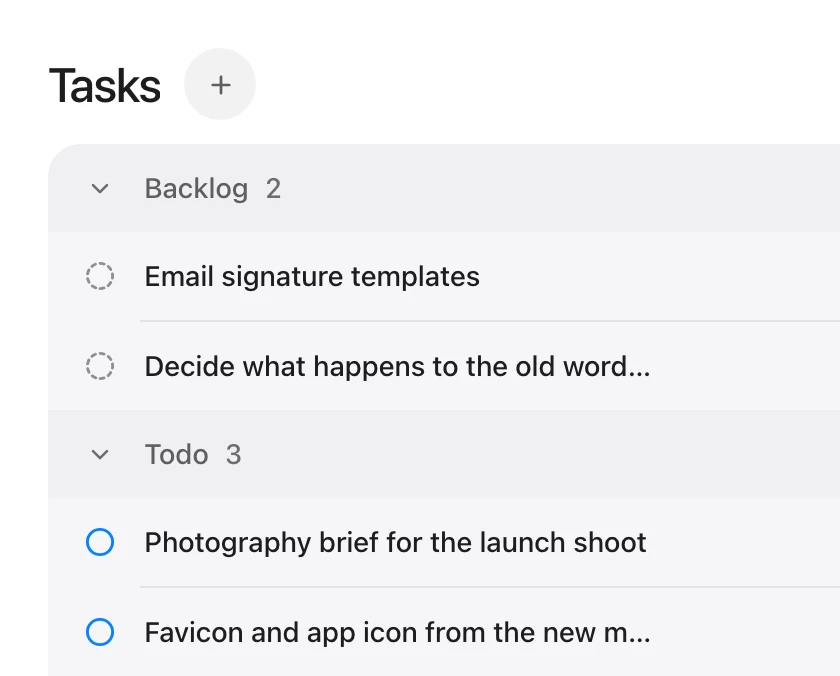
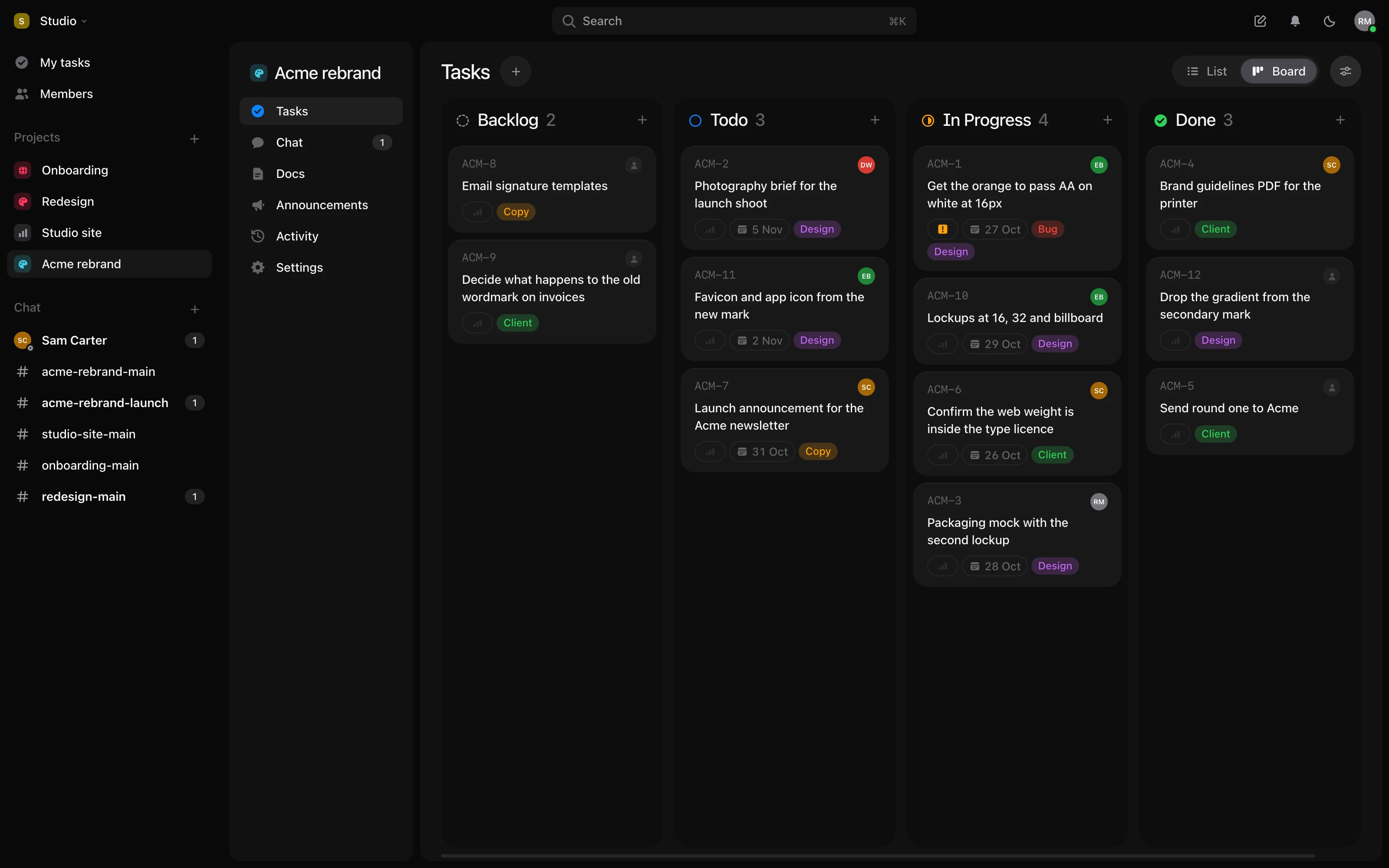
Unlimited projects and tasks. A project for every client, launch or sprint, with no cap on projects or tasks.
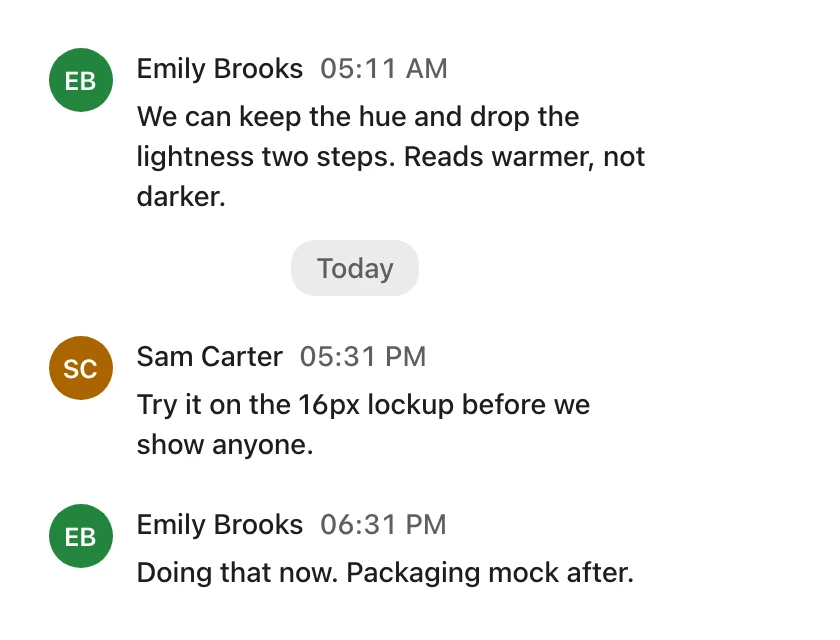
Chat that knows the work. Mention a task in any message without losing the thread, or turn a message into a task.
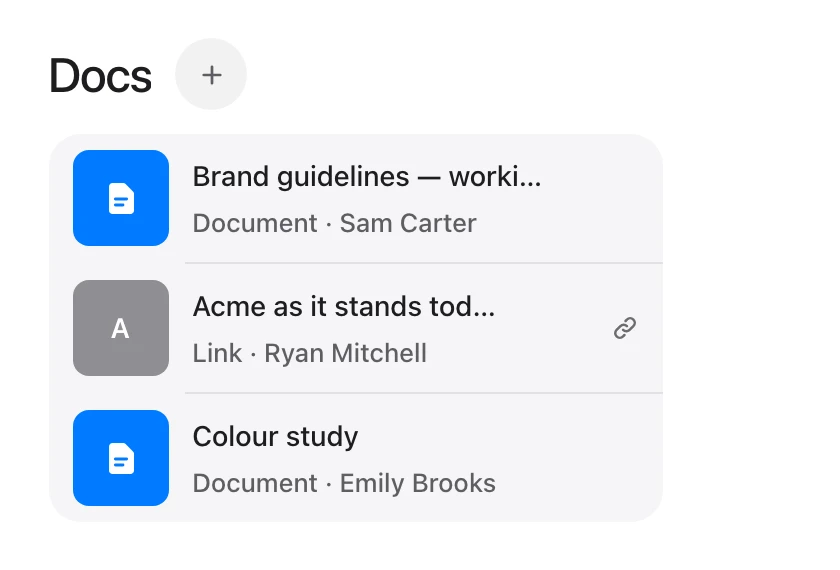
Docs, files and links. Documents, uploads and links live inside the project they belong to.
What is in each.
| ClickUp | Tuff | |
|---|---|---|
| Tasks | Lists, boards, Gantt, calendars and many more views | Lists and a board, with labels, dates, priorities and sprints |
| Chat | Yes | Rooms per project and direct messages |
| Docs and files | Docs and whiteboards | Docs, files and links in each project |
| Time tracking | Yes | Yes |
| AI agents | ClickUp’s own AI, by credits | Claude, ChatGPT and any MCP client, on paid plans |
| Price | Per person | Flat, per workspace |
Where ClickUp is the better choice.
- Far more views, fields, automations and dashboards, for a team that wants to shape the tool to its process.
- A free plan with no limit on members, though its storage is 60 MB.

Moving from ClickUp?
An AI agent can carry your projects across. How to move