
Tuff vs Linear
Tuff vs Linear for teams that are not only engineers
Linear is built for software teams and does that very well. Tuff is for a whole team — design, marketing, clients and engineering — with chat and docs in the same place as the work, at one flat price.
What it costs.
Linear’s prices from linear.app/pricing and slack.com/pricing — Linear lists no monthly price, read on 26 October 2026. Tuff’s are per workspace, in US dollars, plus tax where it applies. All of Tuff’s plans
Everything in one place.
Tuff’s own screens, from its demo workspace.
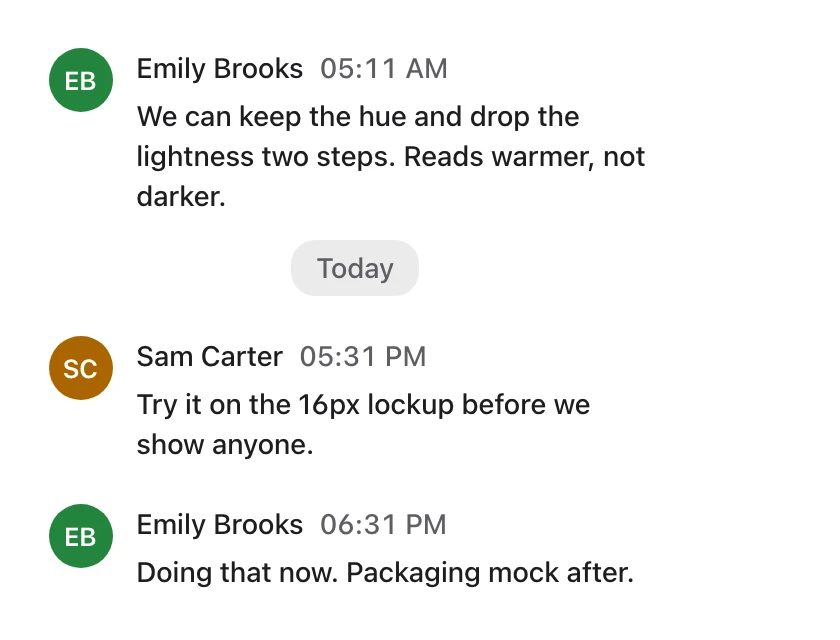
Chat that knows the work.
Mention a task in any message without losing the thread, or turn a message into a task.
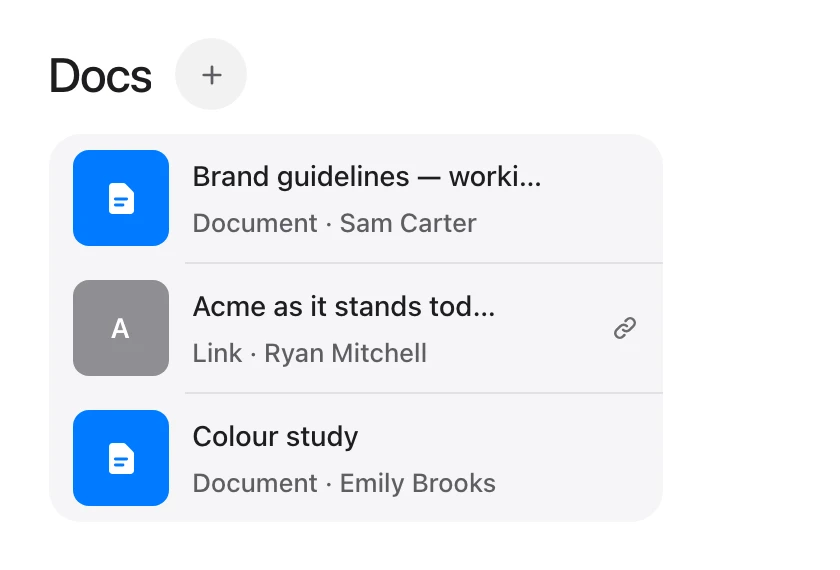
Docs, files and links.
Documents, uploads and links live inside the project they belong to.
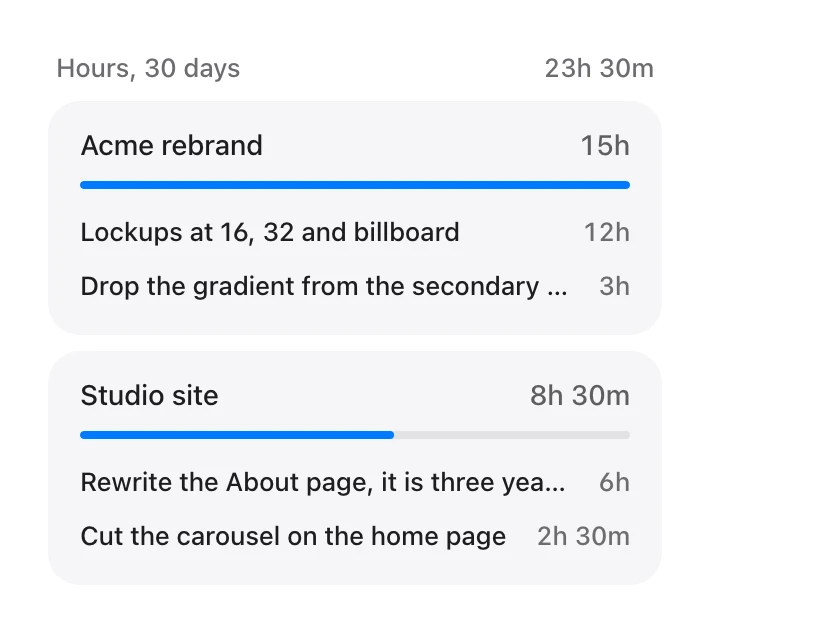
Time and team stats.
Log hours on the work itself and see where the team’s time goes.

AI agents on the team.
Connect Claude, ChatGPT or Claude Code over MCP. Agents work as you, and the activity feed says so.
What is in each.
| Linear | Tuff | |
|---|---|---|
| Tasks | Issues, cycles, triage and roadmaps | Lists and a board, with labels, dates, priorities and sprints |
| Chat | No | Rooms per project and direct messages |
| Docs and files | Project documents | Docs, files and links in each project |
| Announcements | Project updates | Yes |
| Time tracking | No | Yes |
| GitHub | Pull requests, commits and two-way issue sync | Pull requests on tasks and two-way issue sync |
| Price | Per person | Flat, per workspace |
Where Linear is the better choice.

- For a software team, Linear’s triage, Git integrations and keyboard-driven issue tracking go further than Tuff’s.
- Its free plan has no limit on people, though it stops at 250 issues.