
Tuff vs Notion
Tuff vs Notion: projects your team runs, not builds
Notion is a set of pages and databases you assemble into a system. Tuff is the system already: projects with tasks, chat, docs and announcements, ready the moment a project is made, and one flat price for the whole team.
Free for two people. No card needed.
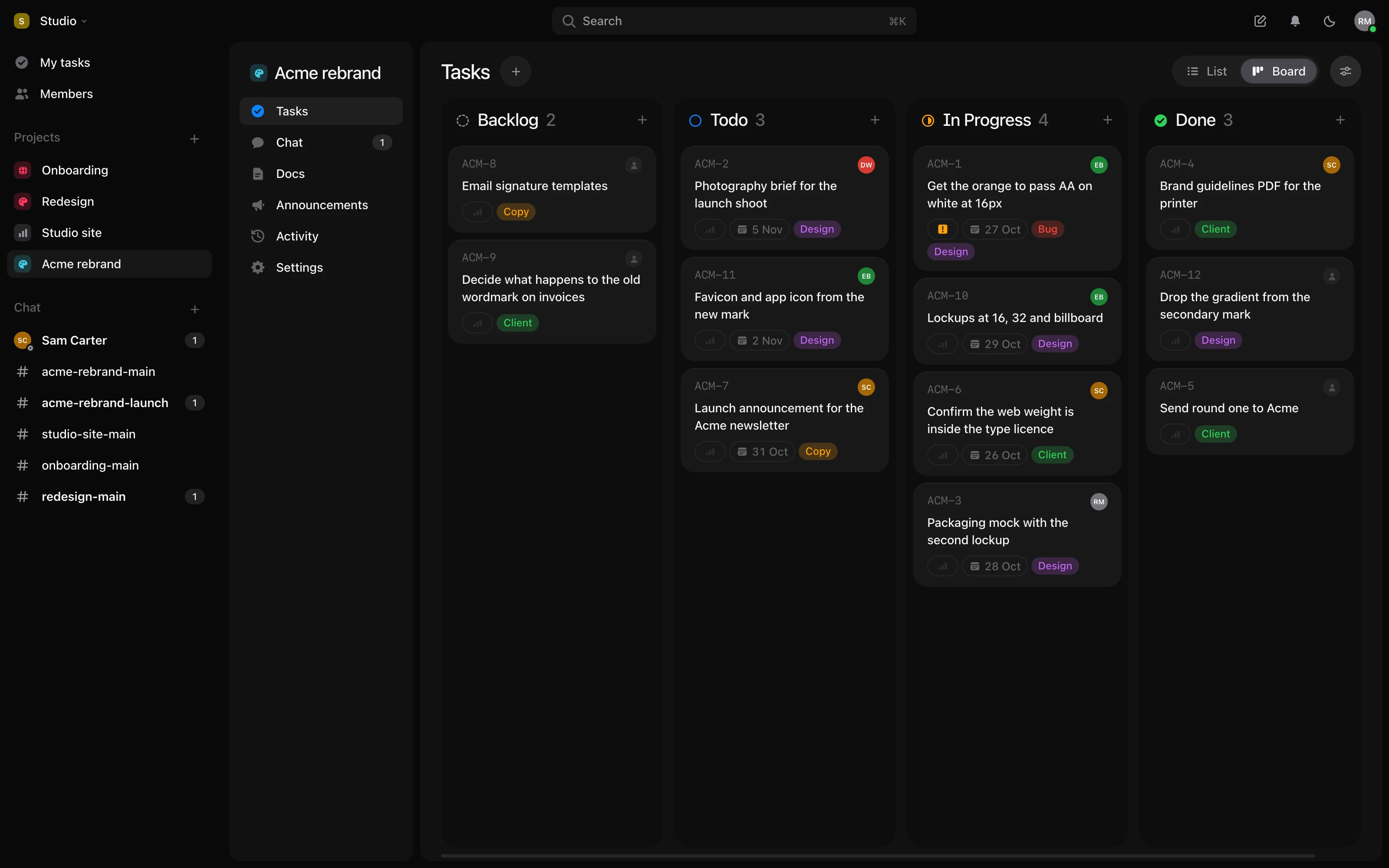
What it costs.
Notion’s prices from notion.com/pricing, read on 24 October 2026, and slack.com/pricing, read on 26 October 2026. Tuff’s are per workspace, in US dollars, plus tax where it applies. All of Tuff’s plans
Everything in one place.
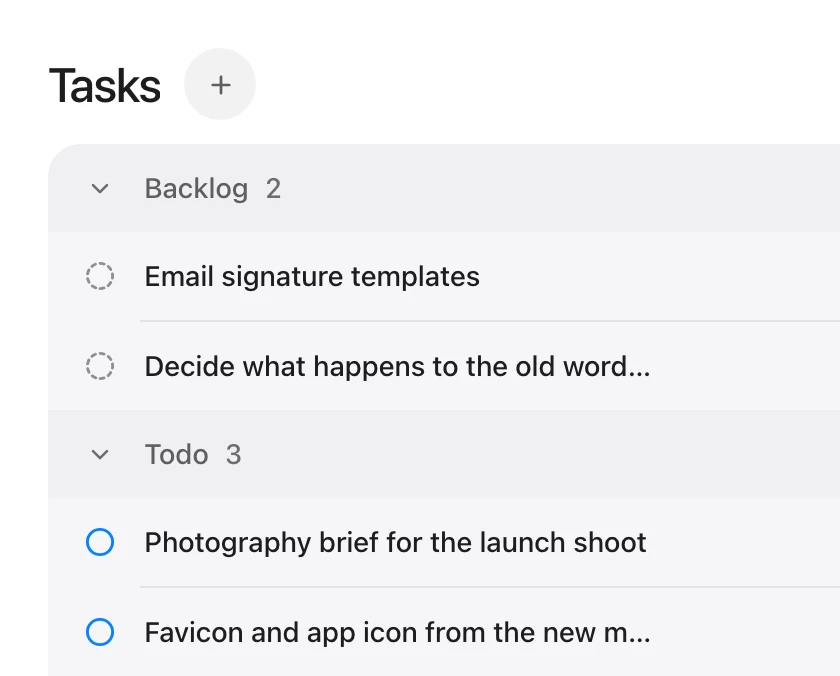
Unlimited projects and tasks. A project for every client, launch or sprint, with no cap on projects or tasks.
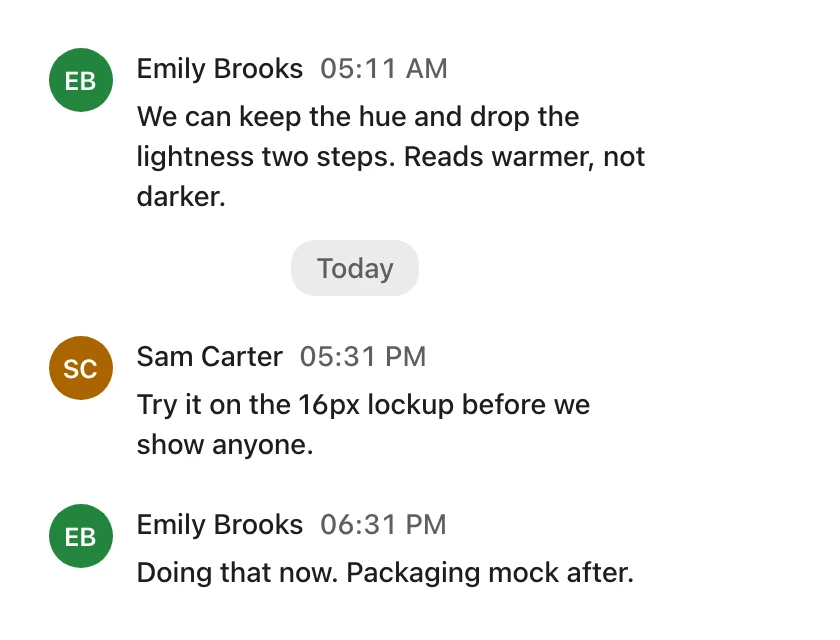
Chat that knows the work. Mention a task in any message without losing the thread, or turn a message into a task.
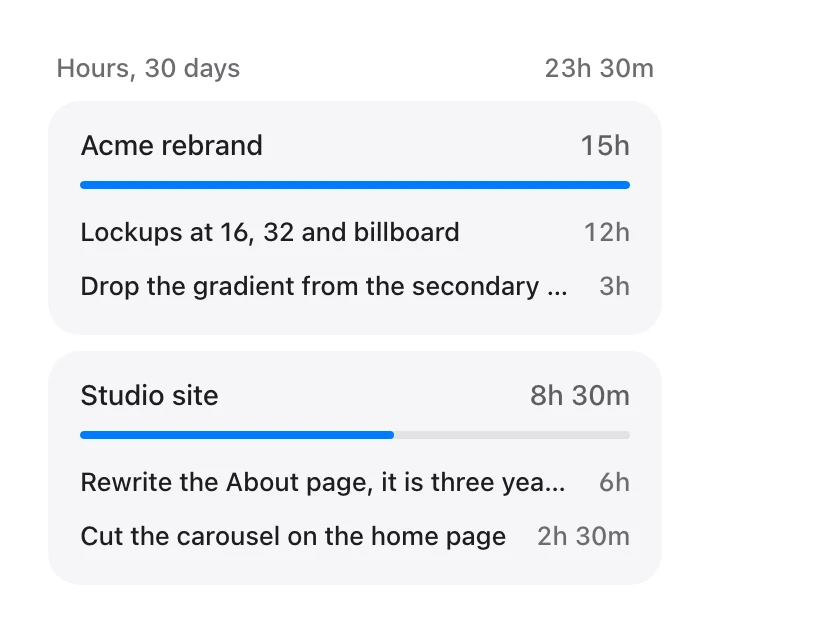
Time and team stats. Log hours on the work itself and see where the team’s time goes.
What is in each.
| Notion | Tuff | |
|---|---|---|
| Tasks | Databases you set up as task lists and boards | Lists and a board, ready in every project |
| Chat | No — comments on pages | Rooms per project and direct messages |
| Docs and files | Pages, wikis and databases | Docs, files and links in each project |
| Time tracking | No | Yes |
| AI agents | Notion’s own AI on Business | Claude, ChatGPT and any MCP client, on paid plans |
| Price | Per person | Flat, per workspace |
Where Notion is the better choice.
- Pages and databases you can shape into anything — a wiki, a CRM, a handbook.
- A large library of templates made by its community.

Moving from Notion?
An AI agent can carry your projects across. How to move