
Tuff vs Trello
Tuff vs Trello: a board, and the chat and docs beside it
Trello is a board, and a good one. A team also needs somewhere to talk and somewhere to write, so most pay for Slack and keep documents elsewhere. In Tuff each project has its board, its room and its docs together.
What it costs.
Trello’s prices from trello.com/pricing and slack.com/pricing, read on 26 October 2026. Tuff’s are per workspace, in US dollars, plus tax where it applies. All of Tuff’s plans
Everything in one place.
Tuff’s own screens, from its demo workspace.
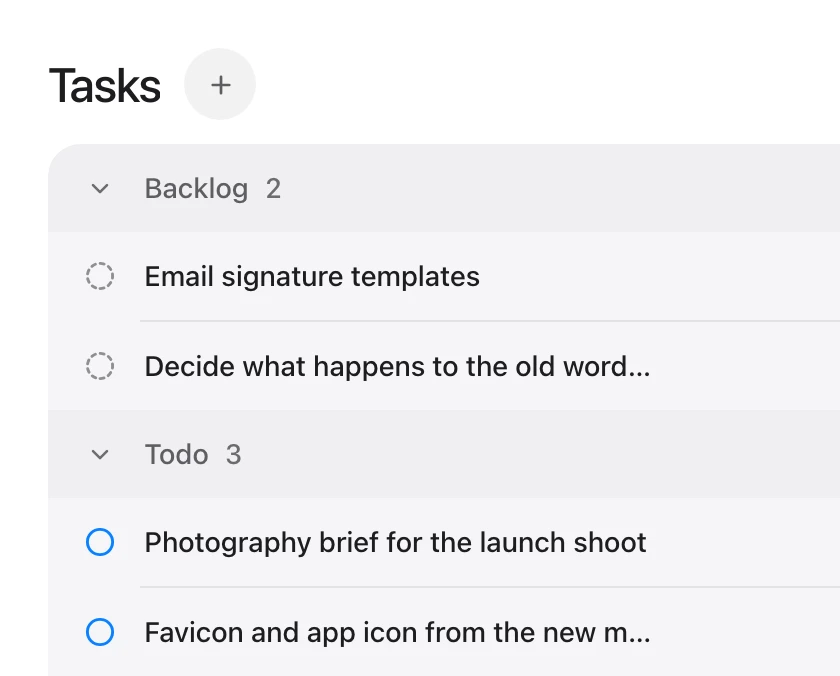
Unlimited projects and tasks.
A project for every client, launch or sprint, with no cap on projects or tasks.
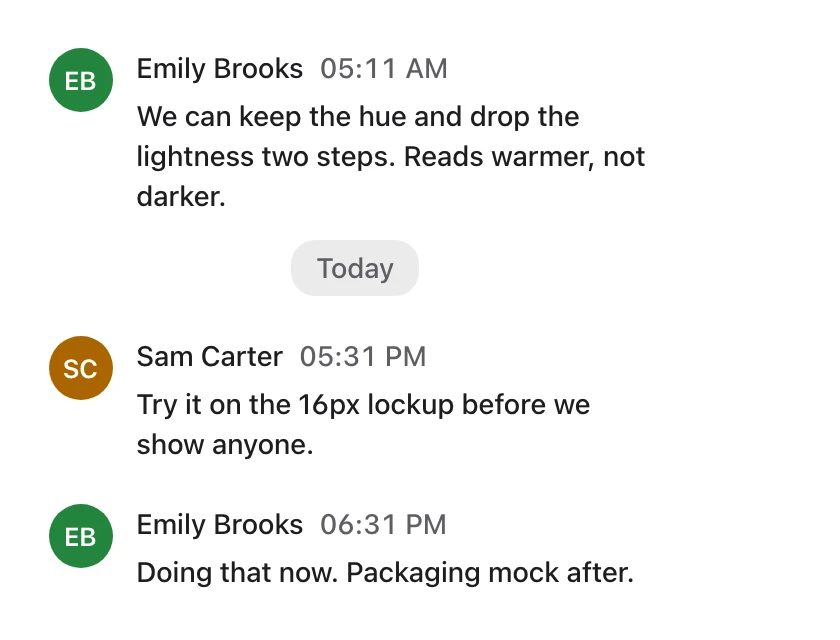
Chat that knows the work.
Mention a task in any message without losing the thread, or turn a message into a task.
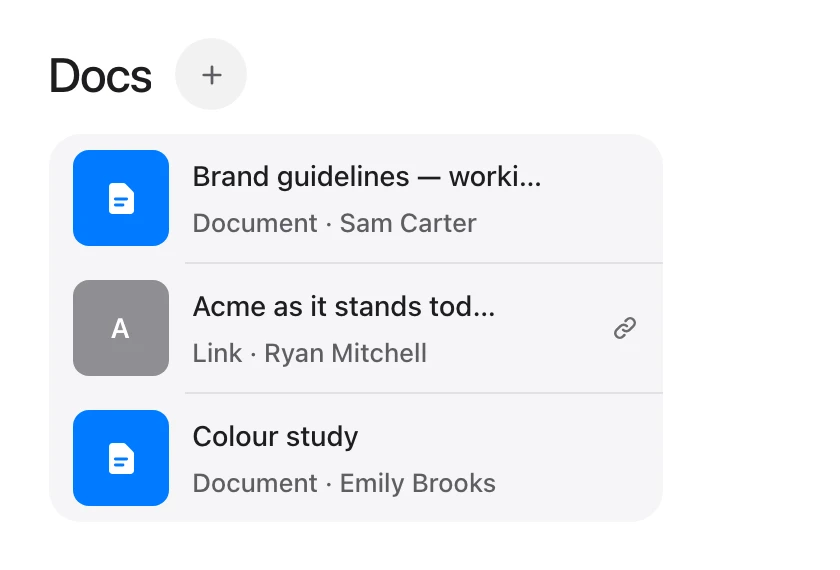
Docs, files and links.
Documents, uploads and links live inside the project they belong to.

AI agents on the team.
Connect Claude, ChatGPT or Claude Code over MCP. Agents work as you, and the activity feed says so.
What is in each.
| Trello | Tuff | |
|---|---|---|
| Tasks | Boards and a planner, with Power-Ups | Lists and a board, with labels, dates, priorities and sprints |
| Chat | No — comments on cards | Rooms per project and direct messages |
| Docs and files | Attachments on cards | Docs, files and links in each project |
| Time tracking | Through a Power-Up | Yes |
| Price | Per person | Flat, per workspace |
| GitHub | A Power-Up attaches pull requests, issues and commits to cards | Pull requests on tasks and two-way issue sync |
Where Trello is the better choice.

- The simplest board there is, and a library of Power-Ups for everything else.
- Free for up to ten collaborators, with up to ten boards.