
Tuff vs Slack
Tuff vs Slack: chat that sits next to the work
Slack is chat, and most teams pay for a project tool beside it. In Tuff the chat is inside each project, next to its tasks and docs: a message can name a task or become one.
Free for two people. No card needed.
What it costs.
Slack’s prices from slack.com/pricing, read on 24 October 2026, read on 26 October 2026. Tuff’s are per workspace, in US dollars, plus tax where it applies. All of Tuff’s plans
Everything in one place.
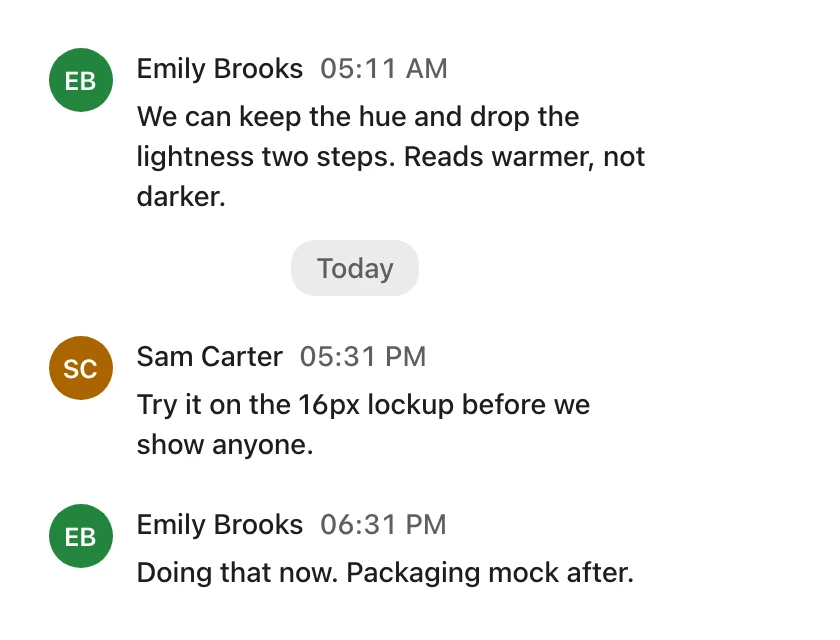
Chat that knows the work. Mention a task in any message without losing the thread, or turn a message into a task.
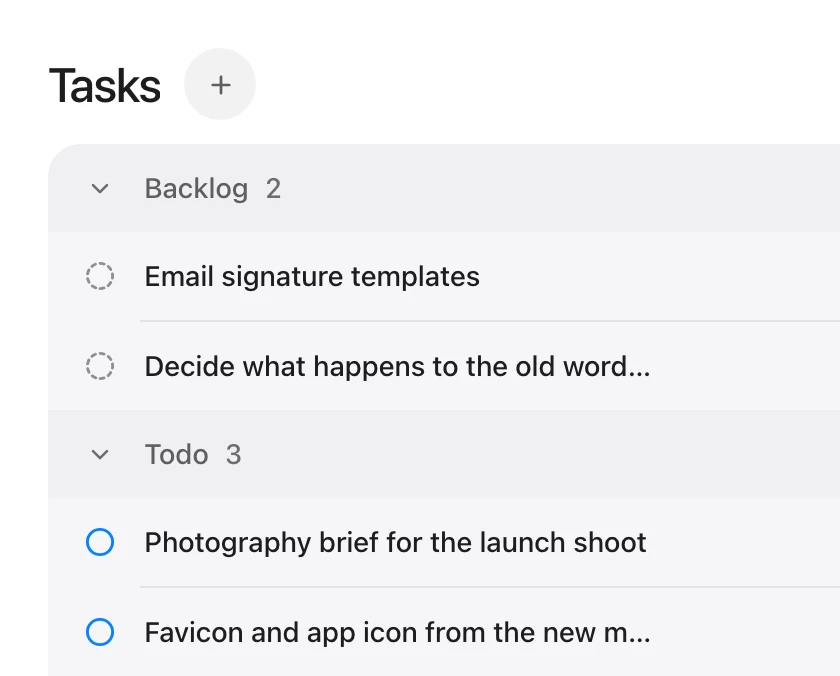
Unlimited projects and tasks. A project for every client, launch or sprint, with no cap on projects or tasks.
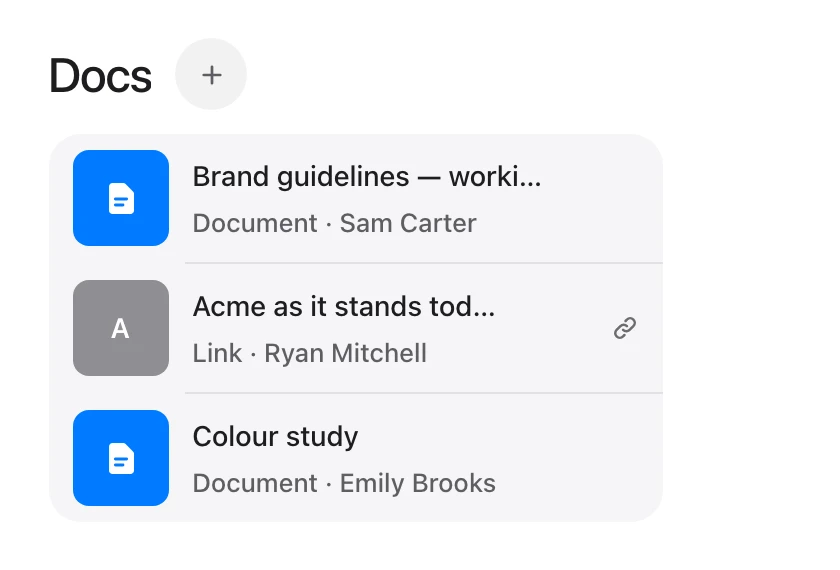
Docs, files and links. Documents, uploads and links live inside the project they belong to.
What is in each.
| Slack | Tuff | |
|---|---|---|
| Chat | Channels, threads and huddles | Rooms per project, threads and direct messages |
| Tasks | Lists, on paid plans | Lists and a board, with labels, dates, priorities and sprints |
| Docs and files | Canvases and files | Docs, files and links in each project |
| Calls | Huddles | No |
| Moving across | — | A channel’s history imports from a Slack export |
| Price | Per person | Flat, per workspace |
Where Slack is the better choice.
- Huddles and calls, which Tuff does not have.
- Slack Connect for talking with other companies, and thousands of integrations.

Moving from Slack?
Bring a channel’s history across from a Slack export. How to import