Recurring tasks, blockers and reminders
Tasks that repeat, tasks that wait on each other, a reminder of your own, a livelier chat and more for teams working with AI agents.
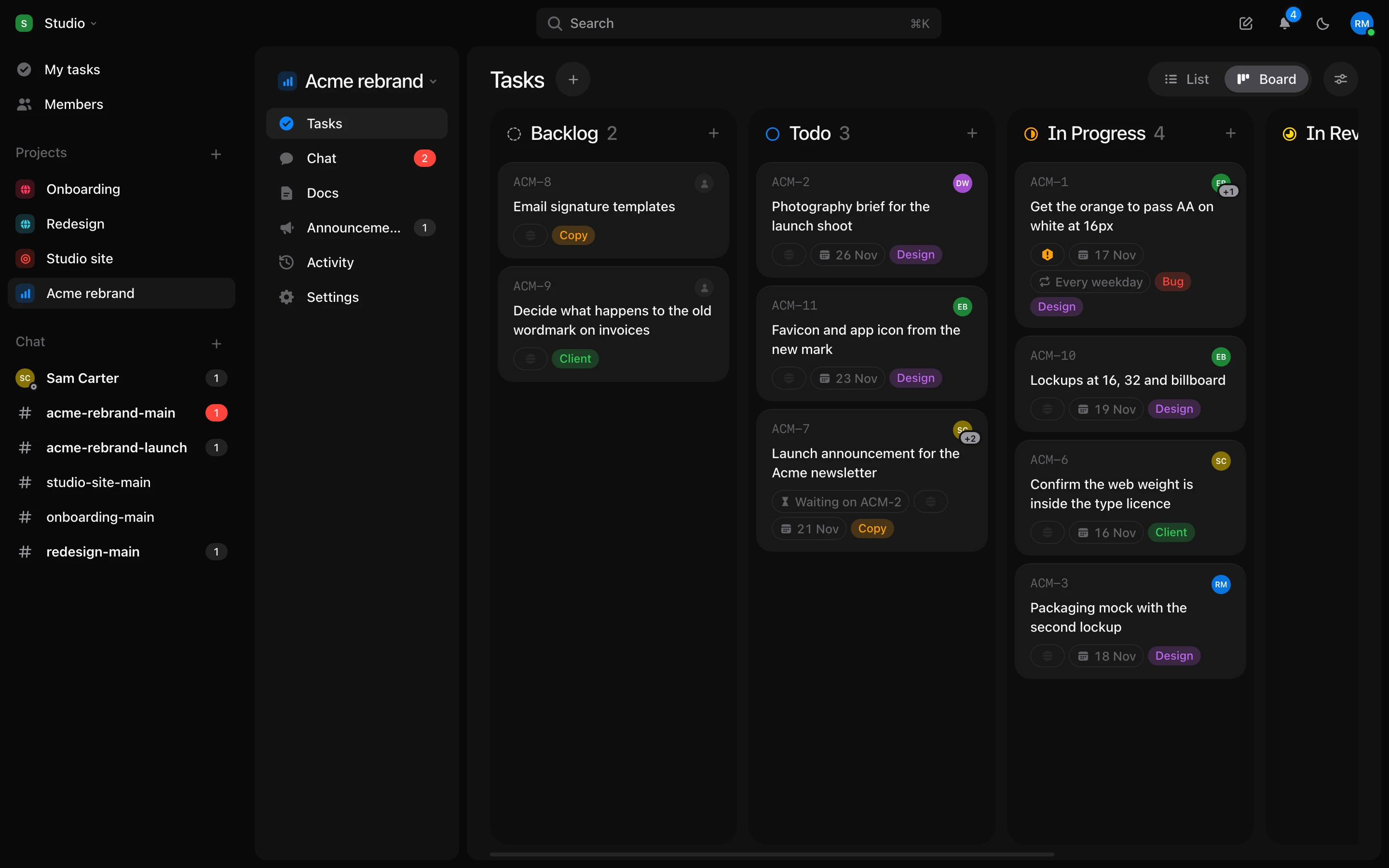
Recurring tasks
- Set “Every Friday” or “the 1st of each month” in the date picker.
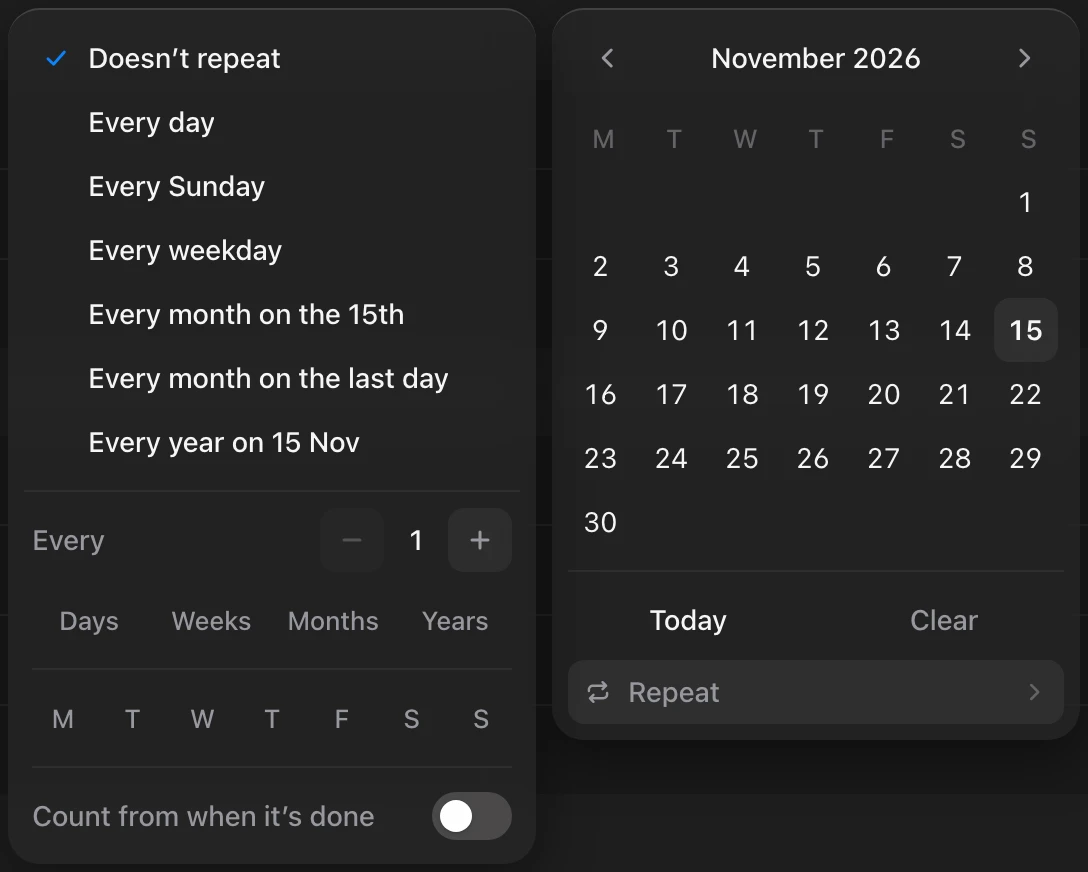
- Finish one and the next appears. It keeps the same day of the week, even if you finish late.
Blocked by
- A task can wait on another. Its card says “Waiting on…”.
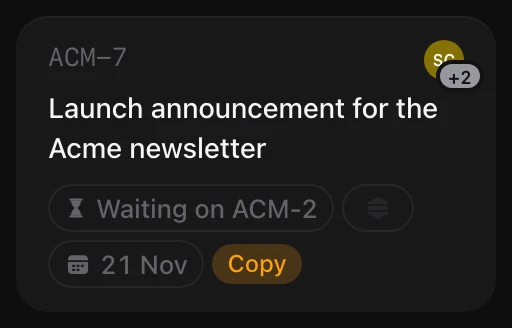
- You get a ping when you’re free to start.
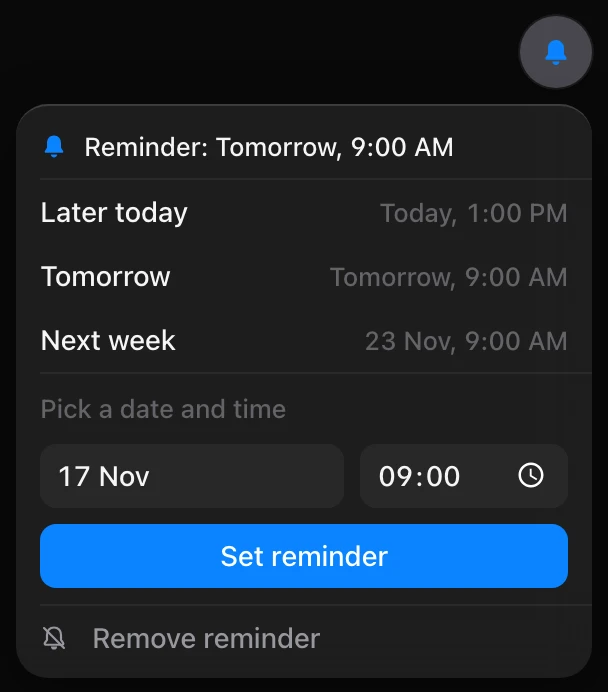
Remind me
- A personal reminder on any task, at the time you pick. Only you see it.
Chat
- See who’s typing.
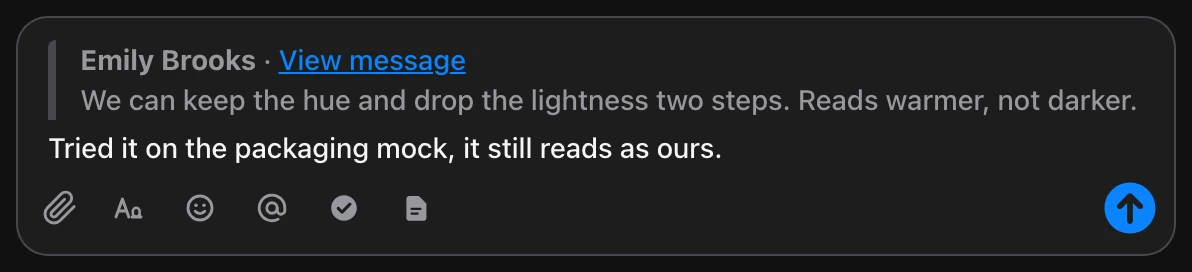
- Quote a message.
- Send a thread reply to the room too.
- Search by person, link or file.
- Incoming webhooks, Slack-style.
- Every emoji.
For teams working with AI agents
- Each agent gets its own robot face, which moves while it works.
- Anything an agent wrote is marked Agent.

- A task shows how many tokens AI spent on it.
- An agent’s token can be limited to chosen projects.
Tasks
- @mention people in descriptions and comments.
- Copy a task to another project.
- “Create more” keeps the window open for the next task.
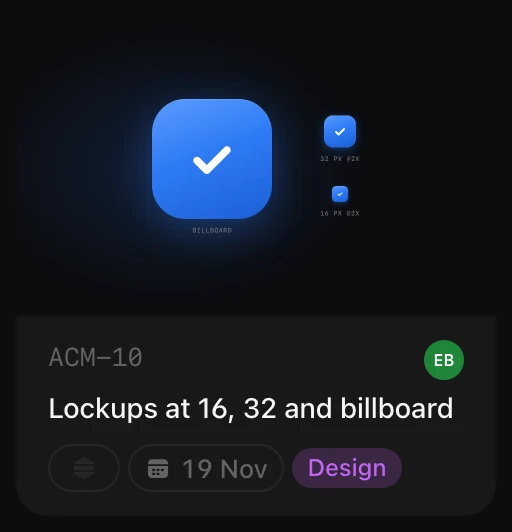
- The first picture can show on the board card.
- Sort by date created.
Feel
- Dragging in long columns is smooth.
- Windows open with everything in them.
- Edits on big projects are much faster.
- On phones, new tasks and message actions open as sheets.