Docs you write together
Edit a doc with your team at the same time, comment on a sentence, turn lines into tasks, and start from a template.
Writing together
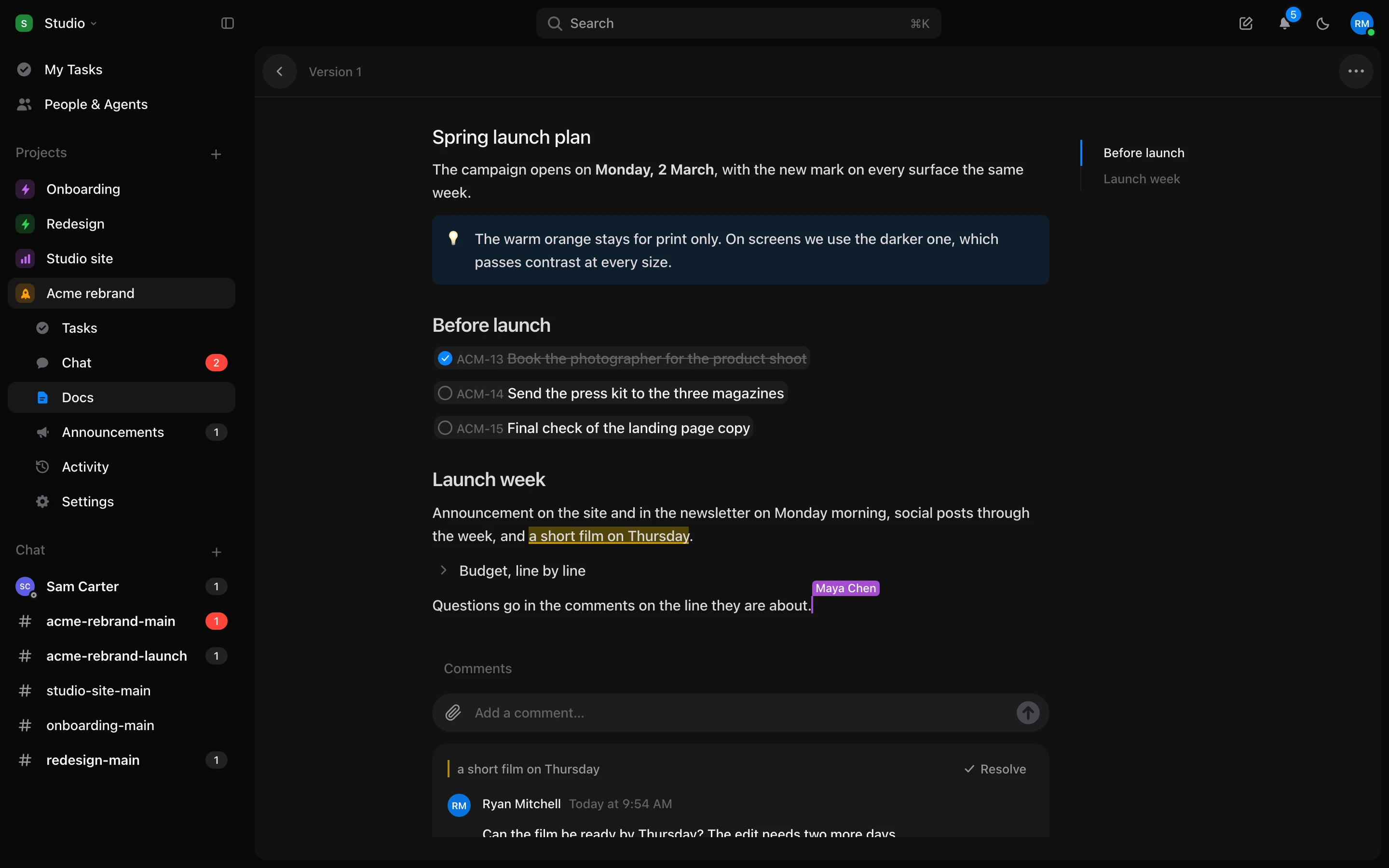
- Several people can edit one doc at once. You see each other’s cursors and names, and changes show up as they are typed.
- An AI agent editing the doc through Tuff doesn’t overwrite what people are writing. If both change the same words, the people’s version wins.
Comments on a selection
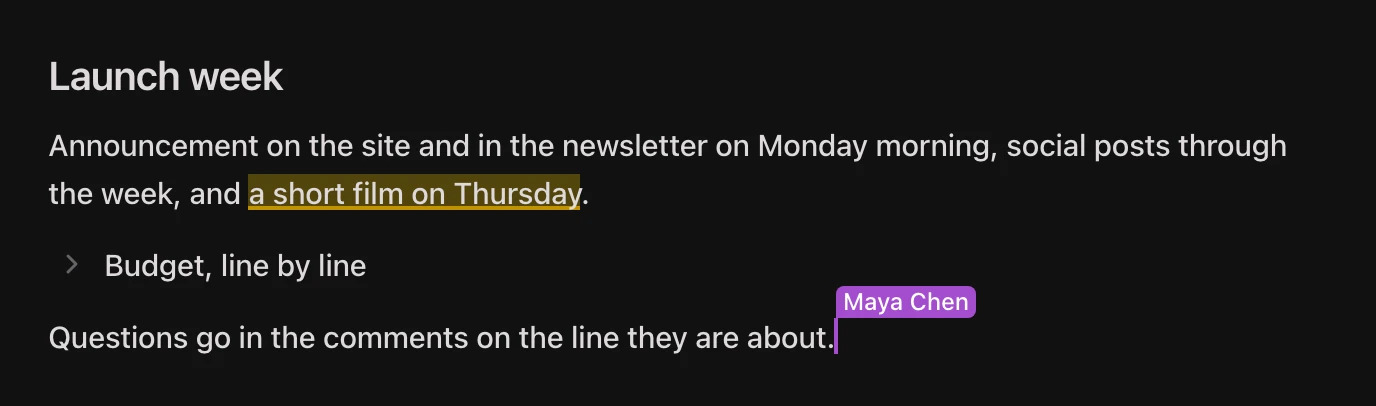
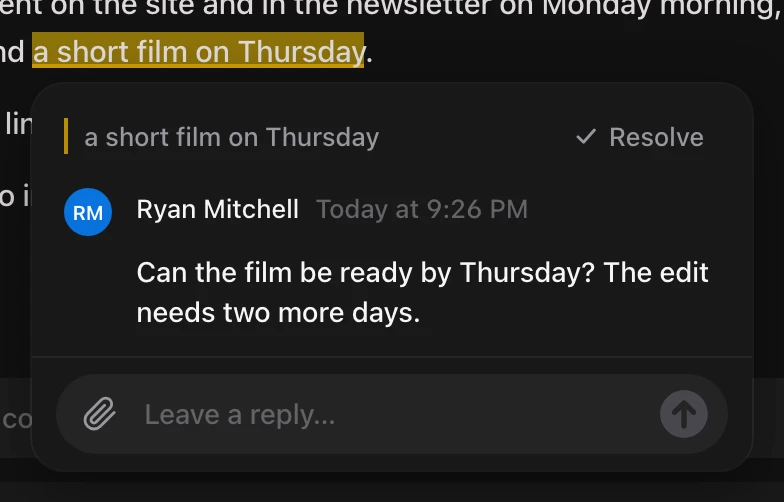
- Select words and comment on them. The words stay highlighted, and the discussion sits beside them.
- Resolve a discussion when it is settled. The highlight goes with it.
Text to task
- Select one or more lines and press Make a task. Each line becomes a task, and the line in the doc shows that task.
- Tick the task in the doc and it’s done everywhere. Finish it on the board and the doc shows it as done.
- A link in the line still works from the doc, and the task links back to the doc it came from.

Writing like in Notion
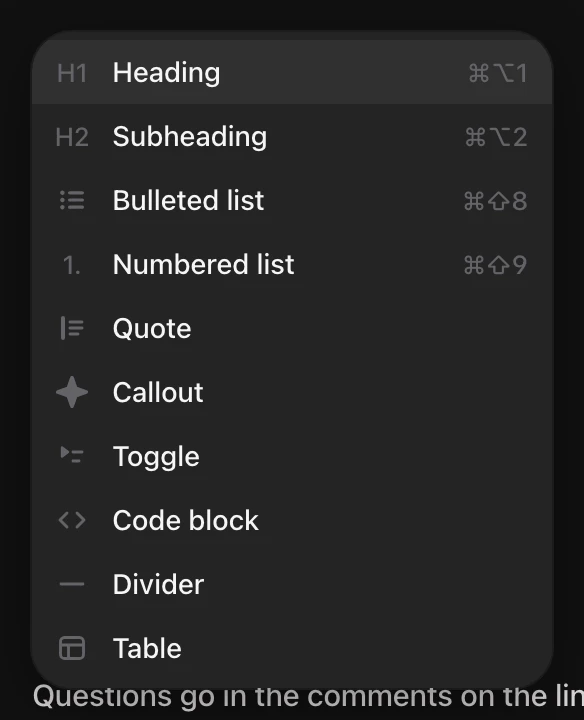
- Callouts and toggles, from the / menu.
- A long doc shows its headings beside it, so you can jump around.
- Text in a doc now uses the full width of the page.
Templates
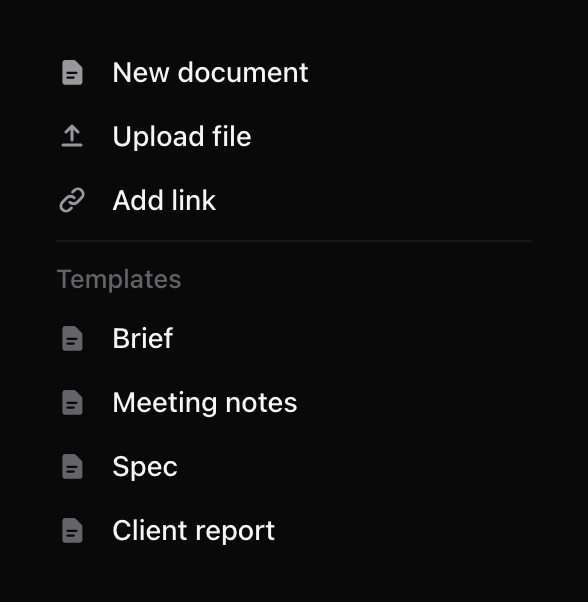
- Start a doc from a brief, meeting notes, a spec or a client report.
- Save any doc as a template for your workspace.
Links you recognise
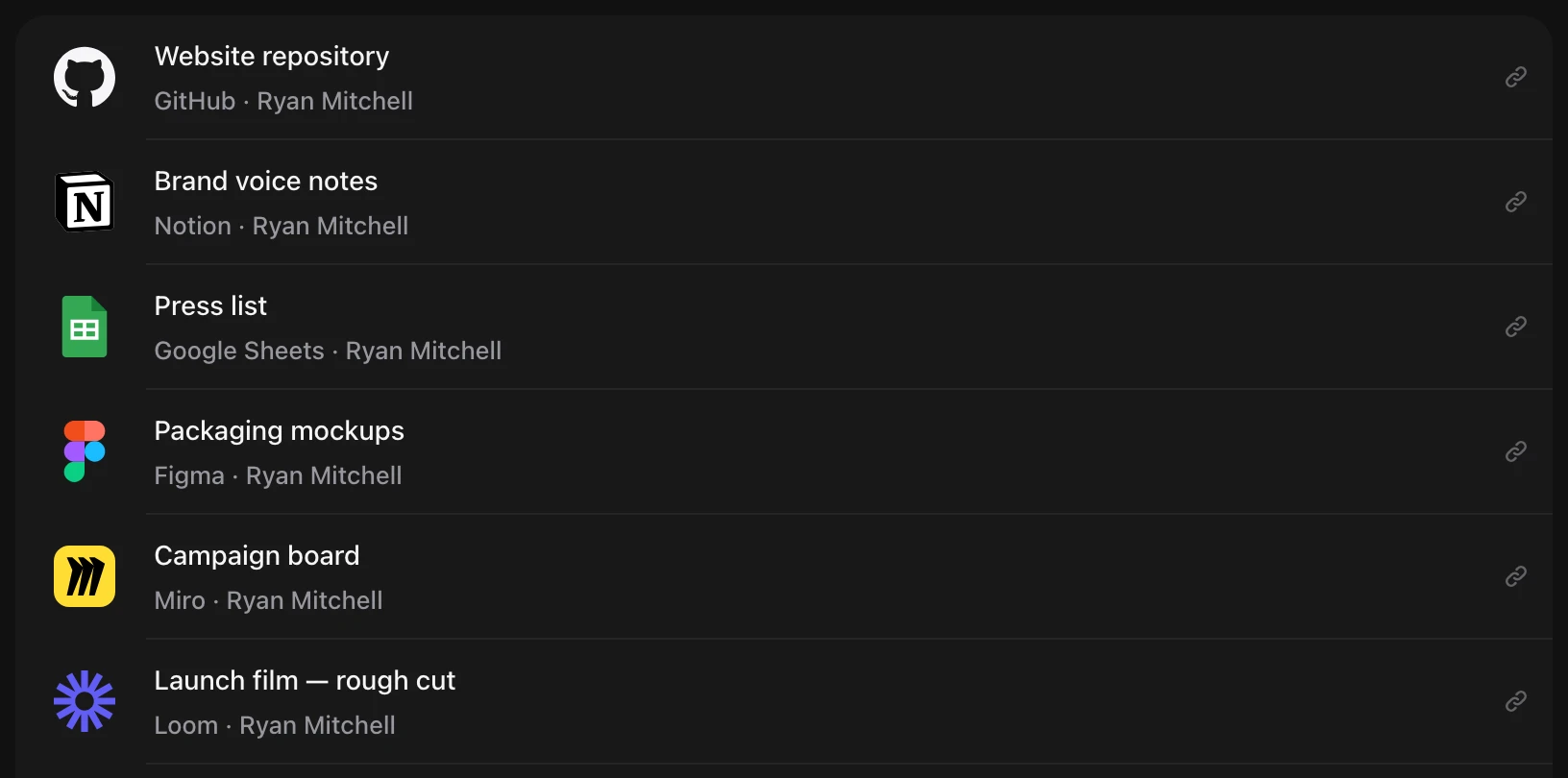
- A link in Docs shows its service’s own icon: Google Docs, Sheets and Slides, Figma, Notion, GitHub, Loom, Miro, Linear, YouTube, Trello, Dropbox and Airtable.
- Under the name it says where the link goes, so you know what opens before you press it.
Agents that ask and say what they’re doing
- An agent can ask you a question with a few answers to choose from. You answer with one press, and the agent carries on.
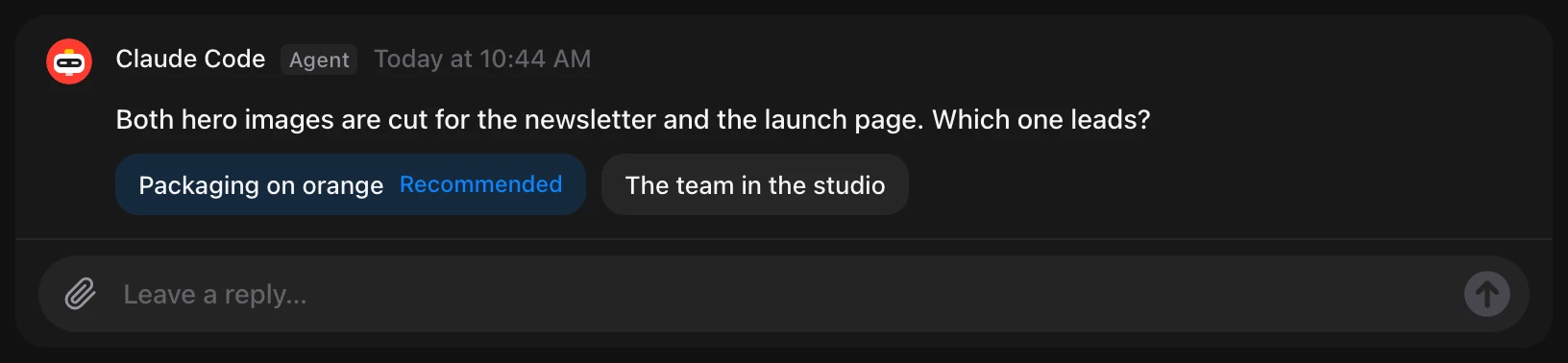
- Questions waiting for you are under Needs you in your notifications.
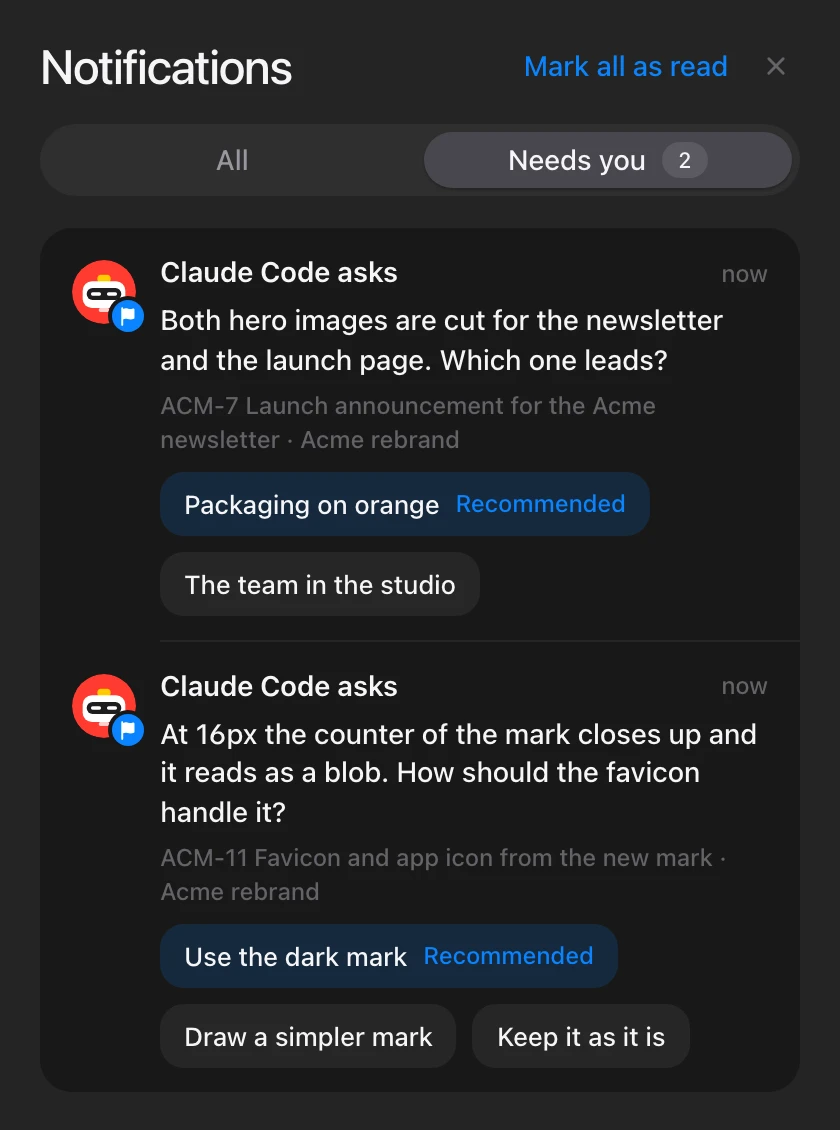
- Agents can hand a task to another agent. A chain of hand-offs stops after three, so agents can’t keep passing work around without a person.
- While an agent works on a task, its card, the task and the agent’s page say so: Working · 14 min · reading the brief. It goes when the agent goes quiet.
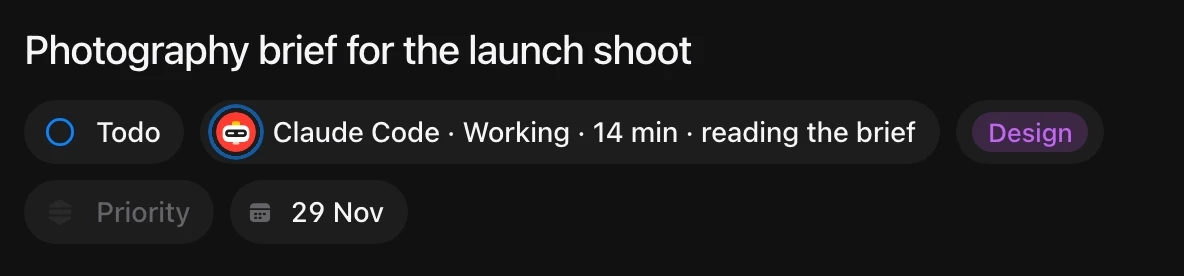
- An agent’s dot is green while it works, like a person’s while they’re here.
Smaller things
- With several workspaces, you can see which one a notification is from.
- Upgrade moved to the right of the top bar, so the workspace name has room.
- Opening an announcement marks its notifications as read.
- Board columns are a lighter grey in the light theme.
- On a phone, the keyboard opens over a doc and the page stays where it is.
- Docs on a phone no longer reloads in a project full of large pictures.
- Large boards open faster. Each column loads its first 50 cards with a count, and the rest as you scroll.
- Ticking a task in a list moves it to Done, and unticking it moves it back to Todo.
- On a phone, a board with many tasks no longer closes Safari.
- Less empty space under the message box in Chat.