Files, private documents and version history
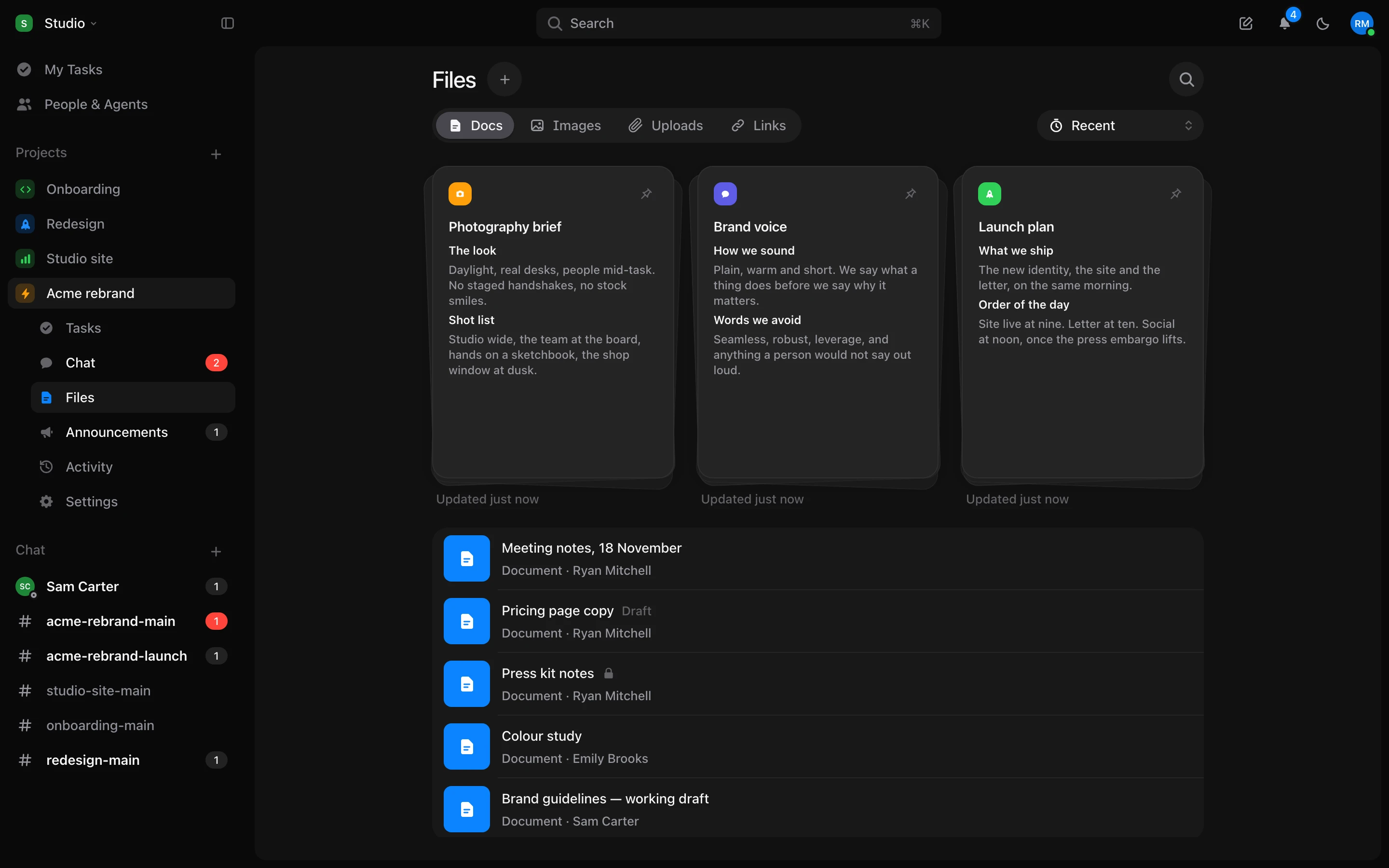
Docs is now Files. A document starts private, keeps every version, and can have its own colour and icon.
Private documents
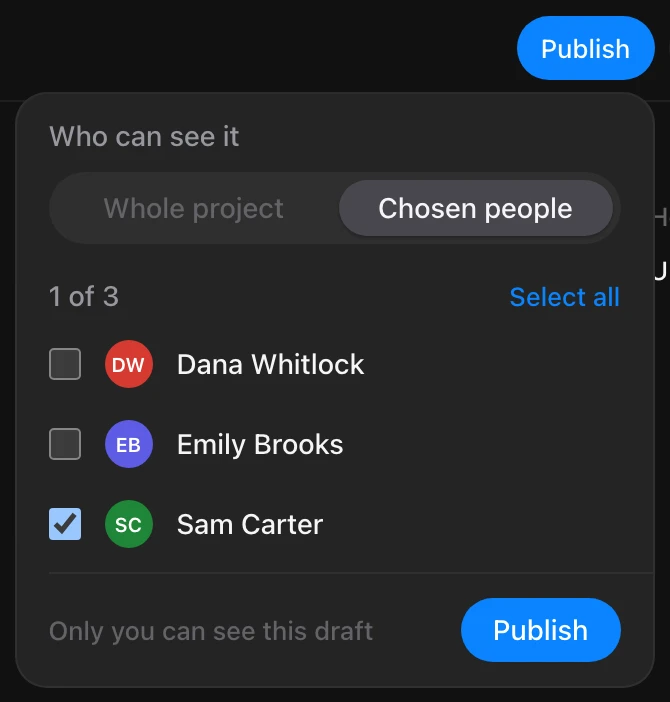
- A new document is yours until you publish it. Publish it to the whole project or to the people you choose.
- Add or remove people at any time from the document’s access menu. Agents can be chosen too, and each one says whose agent it is.
- Pictures you add to a document can be seen only by the people who can read it. Anywhere else, they show as Picture unavailable.
Files
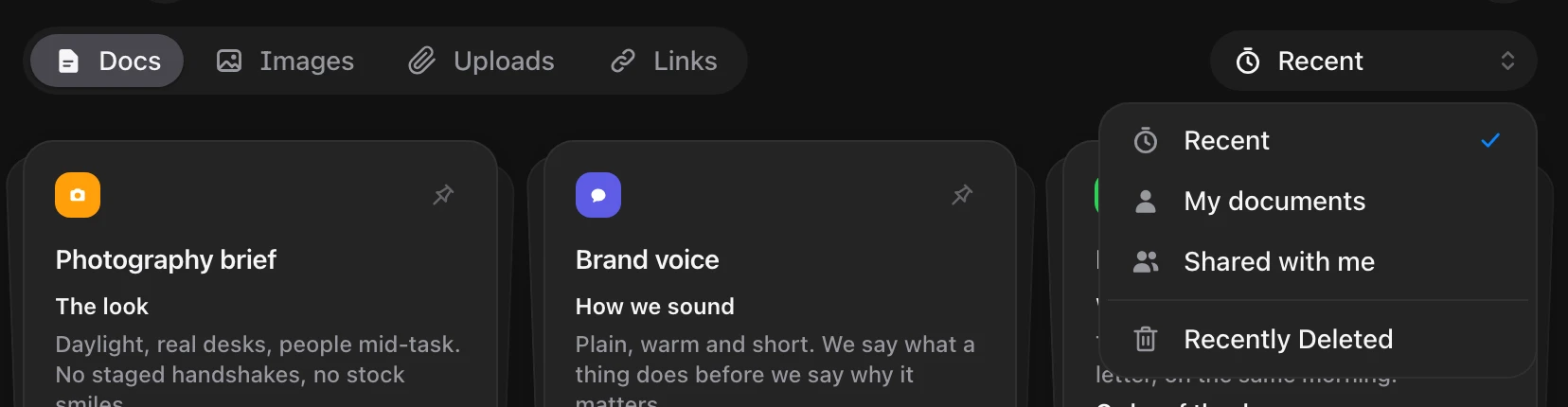
- Docs is now called Files. Its tabs are Docs, Images, Uploads and Links, and each tab has its own address.
- Filter by Recent, My documents or Shared with me. Files remembers your choice.
- Images shows three large pictures per row. Click one to open it full size.
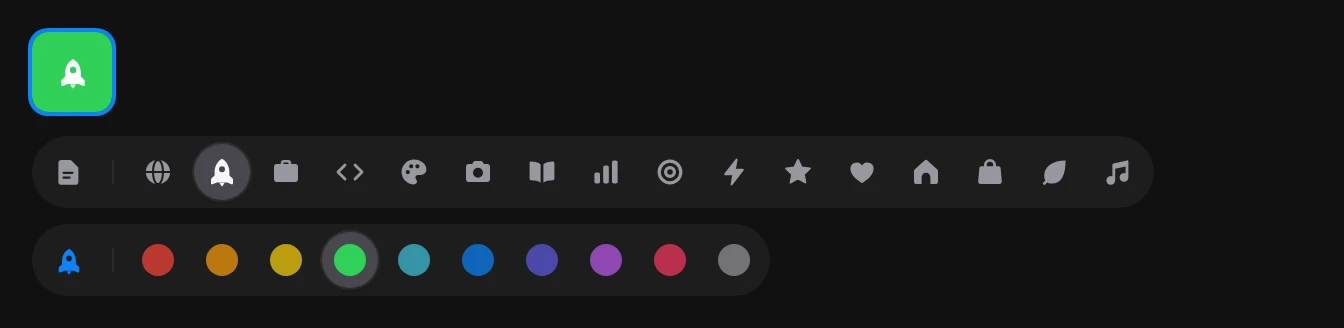
- Give a document its own colour and icon.
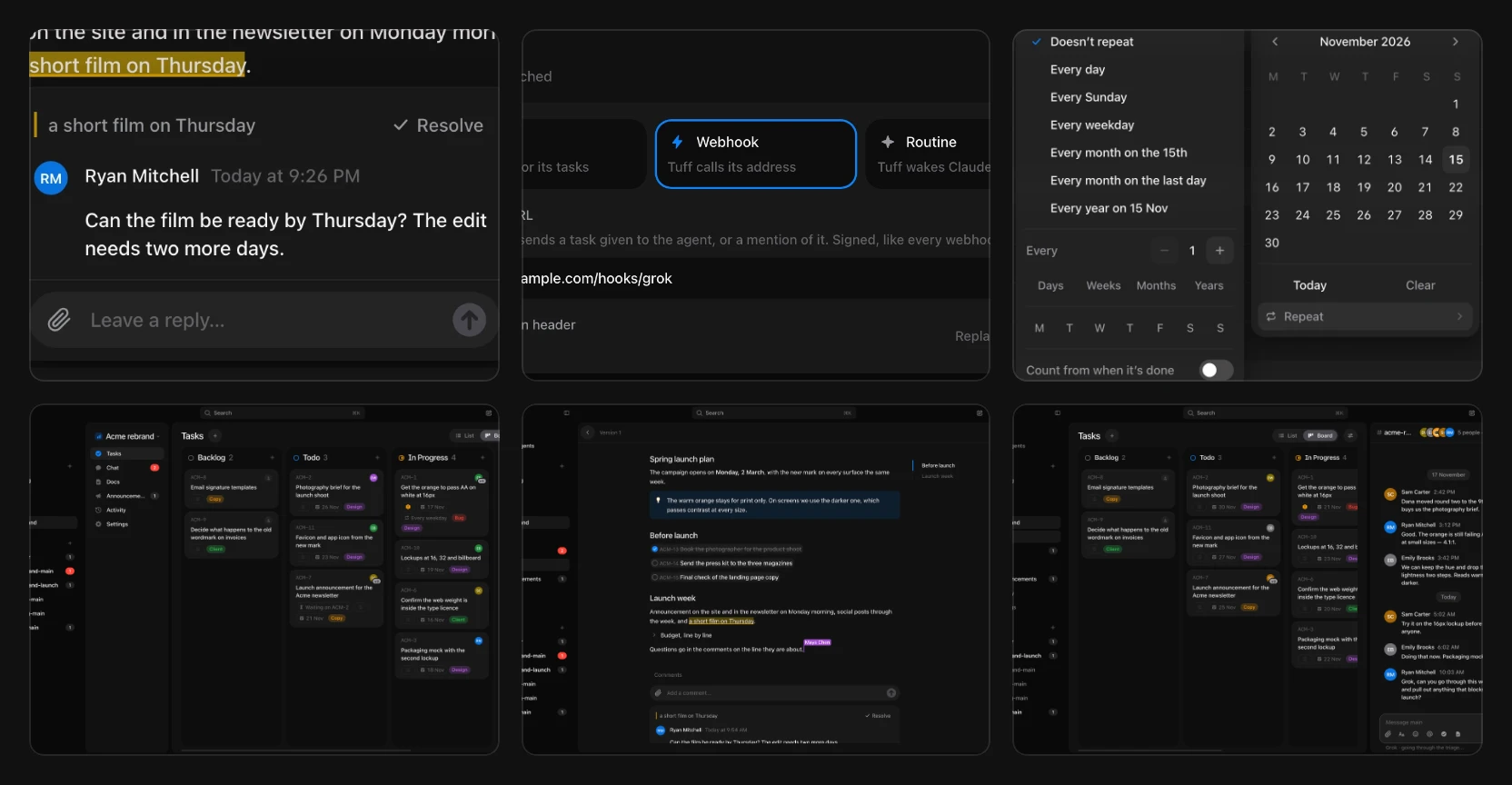
- A pinned document shows a preview of its first page at the top.
Version history
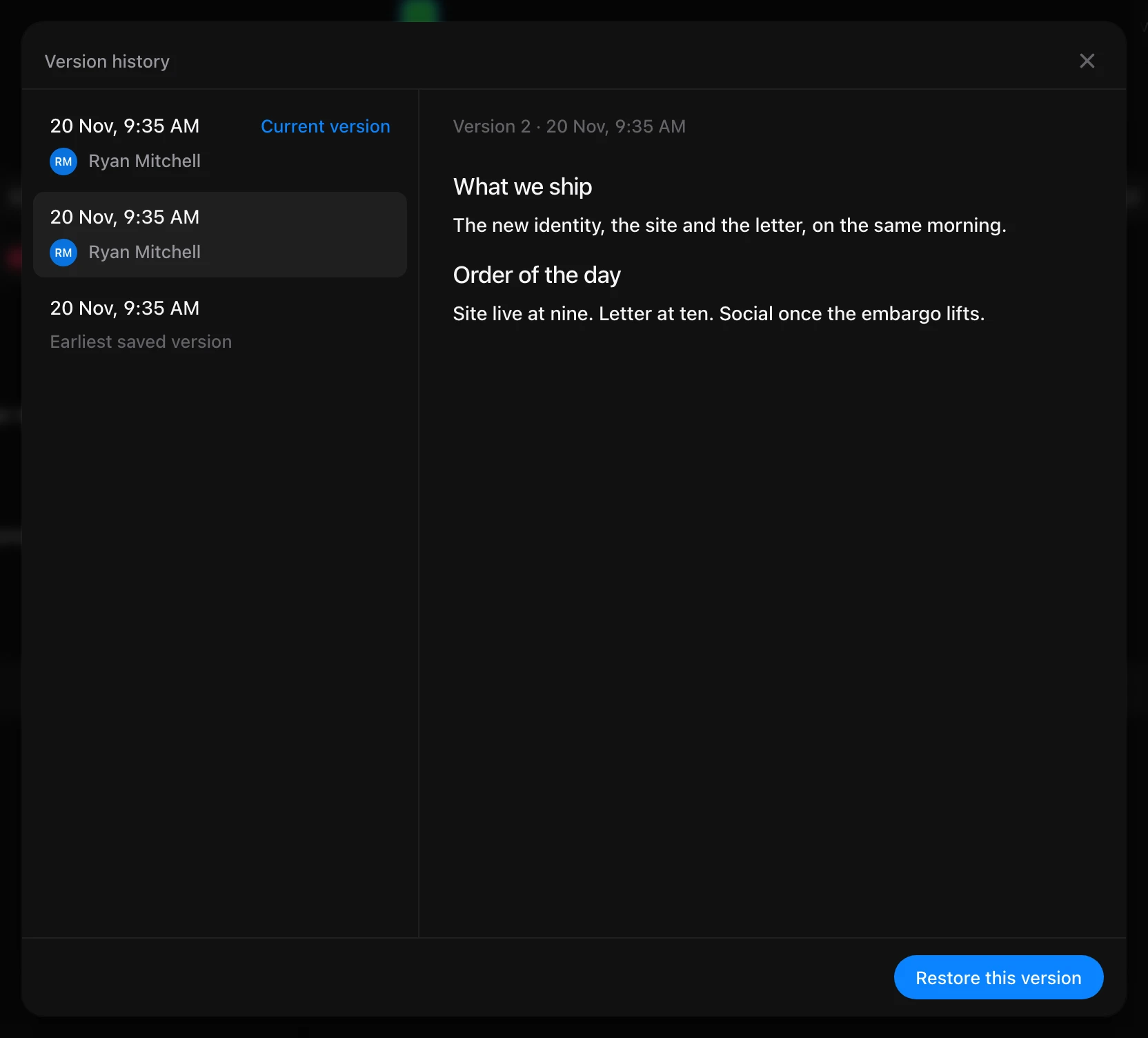
- Open a document’s history to see each earlier version and who wrote it, and restore any of them.
Recently Deleted
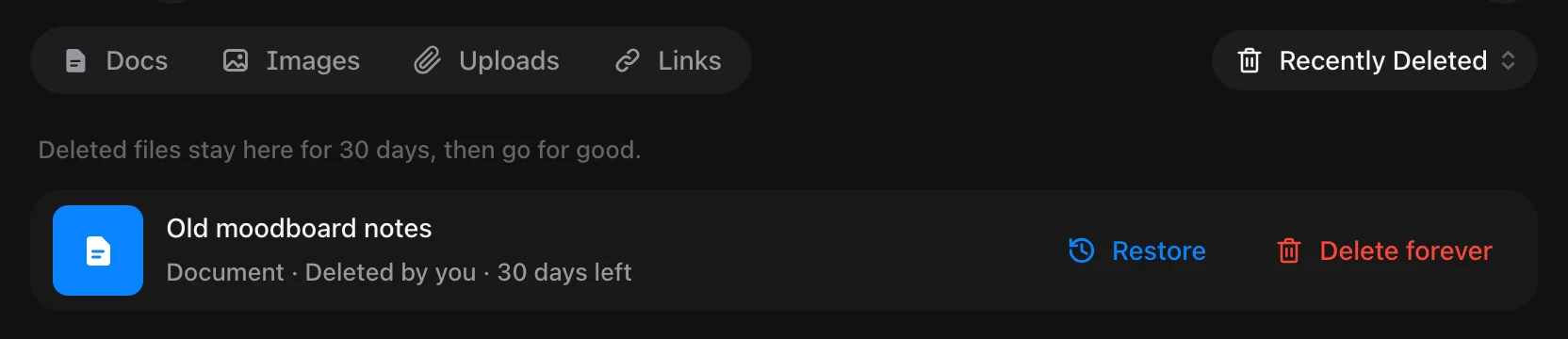
- Deleted files stay in Recently Deleted for 30 days. Restore them from there, or delete them forever.
Smaller things
- A document mentioned in a message or a task shows as a chip with its icon.
- My Tasks tabs open with their tasks already loaded.
- Paging through pictures full size no longer replays the opening animation.
- Safari no longer runs out of memory when you switch between a project’s tabs.