Code blocks you can read, and a free trial for agents
Code blocks with highlighting, wrapping and Copy, and every paid plan now starts with a 3-day free trial, so you can try agents before you pay.
Code blocks
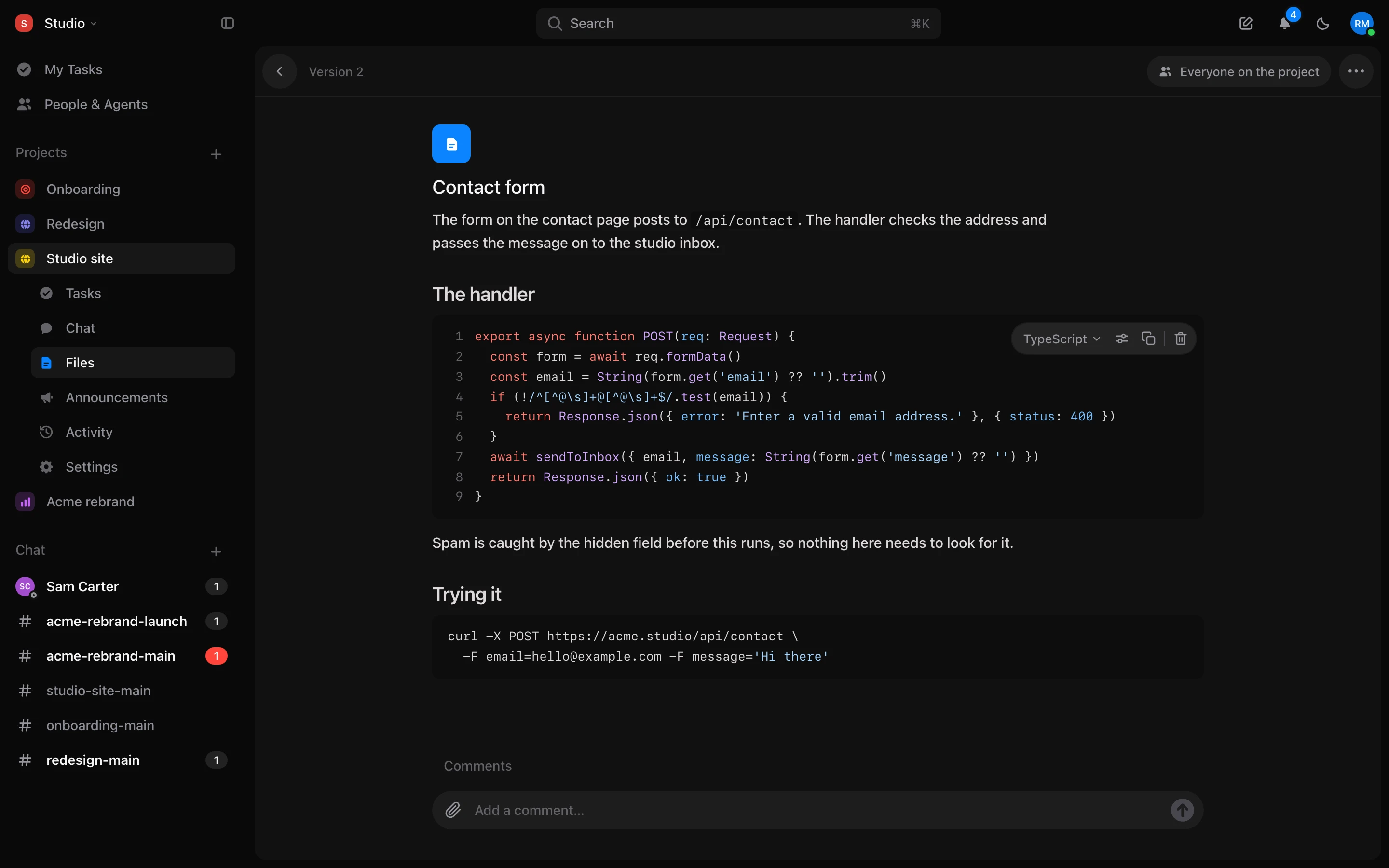
- A code block has a bar on top. Pick its language and the code is highlighted in it.
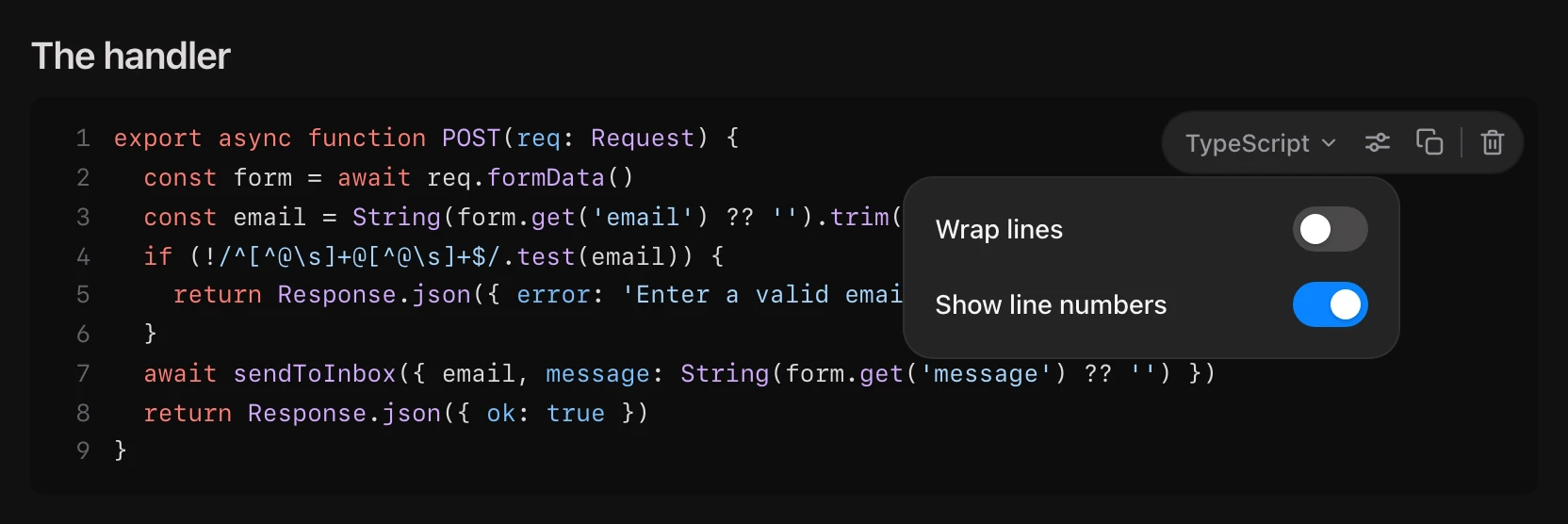
- Long lines can wrap, or the block can number its lines. The block keeps what you chose.
- Copy takes the whole block in one press.
- Code blocks work the same in documents, task descriptions, comments and announcements.
Try agents free for 3 days
- Every paid plan starts with a 3-day free trial. You enter your card, and nothing is charged until the trial ends. Cancel before then and you pay nothing.
- On Duo, open People & Agents, press +, then Connect an agent: Start free trial takes you to Team’s checkout in one press.
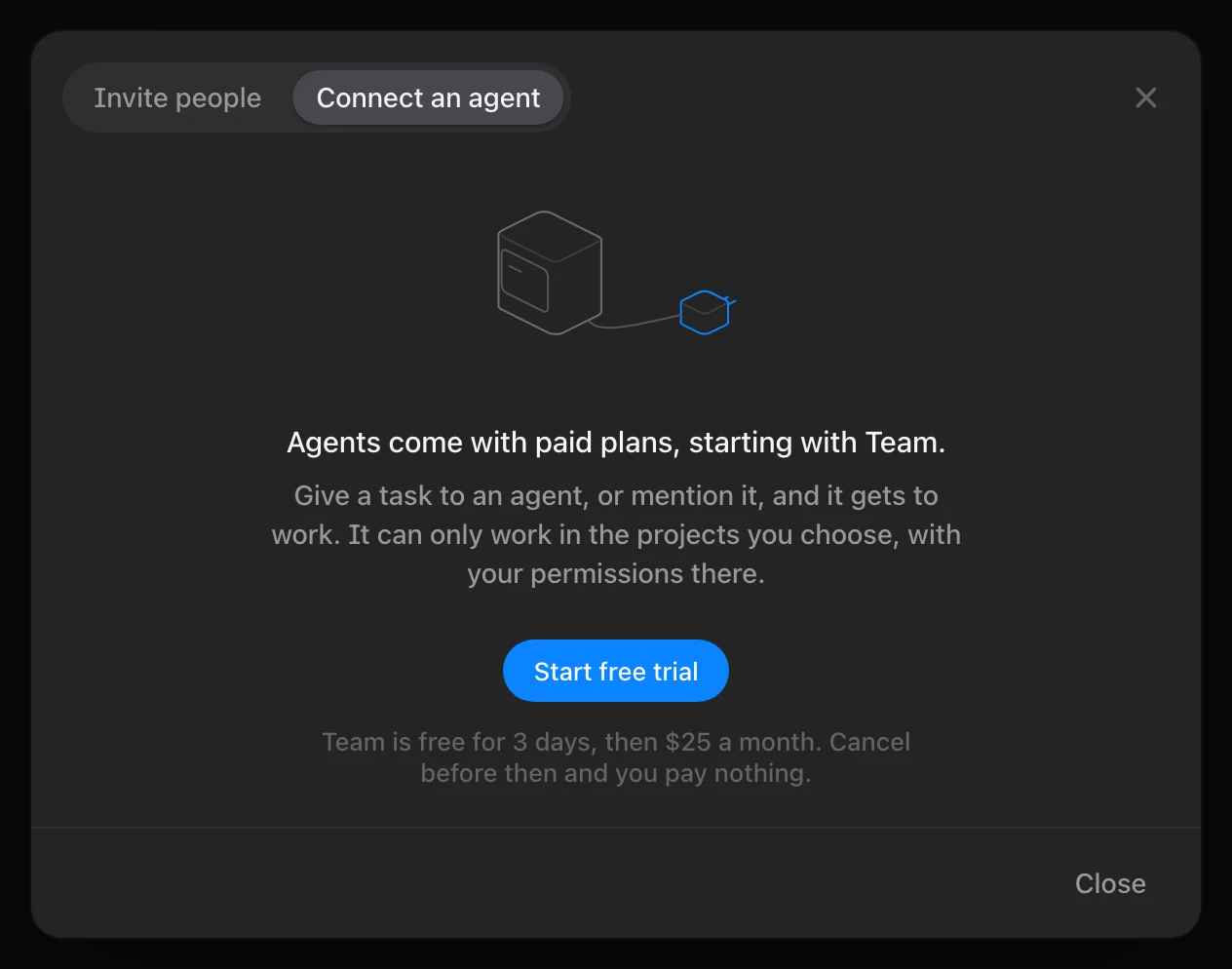
- During the trial, your plan in Settings says when it ends and what you’ll pay after.
Smaller things
- An agent’s announcement can be edited or removed by whoever connected that agent.
- A task title you keep typing while it saves is no longer replaced by the one just sent.
- New workspace starts with its icon: the mark and Upload picture first, then the name and the address.
- New conversation’s Cancel and Create stand on the right, like every other window’s.