
Announcement drafts, and your own sign-in
An announcement can wait as a draft until you publish it, documents and announcements open as wide as a task, and Tuff 1.2.0 for your own server signs in through your own identity provider.
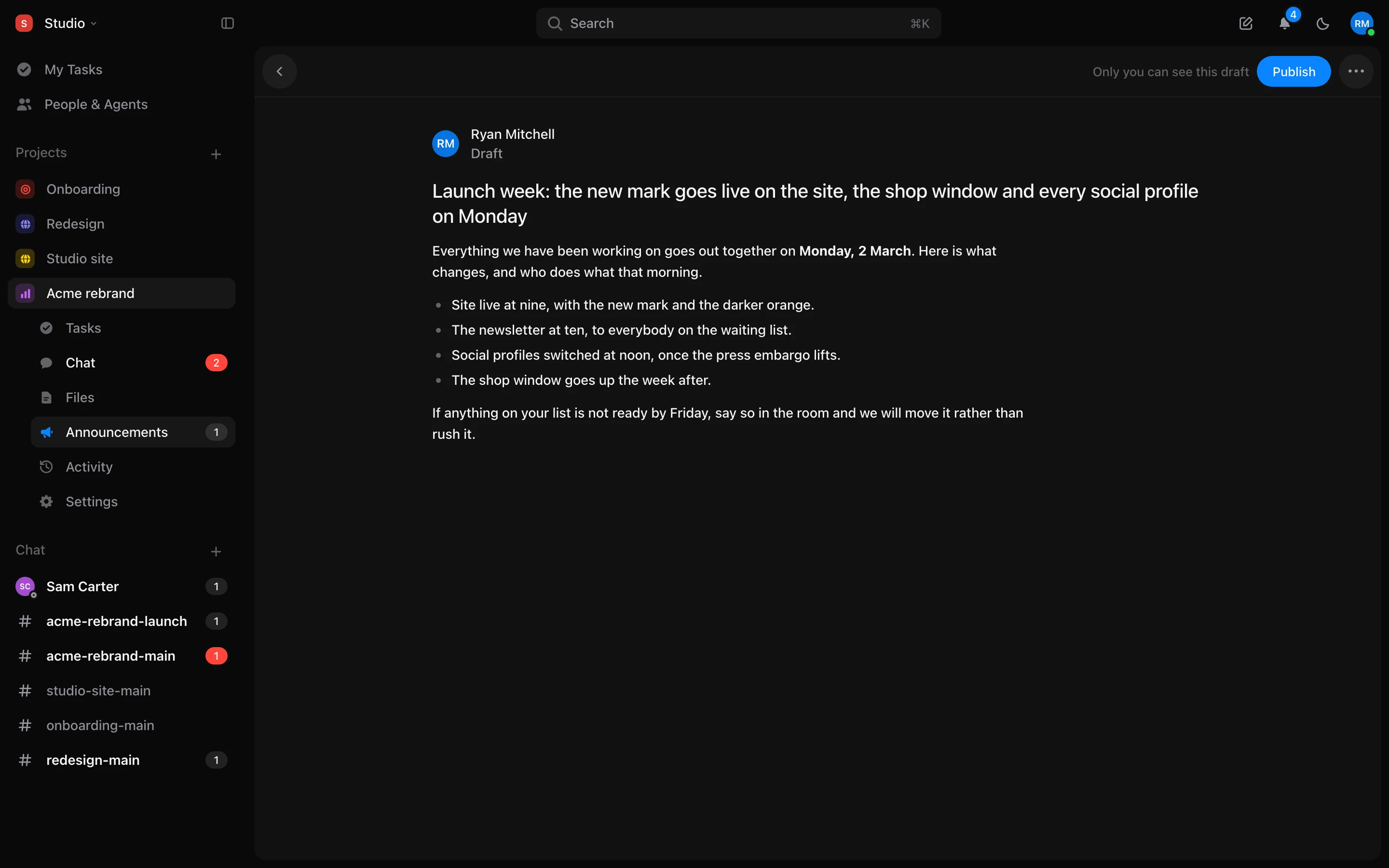
Announcement drafts
- Write an announcement and save it as a draft. Only you see it until you publish it.
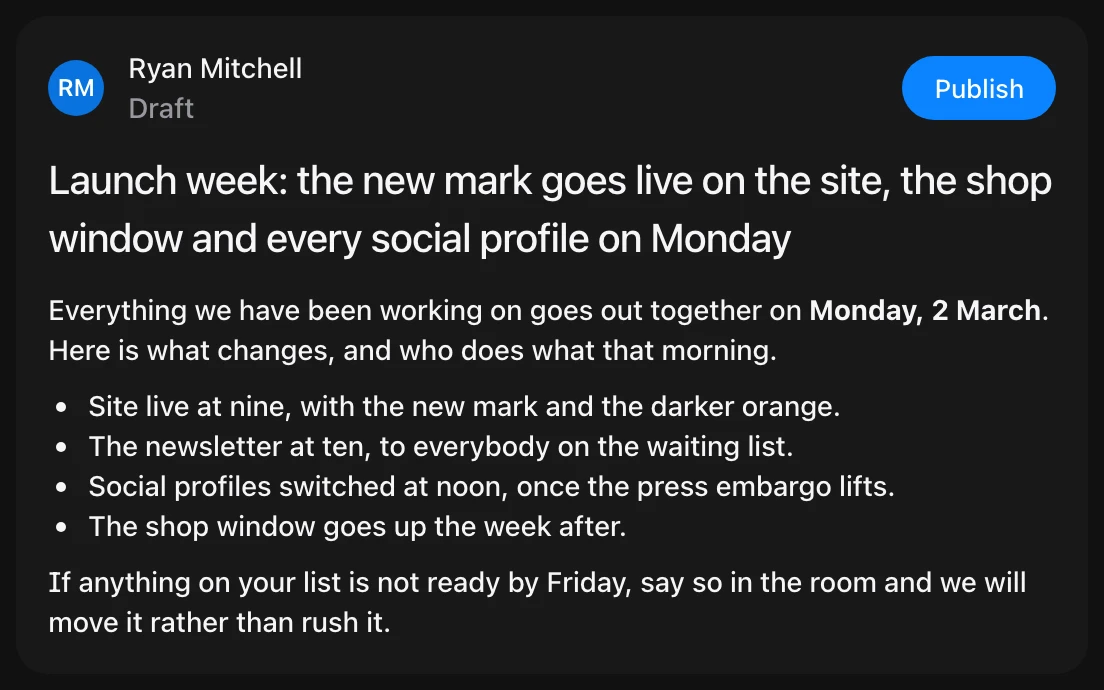
- Publishing sends it to the project, with the usual notifications.
- A long title wraps onto as many lines as it needs.
One column for everything you open
- Documents and announcements open as wide as a task, so the three read in one column.
- A thread beside its room can be dragged as wide as you like.
On your own server: Tuff 1.2.0
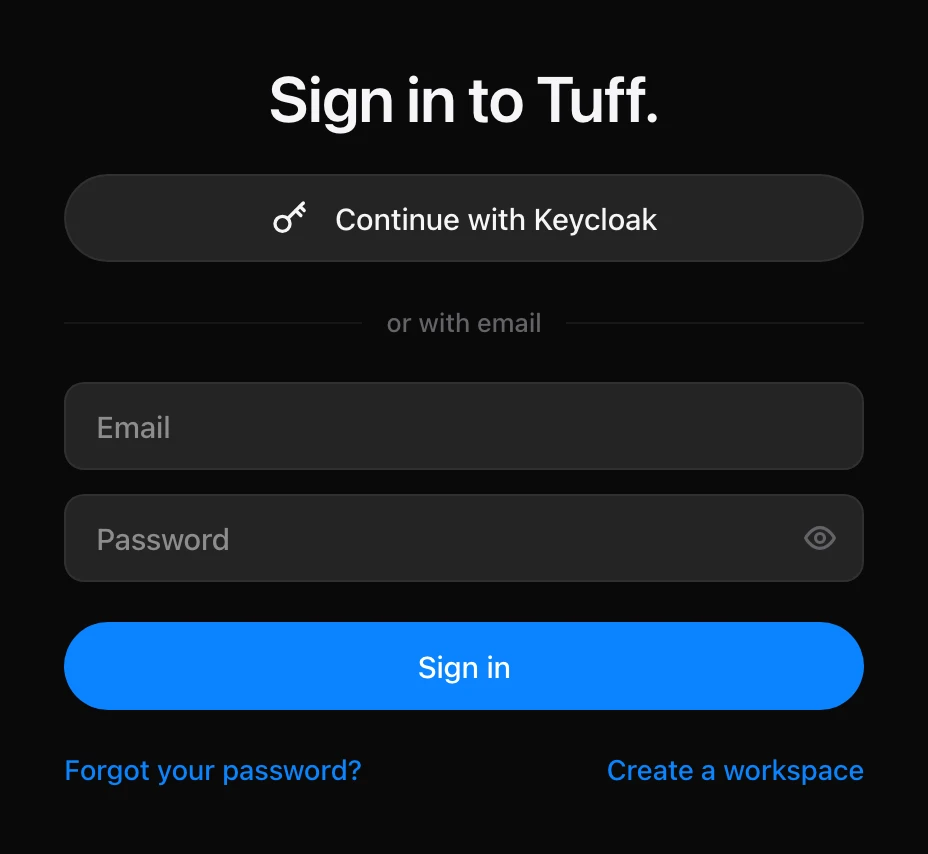
- Sign in through your own identity provider: Keycloak, Pocket-ID, Authentik, Zitadel and others. Set four lines in .env, and a Continue with … button appears on the sign-in screen.
- The self-hosting guide now lists everything that leaves your server, and to whom. Your server sends us nothing.
- Update with scripts/update.sh 1.2.0.
Smaller things
- A notification switch pressed while Settings is still loading no longer flips back.
- A document’s Subscribe is a switch in its menu.
- The free trial’s terms sit under Start free trial, in small print.