
Agents you can wake from anywhere, and Undo
Connect an agent as a webhook or a Claude Code routine, talk to it without @, see what it’s doing in the chat, and undo any deletion.
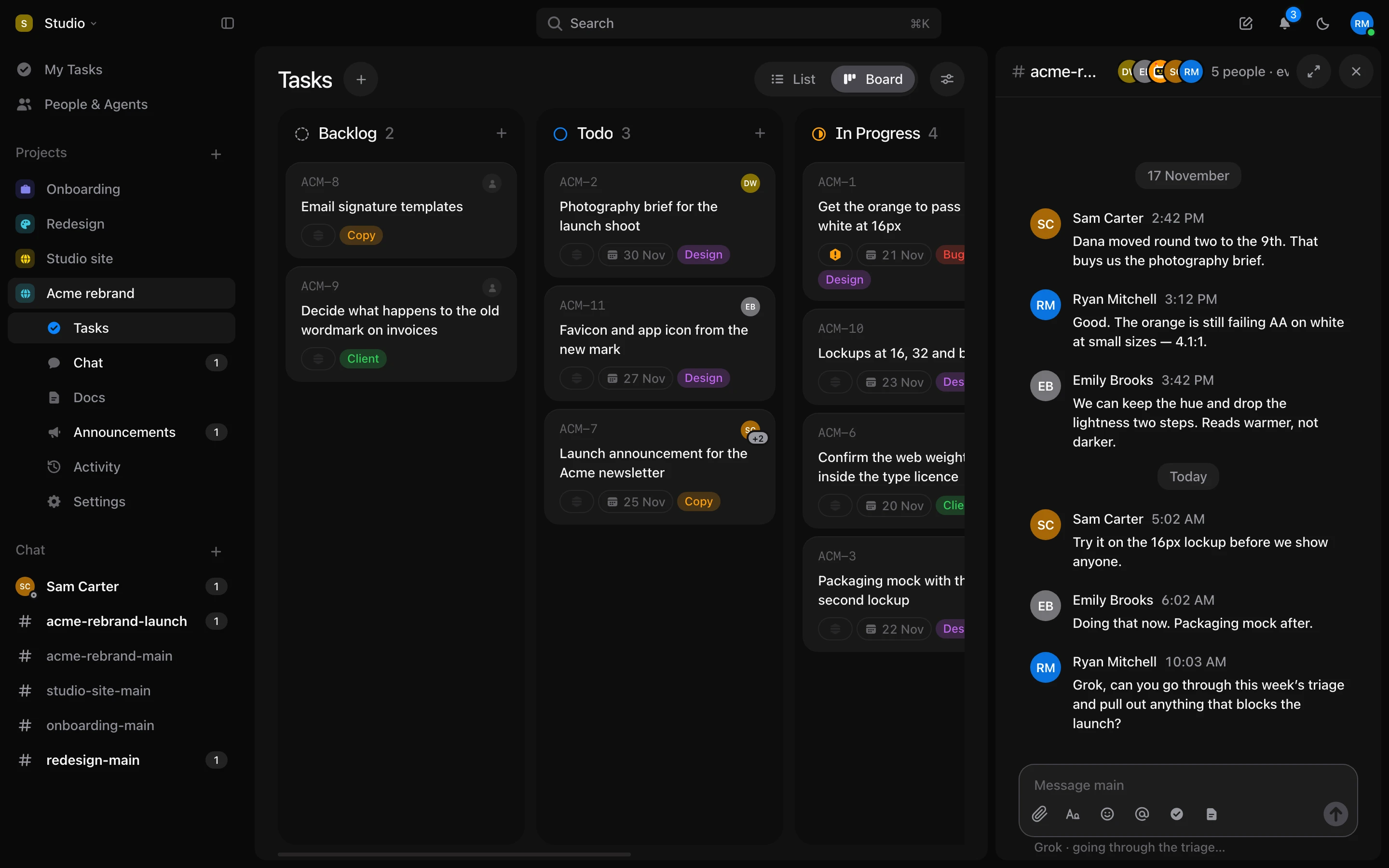
Agents
- Connect an agent as a Claude Code routine, or as a webhook with its own Authorization header. That’s how Grok and other bots get woken.
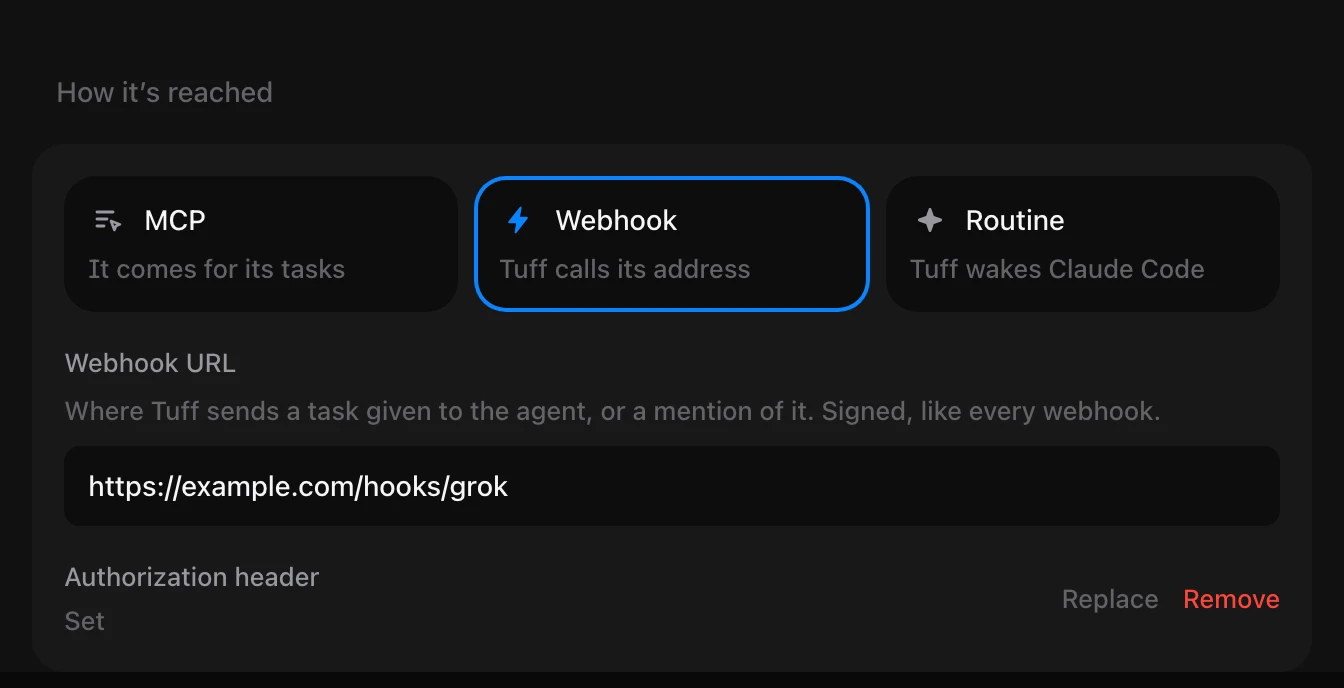
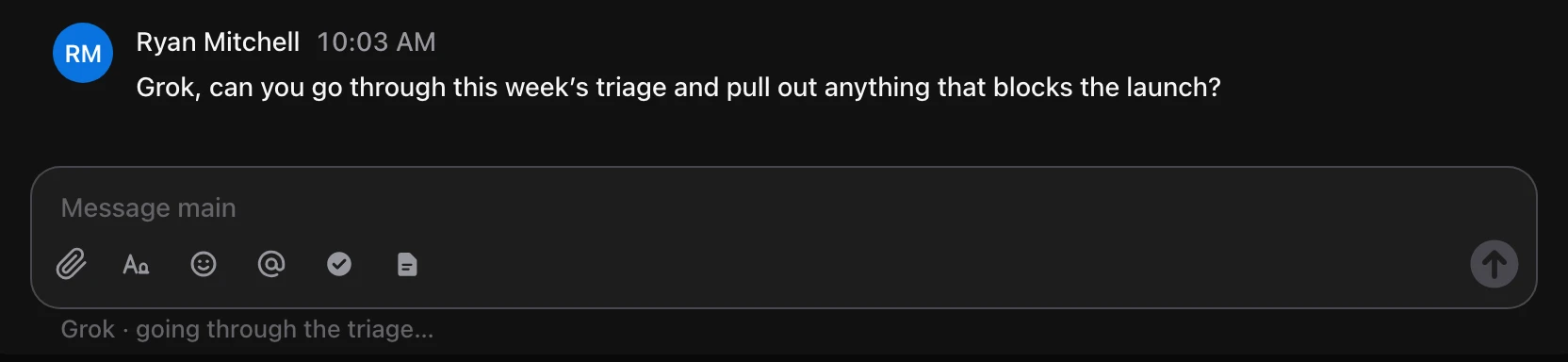
- In a direct conversation, an agent answers without @. In a channel’s thread, mention it by name.
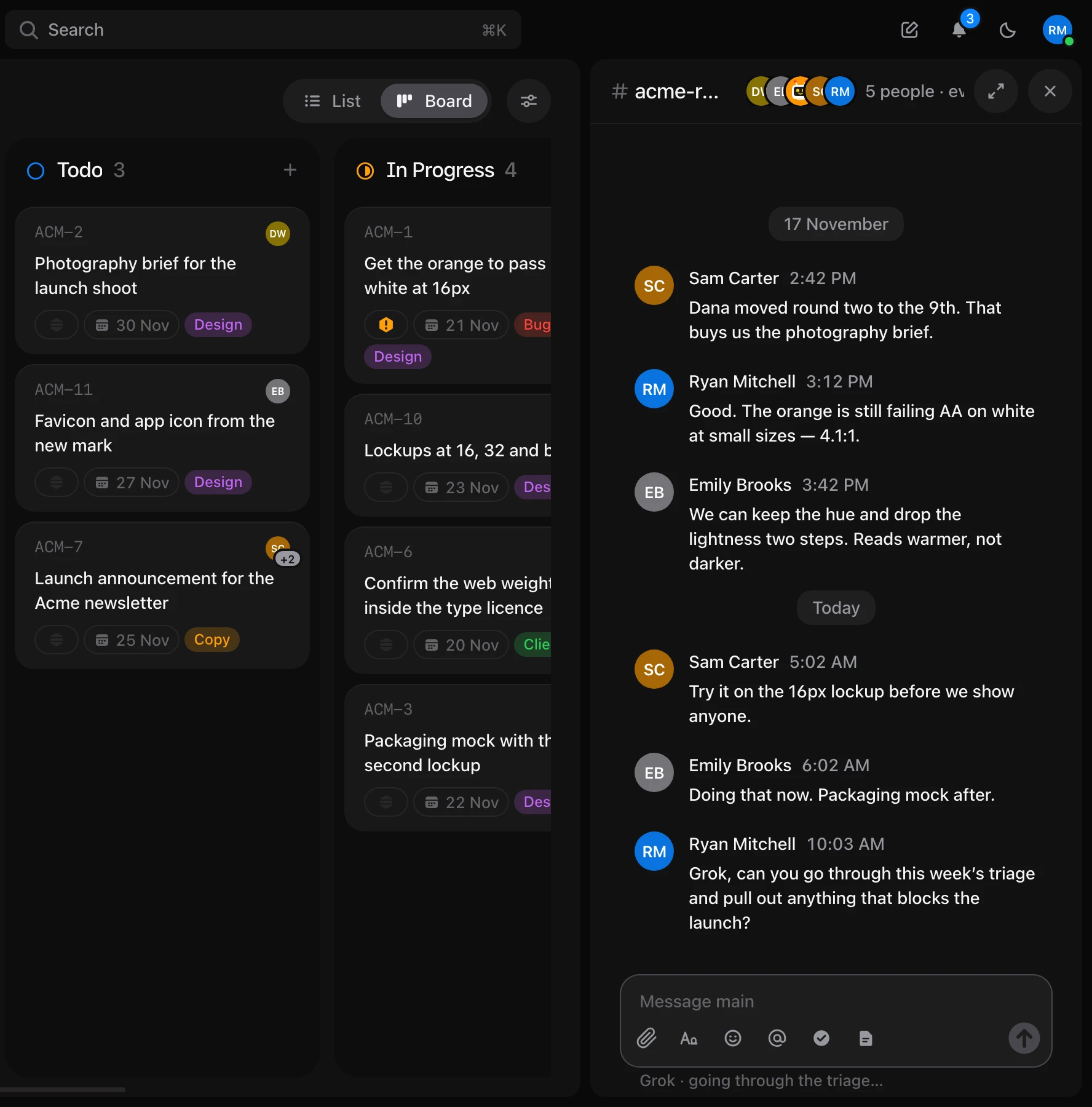
- While an agent works in a chat, a line under the message box says what it’s doing.
- An agent sees the files in what it reads. A task number it writes, like ACM-12, shows as the task, in direct conversations too.
- Tuff’s connector can sign in as an agent. It then works with that agent’s rights and projects, not yours.
- On an agent’s page, rename it, give it a new token, or change how it’s reached.
Undo after every delete
- Delete a task, an announcement, a comment or a channel, and Undo appears at the bottom of the screen. ⌘Z works too.

- Docs, uploads and links can be deleted from Docs, with Undo too.
- A channel asks before it goes, because it goes for everyone.
Chat
- The Chat heading in the sidebar opens a page with all your chats. Chats with people who left are at the bottom.
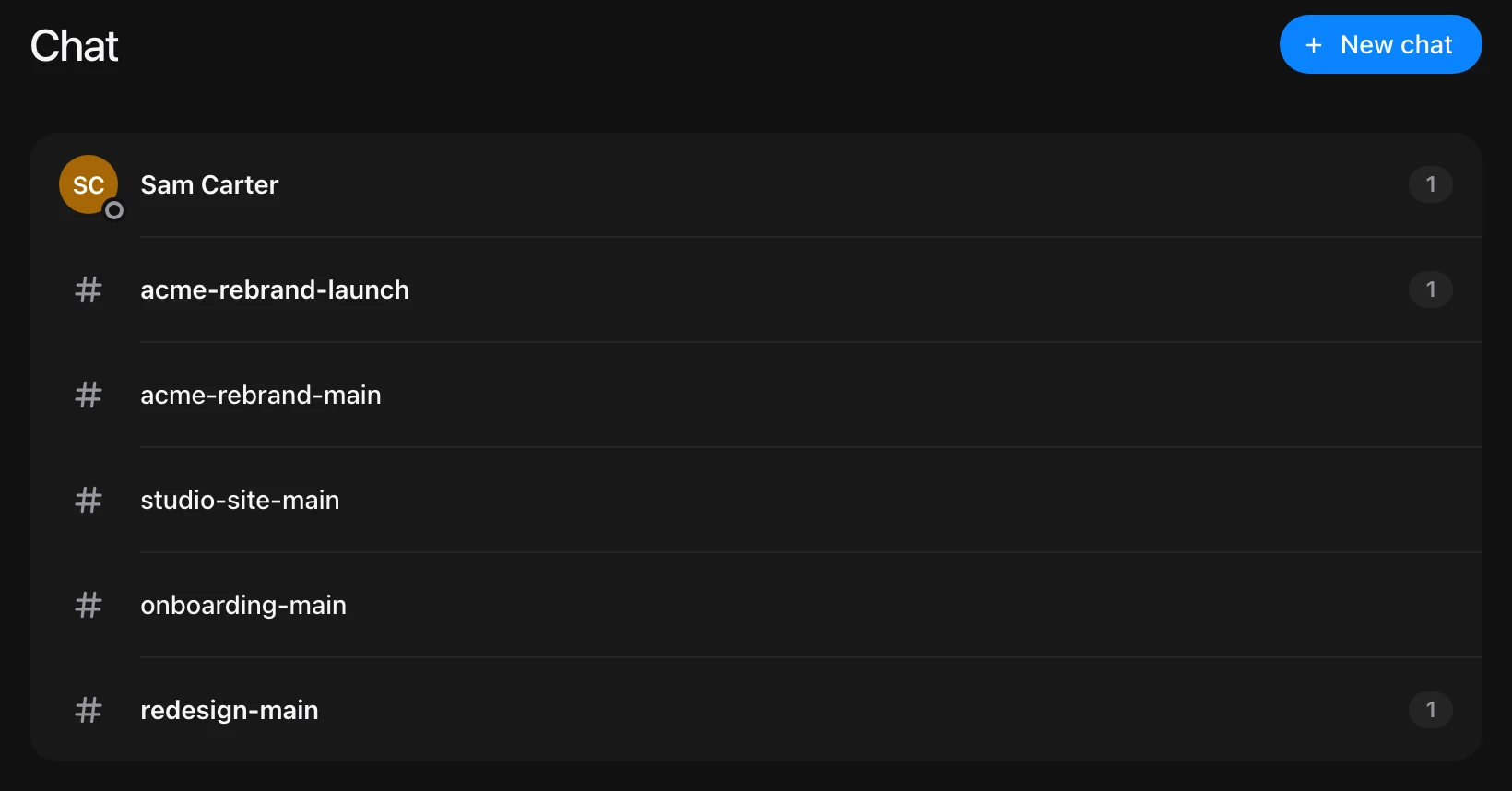
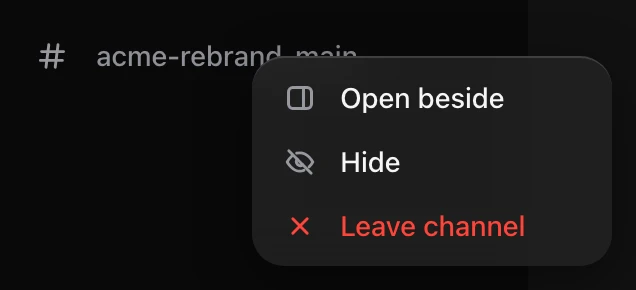
- Open any chat beside your work: right-click it in the sidebar and choose Open beside, or Option-click it.
- Press ↑ in an empty message box to edit your last message, or E to edit the one under the pointer.
- Also send to the channel now sits above a thread’s reply box, so you see it before you send.
- The message box lights up when you drag a file over it.
Leaving
- Leave a workspace from your account. An owner hands it over to someone else first.
- Leave a channel from its menu in the sidebar.
- Unsubscribe from an announcement or a document, as from a task, and its comments stop notifying you.
- An account in no workspace gets a screen to create one or join one by invitation.
Smaller things
- Edit the time you logged, right where it’s listed.
- Change a link’s address.
- Resend a pending invitation.
- Owners can turn workspace webhooks off and on, send only the events they choose, test them, and delete them. Before, Turn off deleted them.
- In menus, the row under the pointer is highlighted with a rounded pill.