
 Tuff
TuffProjects and work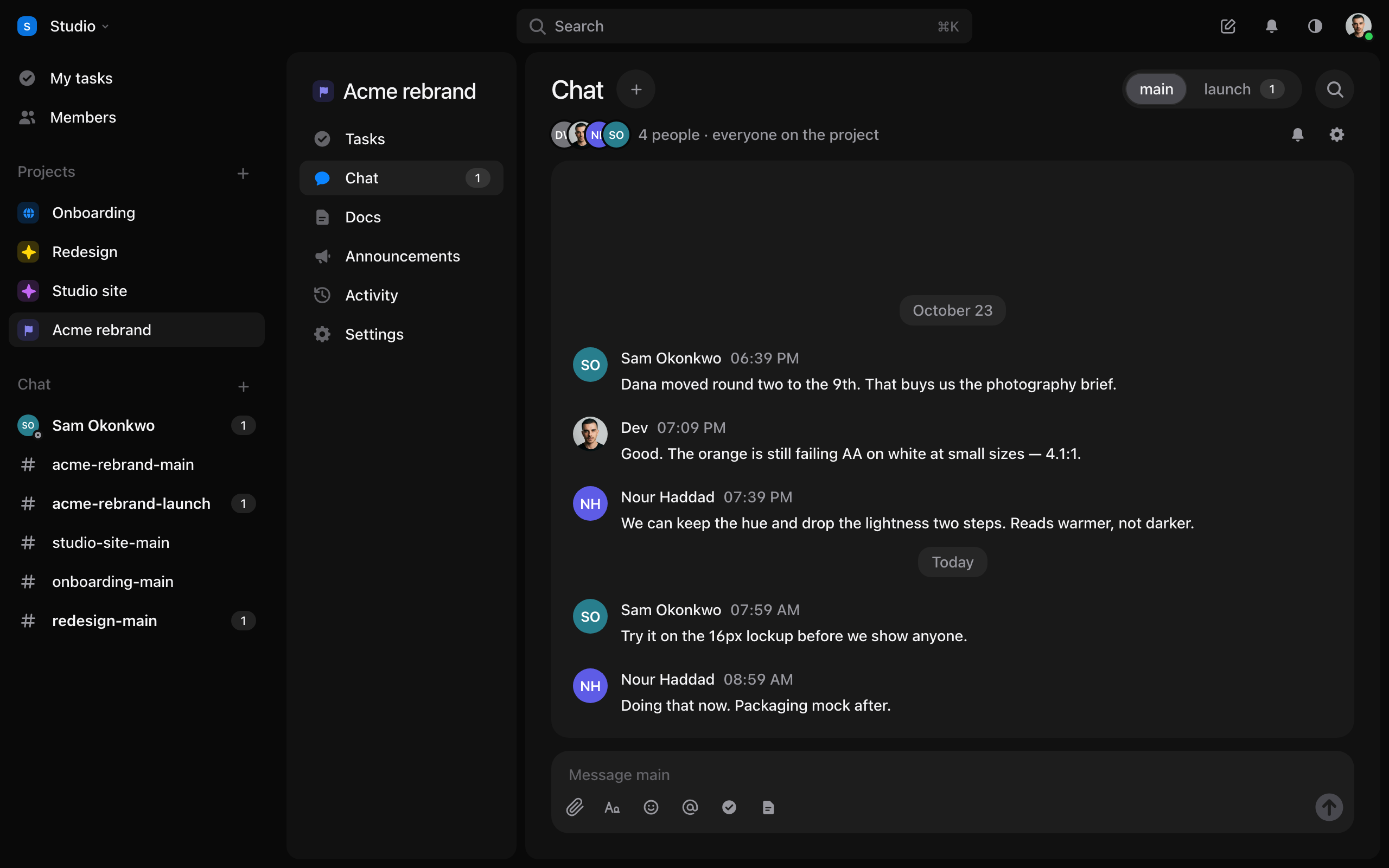
Chat
Project channels, direct messages, threads and mentions.
- Every project has a channel. Make more inside a project, or outside every project.
- Start a direct message with one person or a few, from Chat.
- Reply in a thread to keep a side conversation out of the room.
- Type
@to mention somebody and#to link a task or a document. - Format with the toolbar, add emoji and GIFs, and drop in files.
- The magnifier in a room finds what was said there.
Each room can notify you about everything, only when you’re mentioned, or nothing. It’s the bell at the end of the room’s header.
Still stuck? Write to [email protected]. Tuff not loading? See status.usetuff.com.