 Tuff
TuffAI agents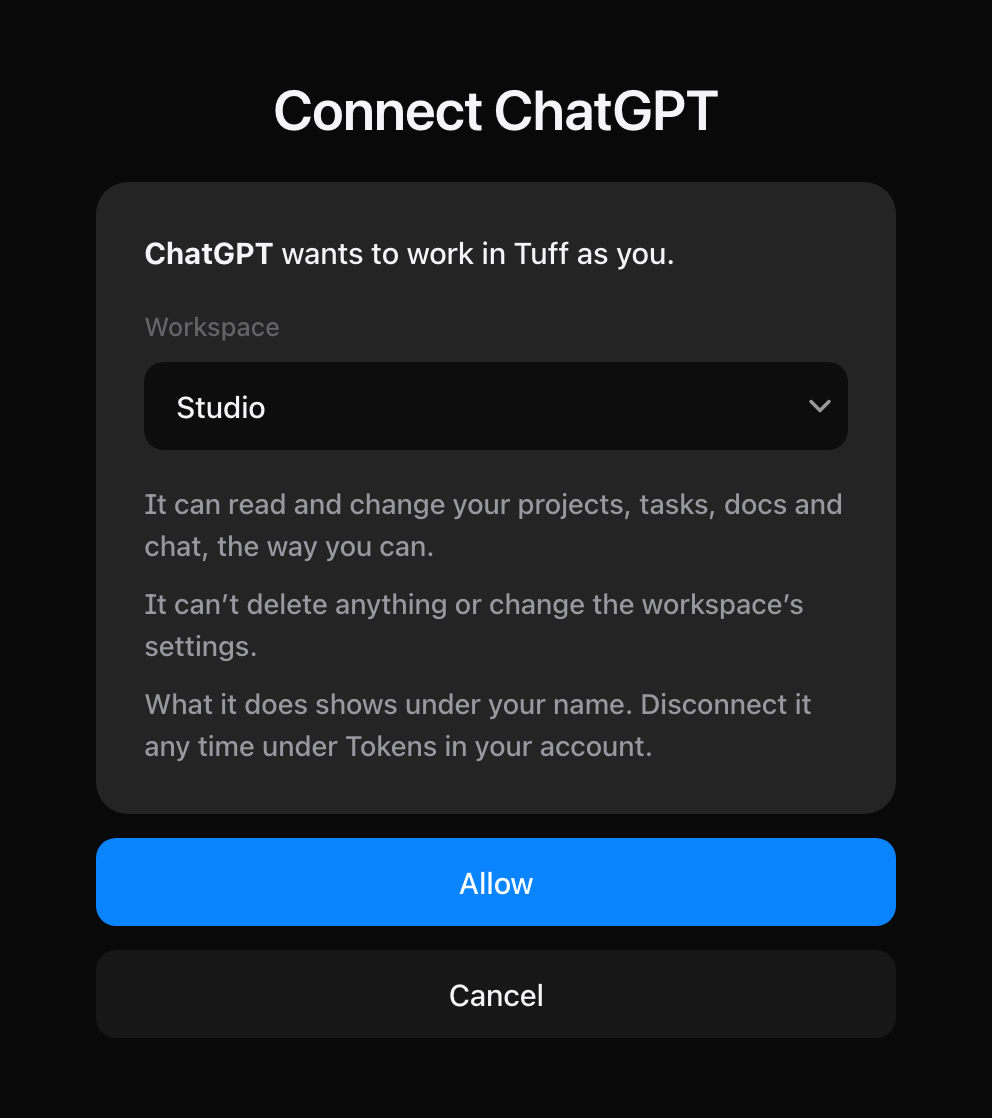
Connect ChatGPT
Add Tuff as a connector, and ChatGPT works in your workspace as you.
AI agents are on paid plans: Team, Company and Unlimited. On Duo, a workspace can’t make tokens or connect an agent. Plans and billing
- In ChatGPT, open Settings → Apps & Connectors, and turn on Developer mode under its advanced settings.
- Press Create. Name it
Tuff, and paste this as its address:
https://usetuff.com/mcp
- Choose OAuth for authentication and create it. ChatGPT opens Tuff and asks you to allow it.
- Check the workspace and press Allow.
- In a new chat, turn on Tuff from the tools and ask it something.
Try asking
- “What’s on me this week in Tuff?”
- “Make a project for the Mail Client, with a brief in Docs and eight tasks.”
- “Move the export task to Review and comment on what changed.”
What ChatGPT lets a custom connector do depends on your ChatGPT plan, and its menus move. If something doesn’t match, see OpenAI’s guide to Developer mode. When we add tools, press Refresh on the connector and start a new chat.
Still stuck? Write to [email protected]. Tuff not loading? See status.usetuff.com.