
 Tuff
TuffGetting started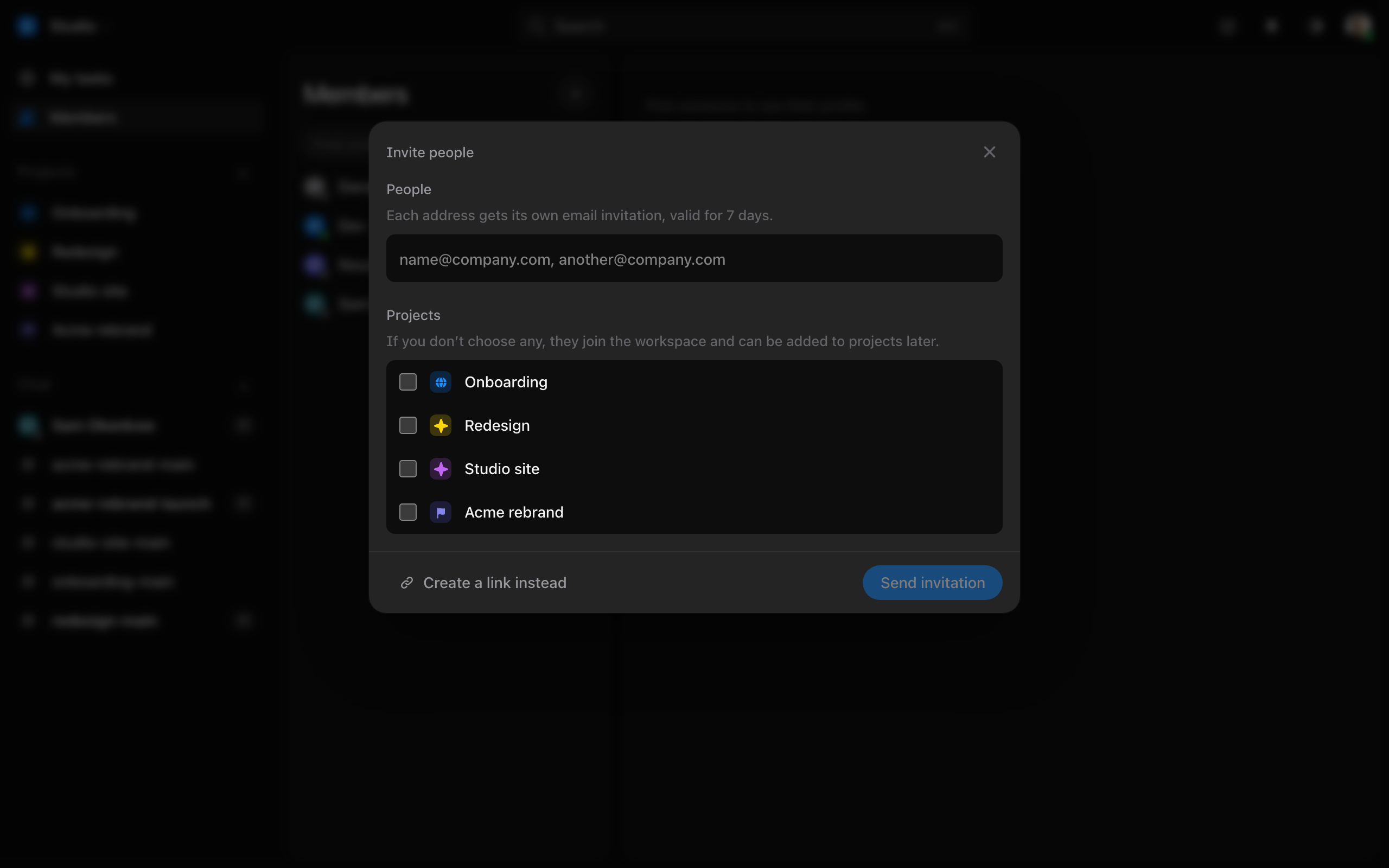
Invite your team
By email or by link, onto the projects they need.
- Open Members and press the + at the top, Invite people.
- Type their emails, or make a link to share yourself.
- Choose the projects they’ll be on, then send.
Somebody who already has a Tuff account joins with one press. Somebody new can sign up with Google, Apple or a password. Whoever sent the invitation is told when it’s accepted.
Everyone joins as a member. What they can do on each project — make tasks, delete them, run the project — is set per project, in the project’s Settings. A workspace has one owner; the owner can hand it to somebody else in the workspace’s settings.
Each plan has a ceiling on people. When the workspace is full, invitations are refused until you move up a plan. Plans and billing
Still stuck? Write to [email protected]. Tuff not loading? See status.usetuff.com.