
 Tuff
TuffAI agents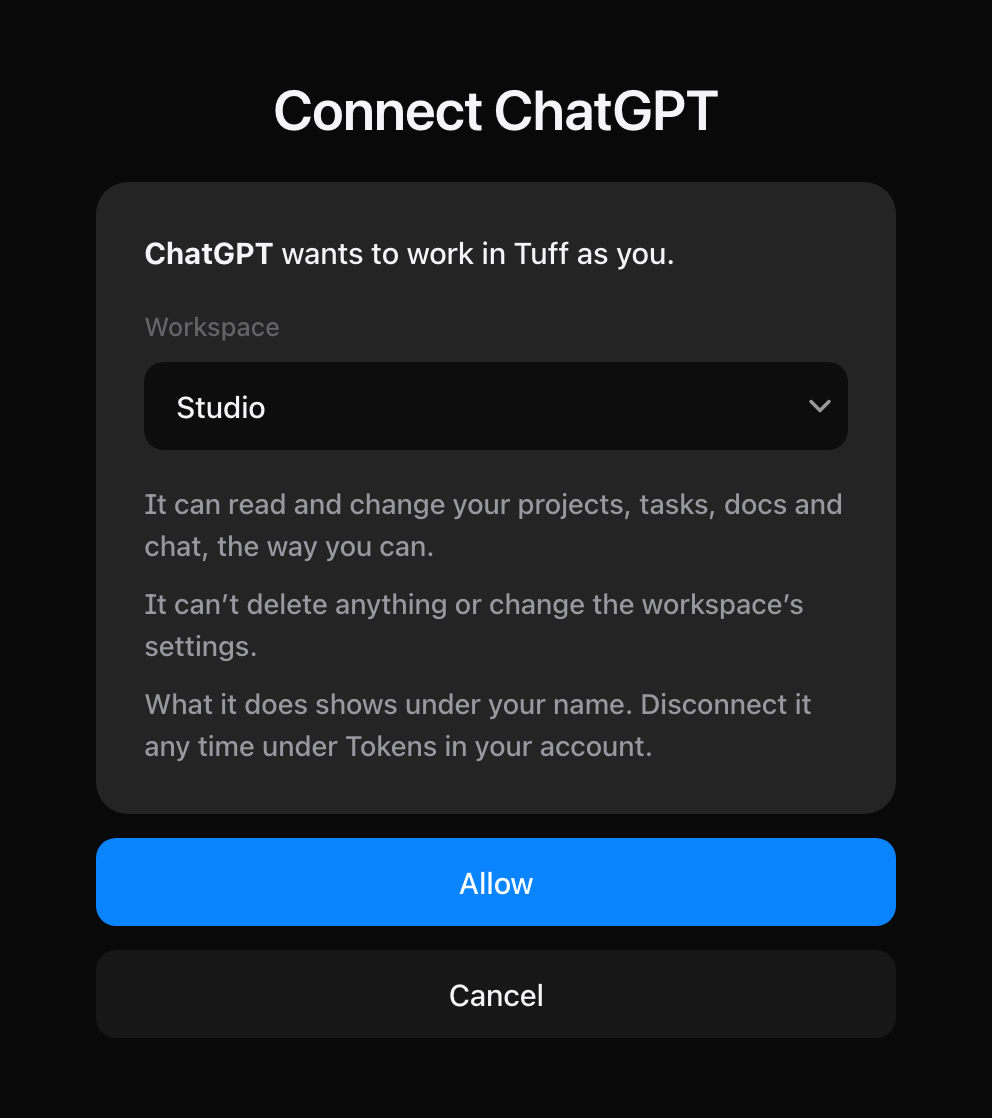
Connect Claude
On claude.ai and in the Claude app, as a custom connector.
AI agents are on paid plans: Team, Company and Unlimited. On Duo, a workspace can’t make tokens or connect an agent. Plans and billing
- On claude.ai, open Settings → Connectors and press Add custom connector.
- Name it
Tuffand paste this address:
https://usetuff.com/mcp
- Press Connect. Claude opens Tuff; check the workspace and press Allow.
- In a chat, turn Tuff on from the tools menu and ask away.
The Claude desktop and phone apps use the same connectors as claude.ai once you’ve added it there.
Claude’s menus move from time to time. See Claude’s help for custom connectors if these don’t match.
Still stuck? Write to [email protected]. Tuff not loading? See status.usetuff.com.