 Tuff
TuffAI agents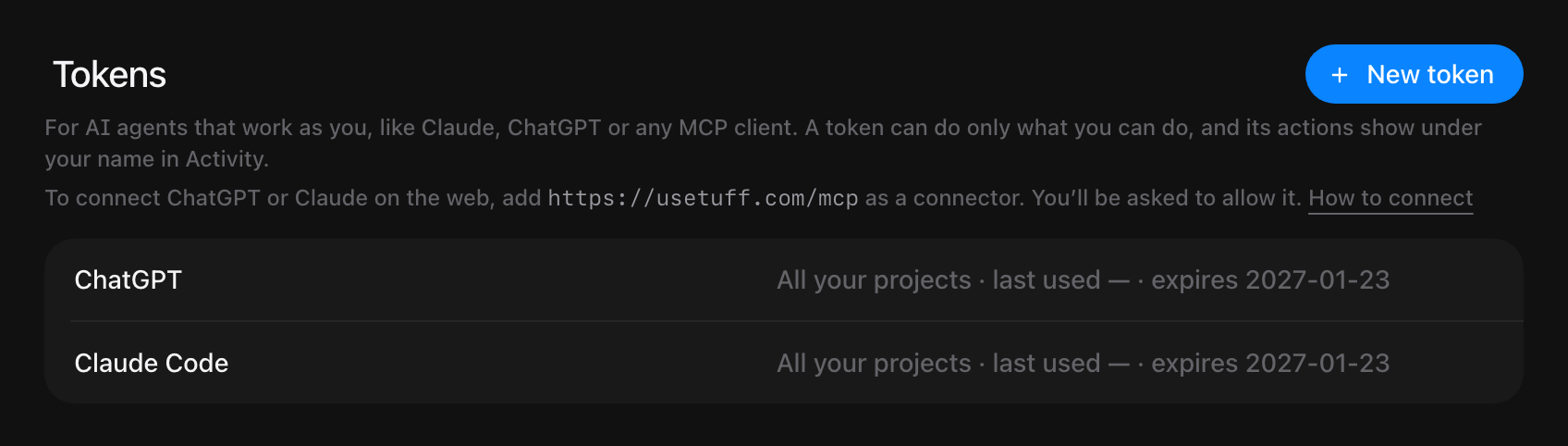
Disconnect an agent
Revoke its token, and it stops at once.
- Open Account settings from your picture at the top right.
- Under Tokens, find the agent by name, like ChatGPT or Claude.
- Press Revoke.
It can’t read or change anything after that. To use it again, connect it again.
Still stuck? Write to [email protected]. Tuff not loading? See status.usetuff.com.